Asia Karte
Published on January 1, 2023
By PaddyLL
👁️🗨️ 165
32
★
★
★
★
★
Rate it
Description
DE:
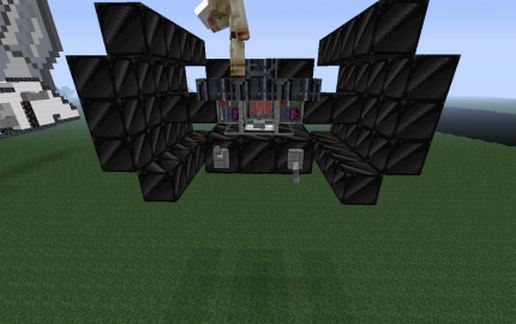
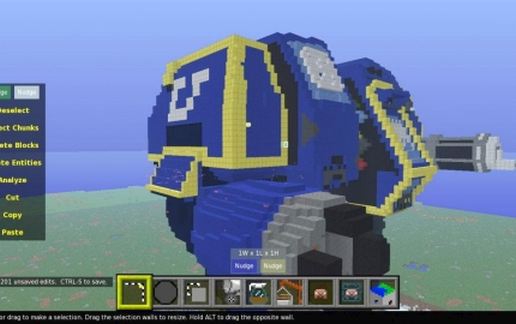
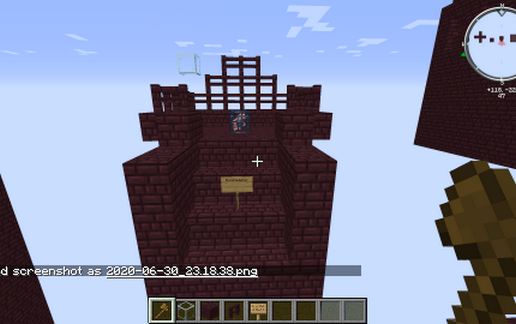
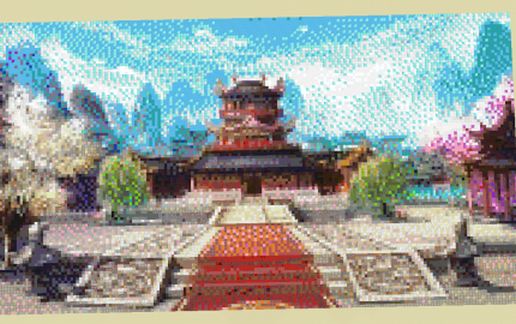
Hey zusammen nach dem ich mal Wieder viel Zuviel Langeweile habe. ^^
habe ich mich mal dran gesetzt und ein wenig gebastelt. ist zwar schon ein wenig Älter, aber ich dachte mir warum den nicht mal Veröffentlichen.
Gebaut in der 1.12.2 Und auch Getestet.
Benutzte Programme: GoPaint, MCEDIT, World Edit, Paint.net, Gimp, PS, Sehr viel Gedult ^^
EN:
Hey together after I have again too much boredom again. ^^
I once set myself and a little tinkering. is a bit older, but I thought why not even publish.
Built in the 1.12.2 and also tested.
Used programs: GoPaint, MCEDIT, World Edit, Paint.net, Gimp, PS, Very much Gedult ^^
Hey zusammen nach dem ich mal Wieder viel Zuviel Langeweile habe. ^^
habe ich mich mal dran gesetzt und ein wenig gebastelt. ist zwar schon ein wenig Älter, aber ich dachte mir warum den nicht mal Veröffentlichen.
Gebaut in der 1.12.2 Und auch Getestet.
Benutzte Programme: GoPaint, MCEDIT, World Edit, Paint.net, Gimp, PS, Sehr viel Gedult ^^
EN:
Hey together after I have again too much boredom again. ^^
I once set myself and a little tinkering. is a bit older, but I thought why not even publish.
Built in the 1.12.2 and also tested.
Used programs: GoPaint, MCEDIT, World Edit, Paint.net, Gimp, PS, Very much Gedult ^^
Download: Asia Karte schematic for Minecraft
| Format | Size | Use with | |
|---|---|---|---|
.litematic asia-karte.litematic |
76.17 KB | Litematica (Java) — more Litematica schematics |
|
.schem asia-karte.schem |
10.28 KB | WorldEdit / FAWE |
|
.schematic asia-karte.schematic |
13.13 KB | Legacy / online installer |
|
| Install this build directly on your Minecraft map |
|
||
Auto-converted from the original format; container contents (chests, signs) may be missing.
📘 How to use with Litematica (click to expand)
- Put the downloaded
.litematicfile into the.minecraft/schematics/folder. - In game, press M to open the Litematica menu and choose Load Schematics.
- Select the file in the list and click Load Schematic.
- Position the placement where you want it and build — or paste it instantly in creative with Easy Place mode.
Requires the Litematica mod (Java Edition).
More builds: Litematica schematics.
Comments
Similar