⚒️ Minecraft Mods
Latest mods and add-on for Bedrock Edition. Using Add-Ons and mods, you can transform the worlds, and modify the mob behaviors and properties, essentially creating new kind of games
Add-Ons are Bedrock's official way of modding: they change mob behavior, add new items and mechanics without touching the game files. Every mod here ships as an .mcaddon / .mcpack — open the file and Minecraft imports it automatically on Windows 10/11, Android and iOS.
After importing, enable the pack in your world settings under Behavior Packs / Resource Packs. Looking for new worlds to mod? Grab a map or start from a fresh seed.
Recent articles
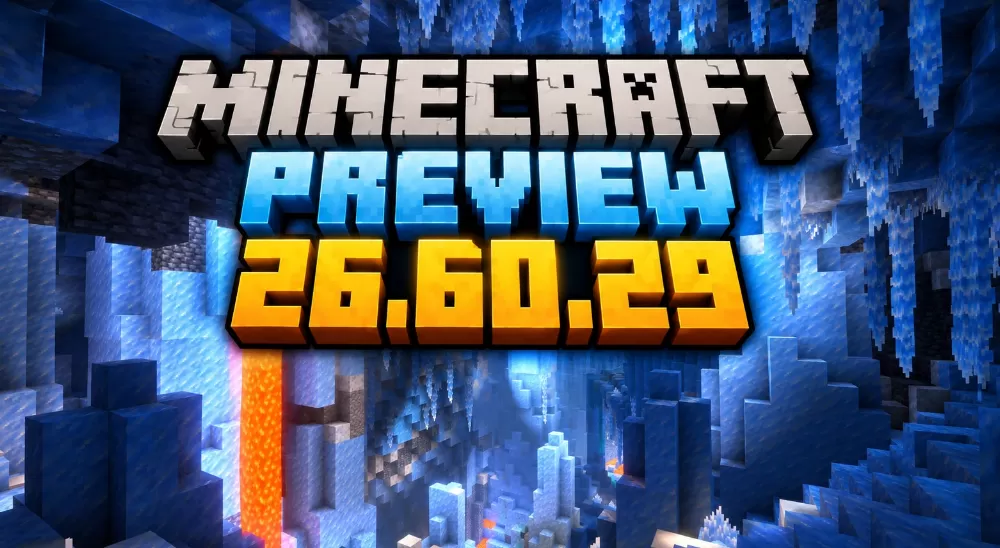
Minecraft's Frozen Fourth Drop Begins Testing
Oct 1, 2026
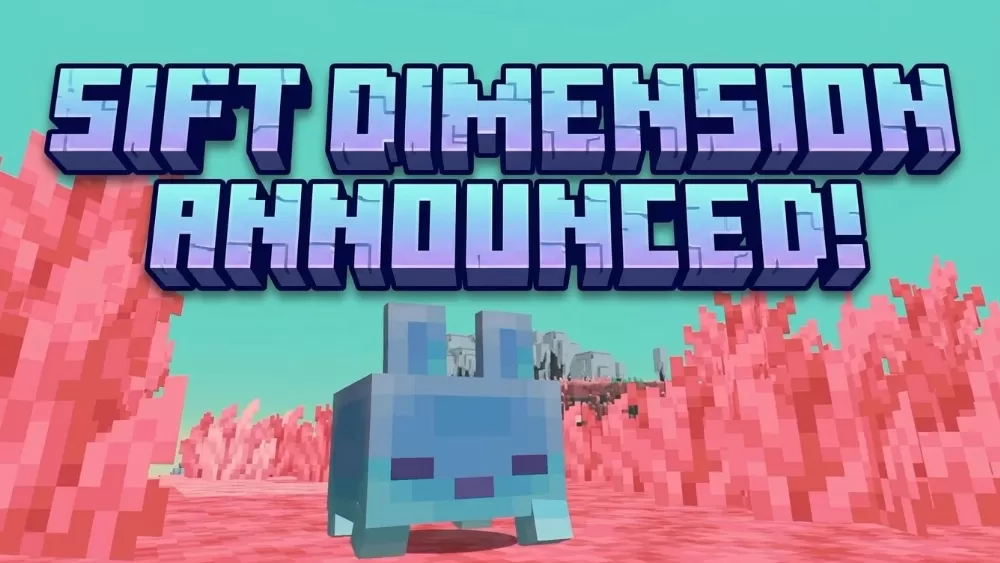
Minecraft's Fourth Dimension Revealed at September's Minecraft LIVE
Sep 27, 2026
Minecraft Fabric vs Forge
Sep 22, 2026
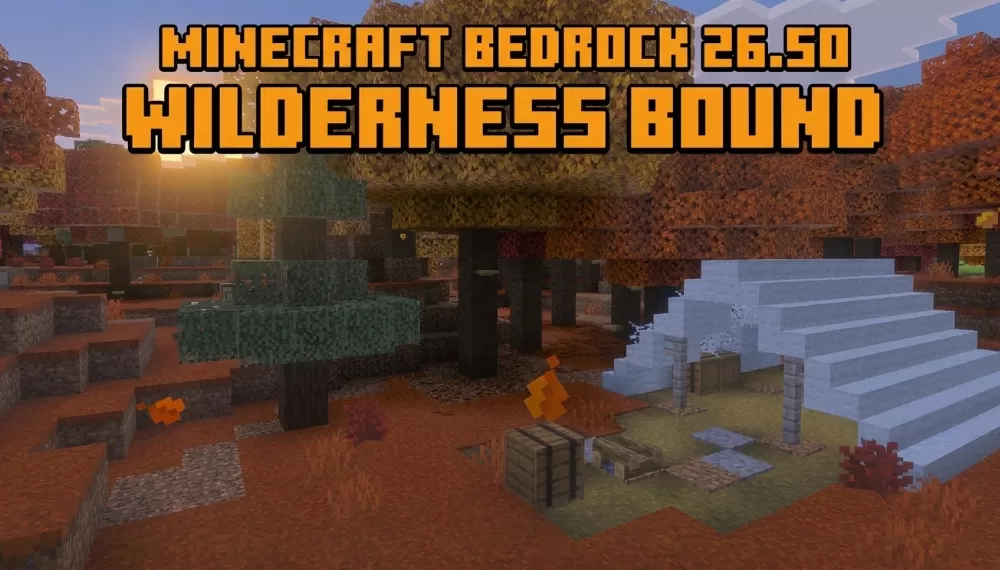
Minecraft Bedrock 26.50 (Wilderness Bound) Released!
Sep 18, 2026
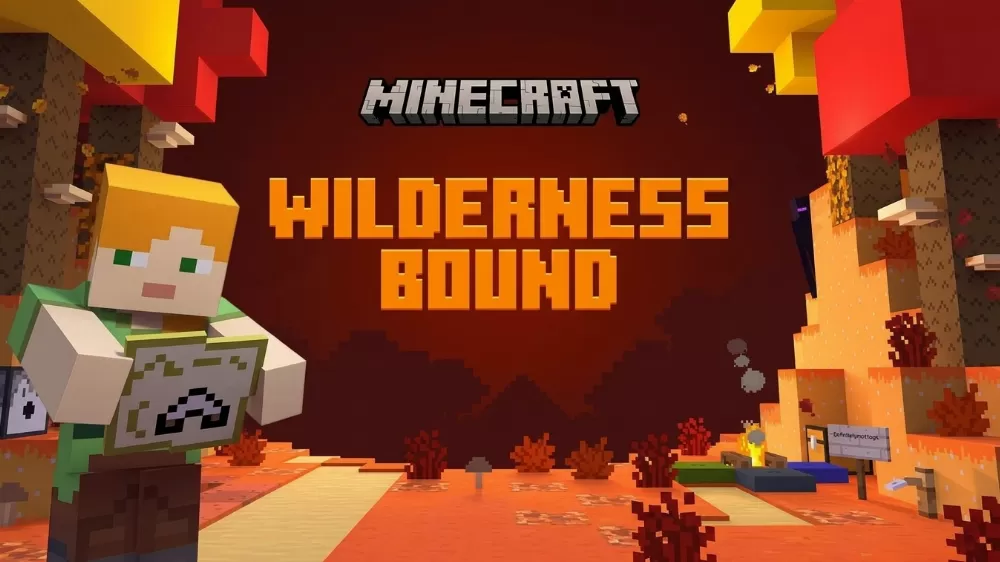
Wilderness Bound: Mojang Names Its Camping-Themed Autumn Drop
Sep 9, 2026





