Minecraft Schematics — Litematica, WorldEdit & Online Install
Houses, castles, farms, ships and full server spawns — download each build as .litematic, .schem or .schematic, or install it on your map online.


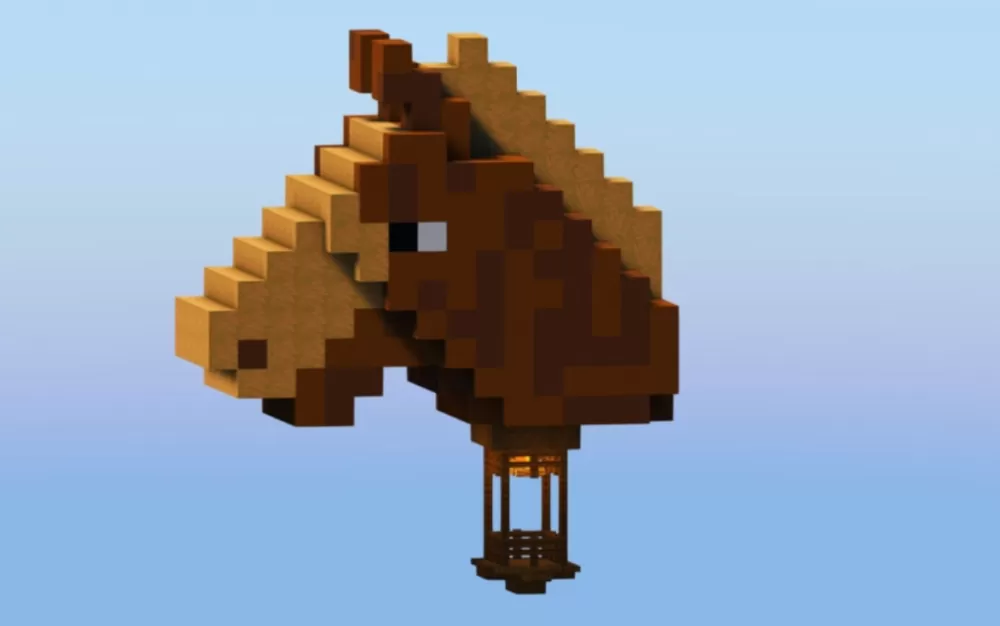
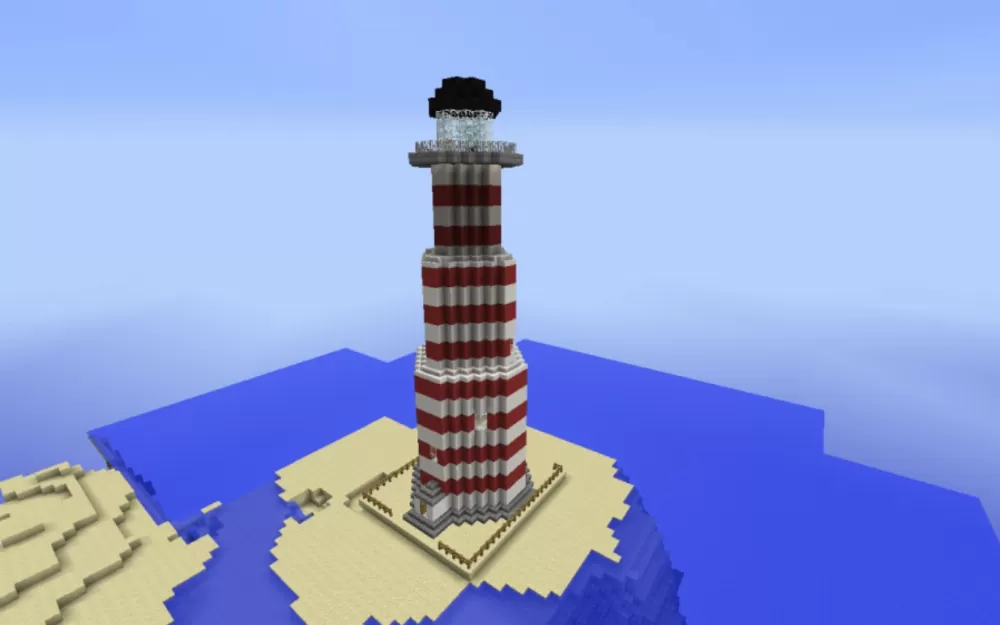
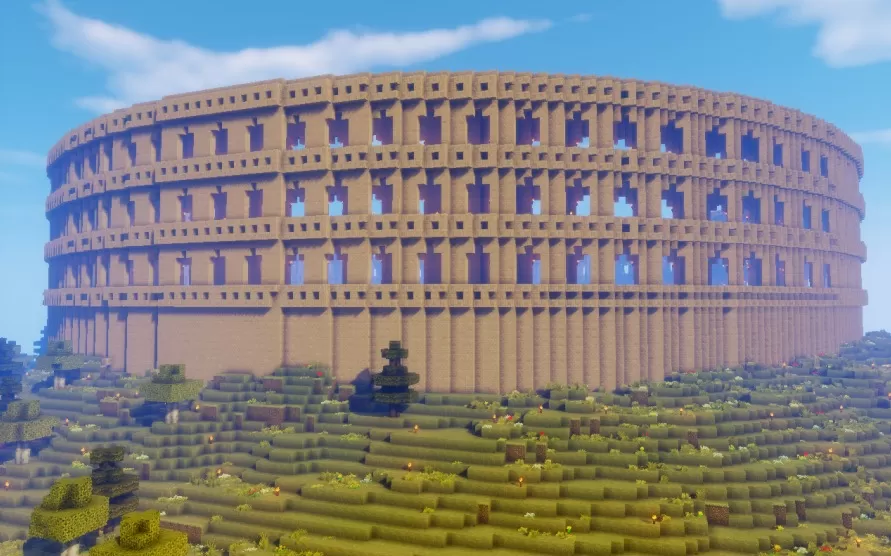
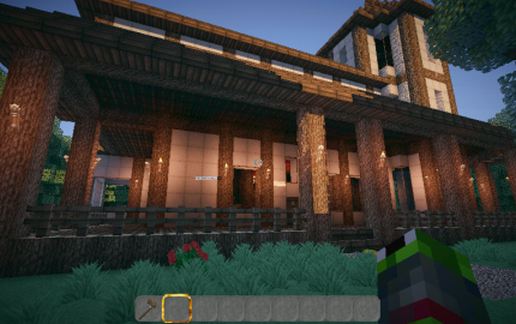
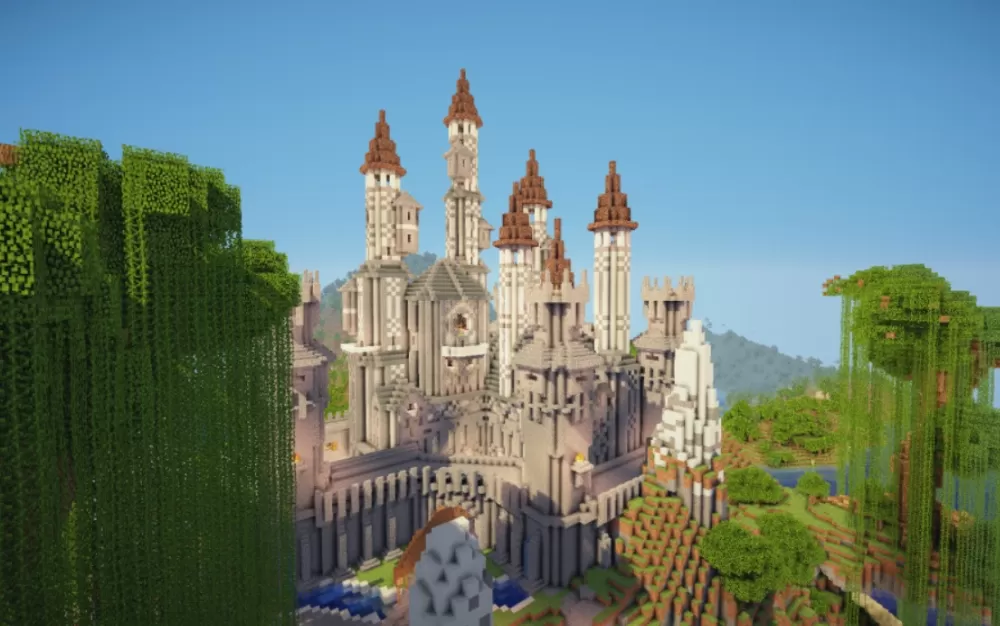
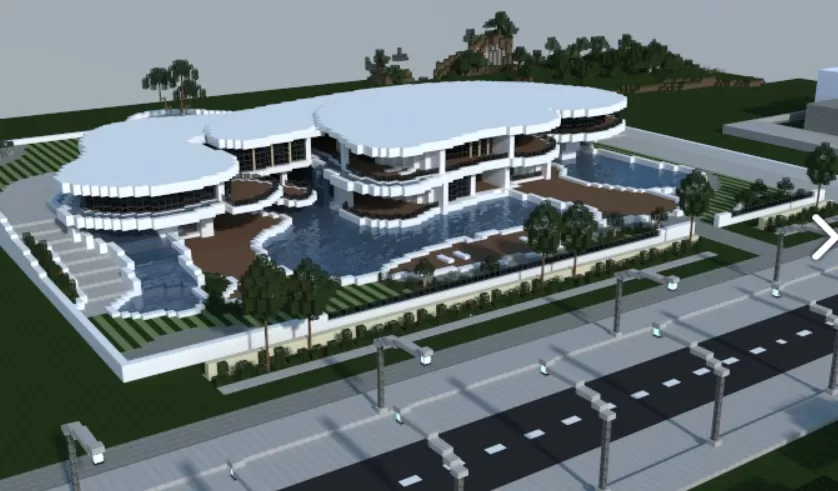
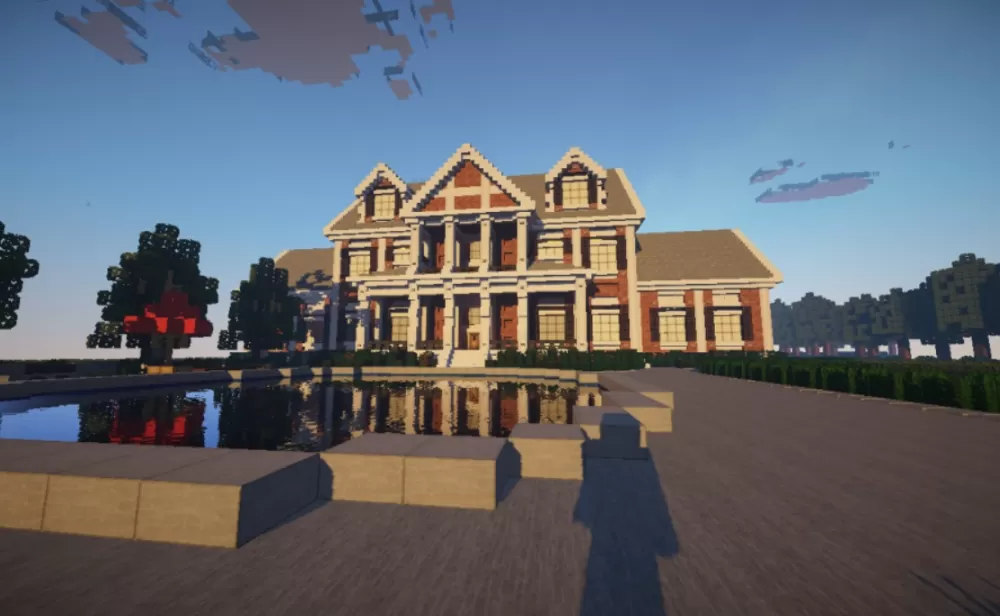
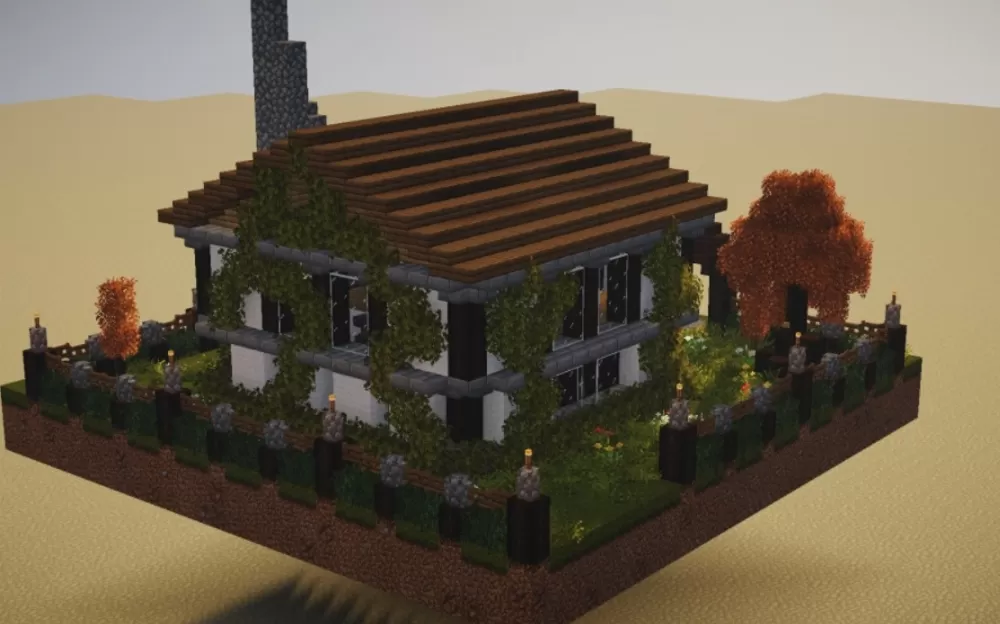
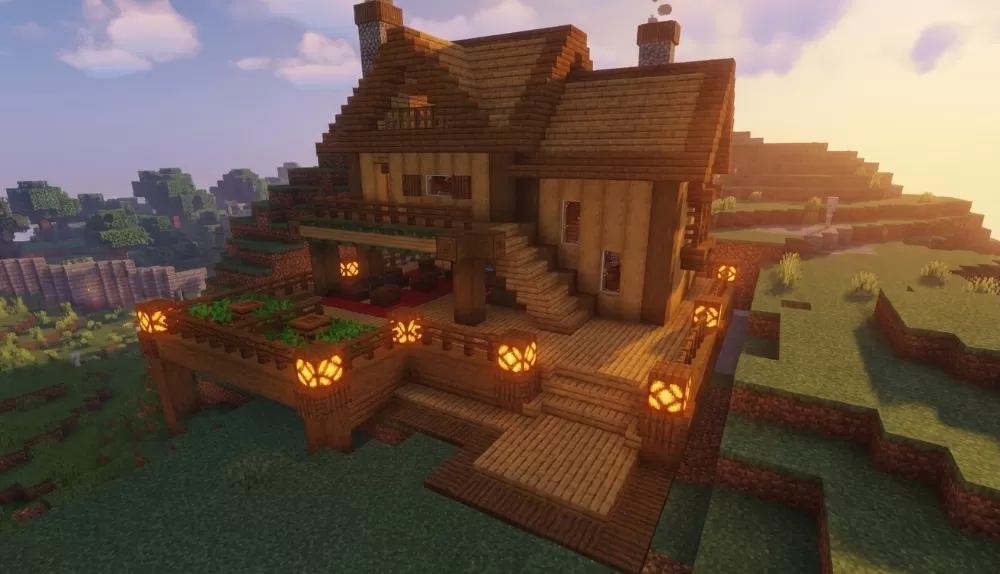
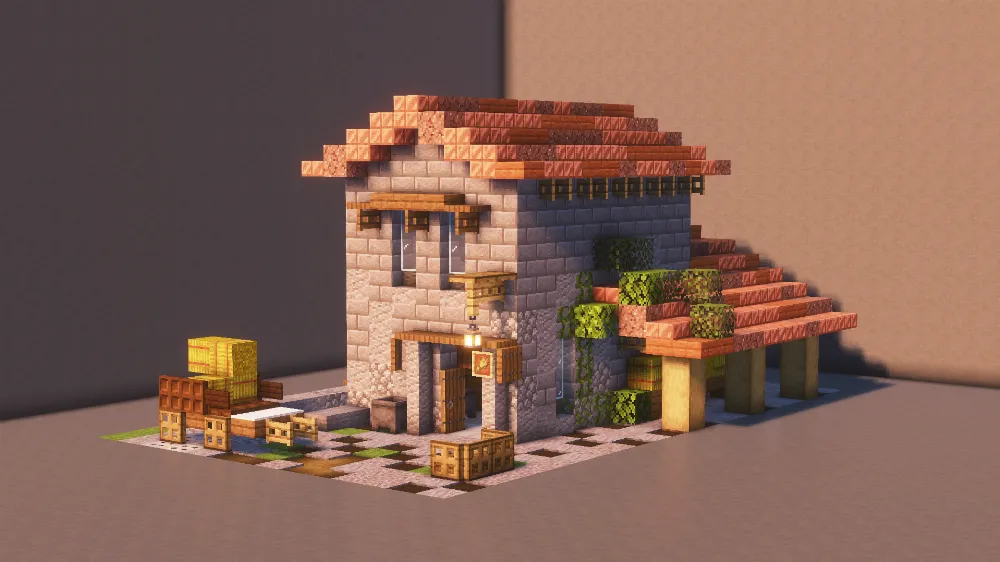
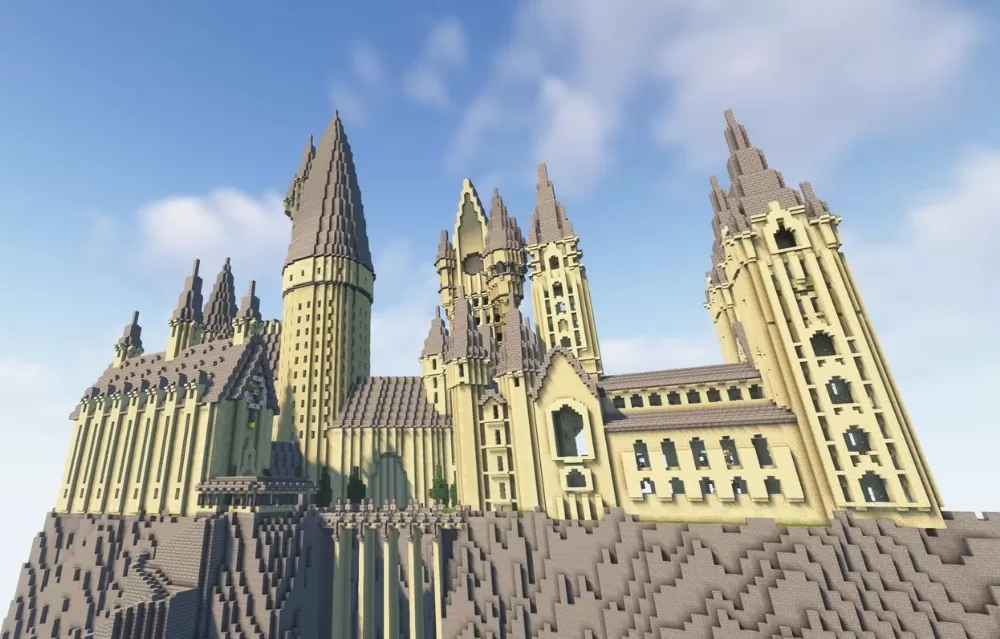
Three ways to use a schematic
A schematic is a saved copy of a build: every block, its position and its state. Download one and you can drop a finished castle, farm or house into your own world instead of placing thousands of blocks by hand. Which file you need depends on how you play.
Install it online
Upload your world, pick a build, get the world back with the build in it. Nothing to install, works for Java and Bedrock. How it works.
Build it with Litematica
The mod shows a ghost outline of the build in your world and you place the blocks yourself — the honest way to do it in survival. Litematica schematics.
Paste it with WorldEdit
One command and the build appears. The usual choice for server owners and creative worlds. WorldEdit schematics.
What you will find here
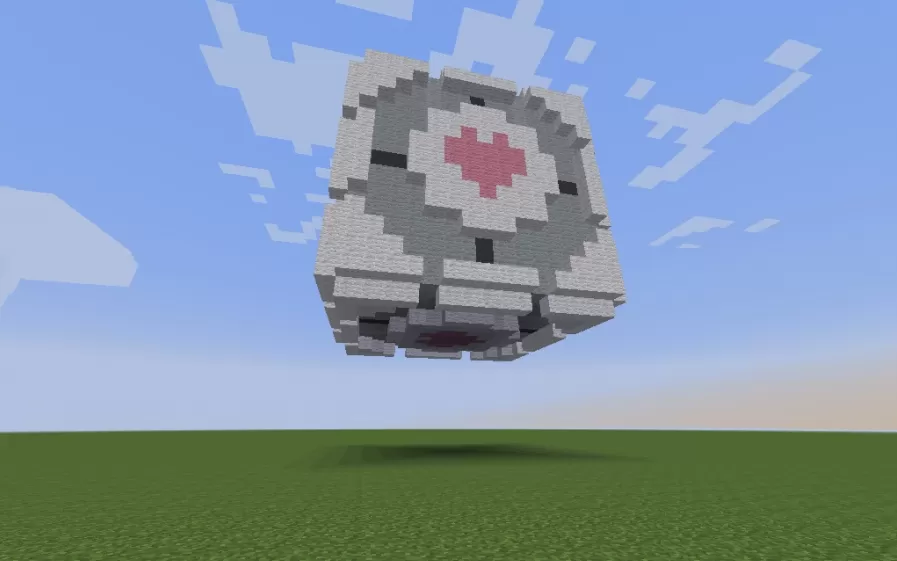
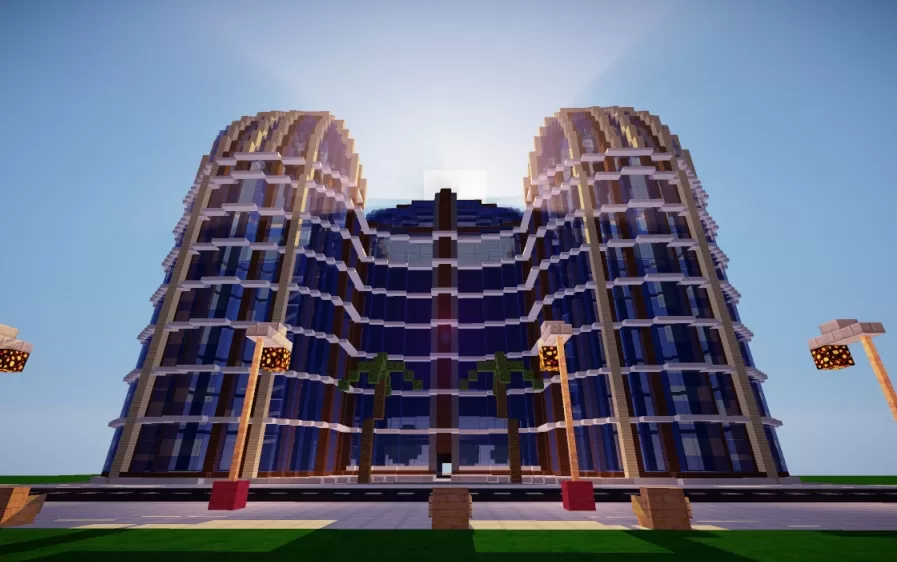
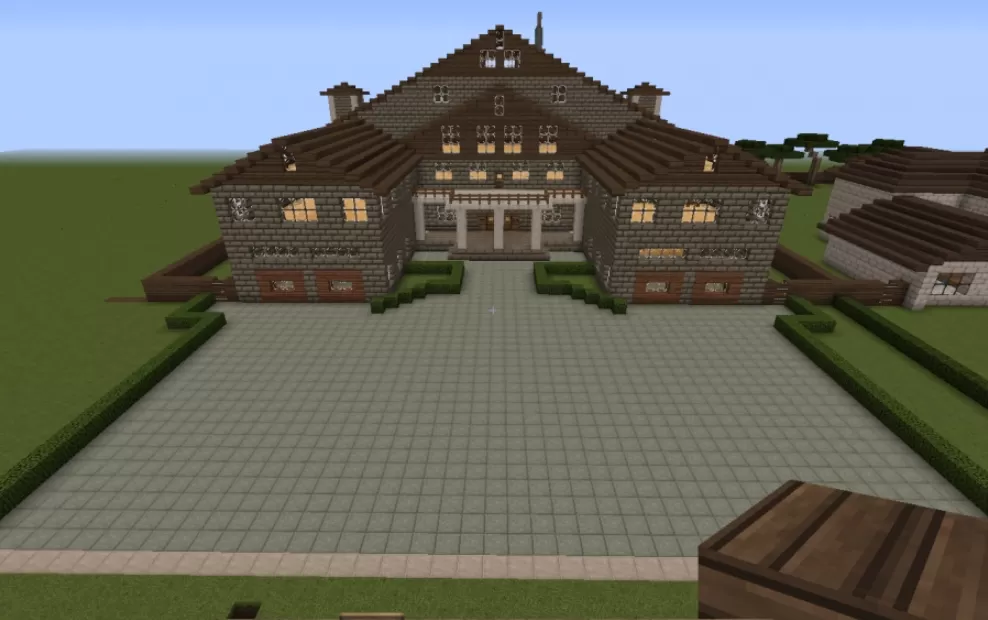
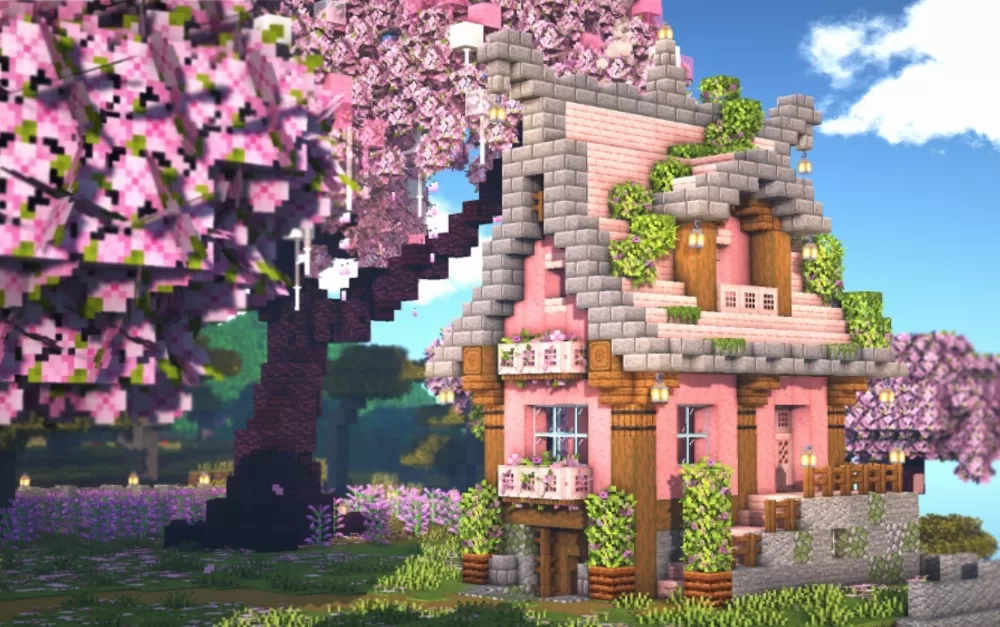
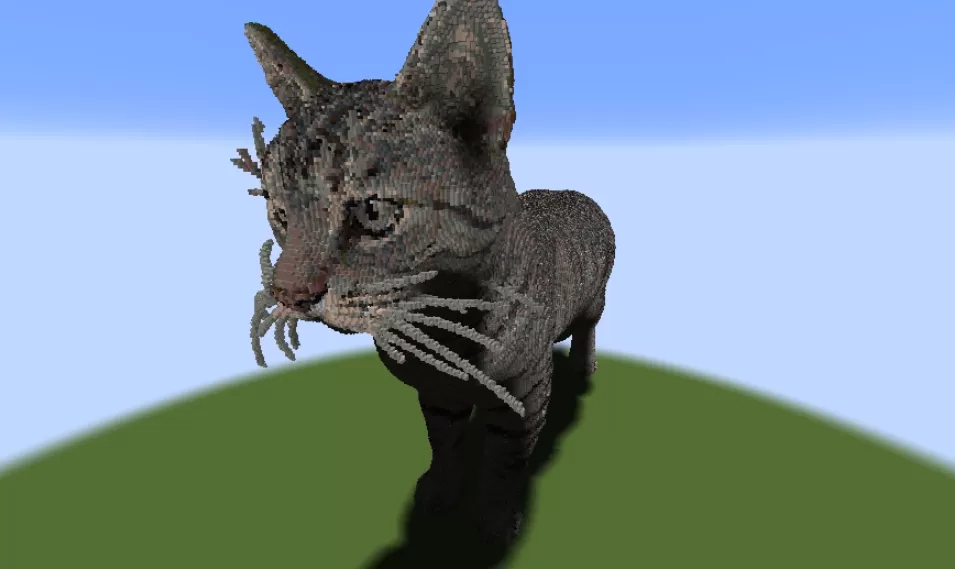
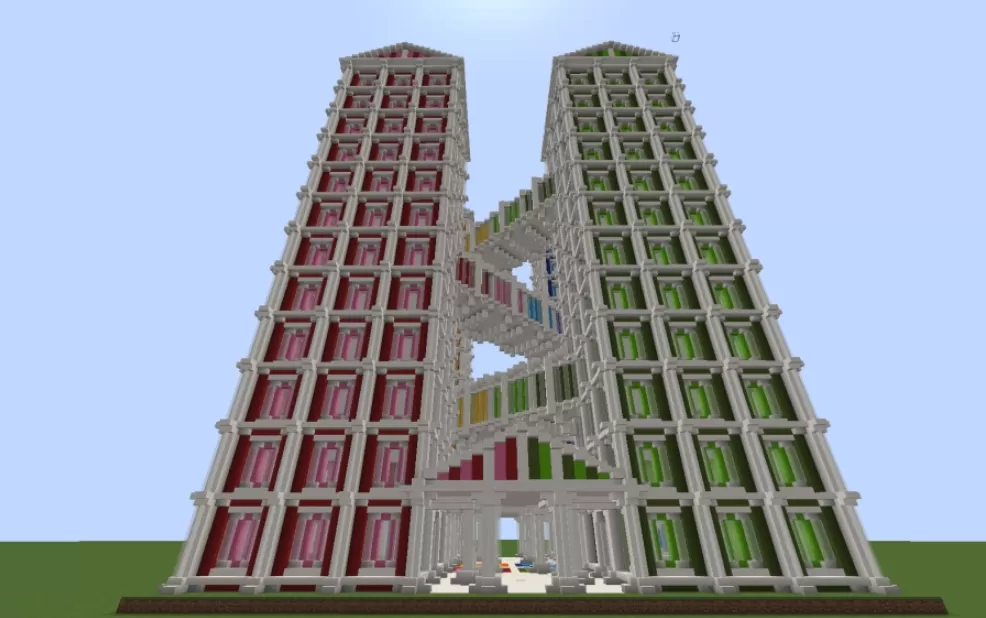
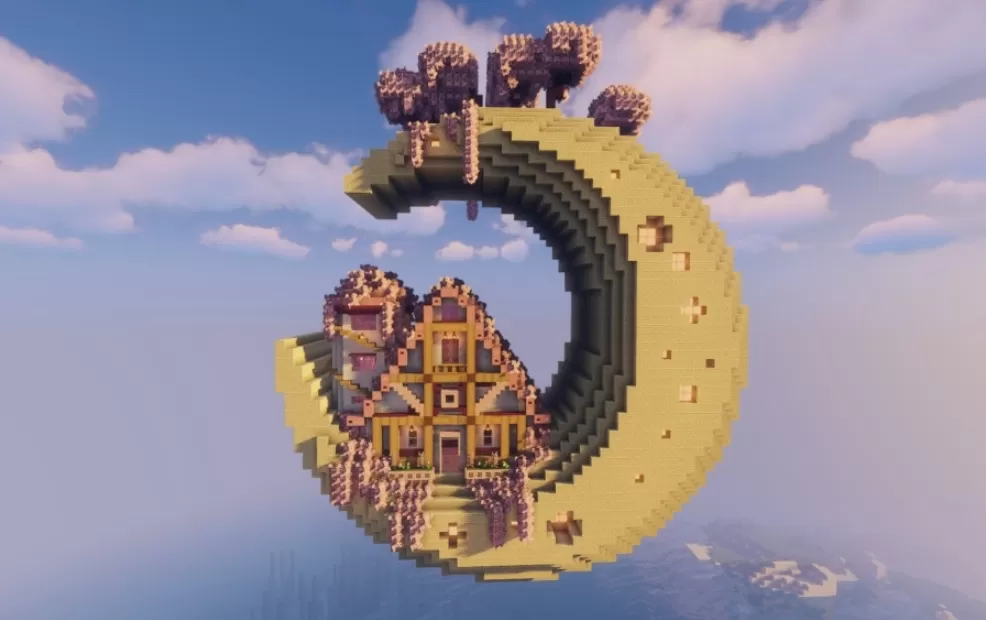
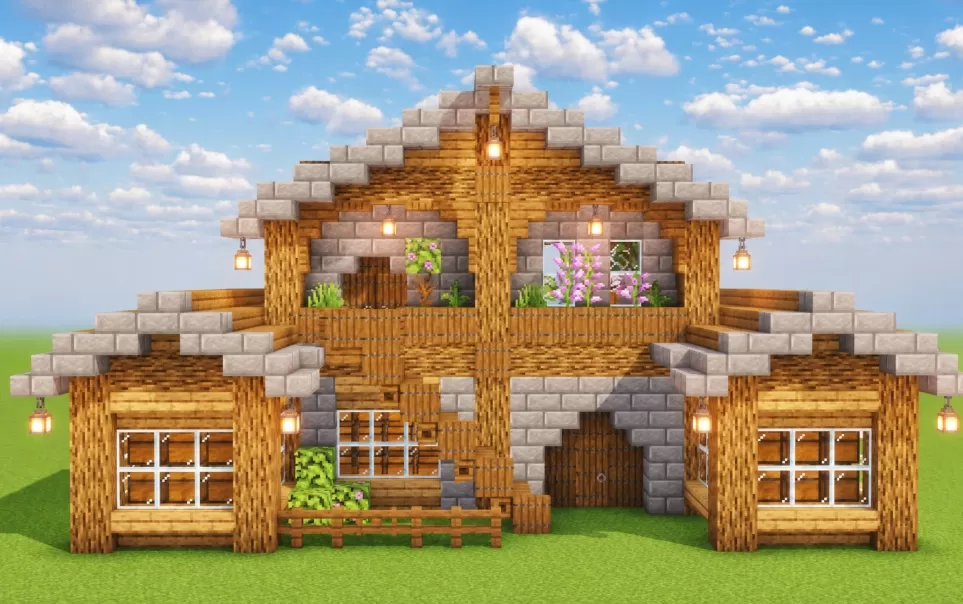
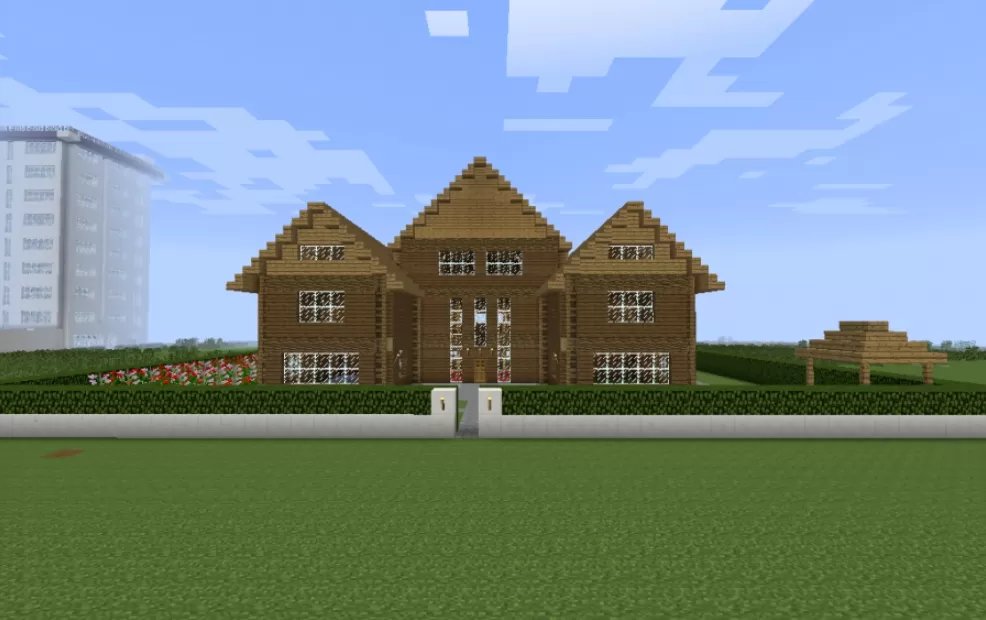
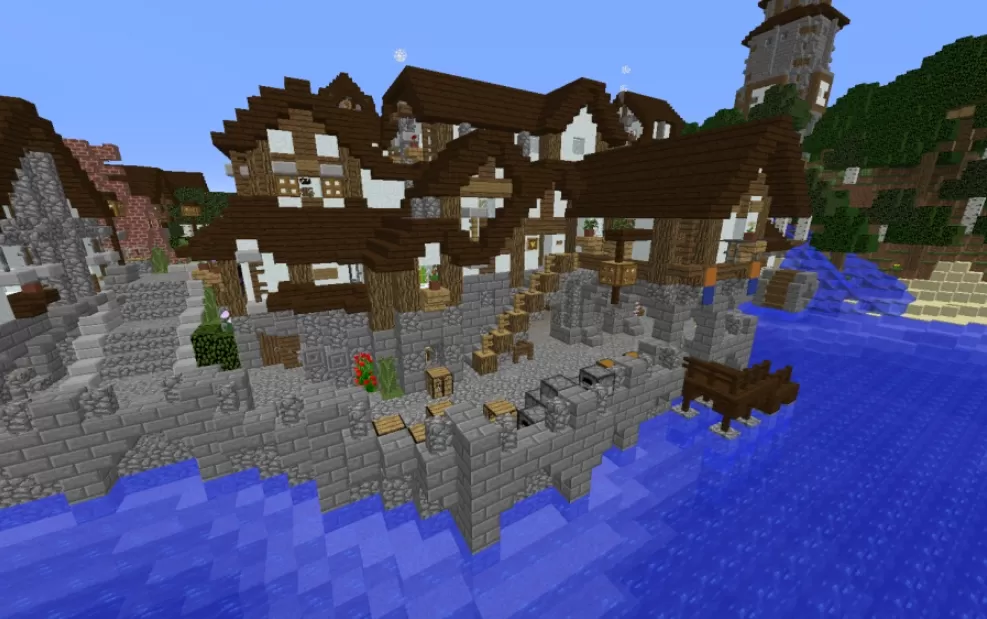
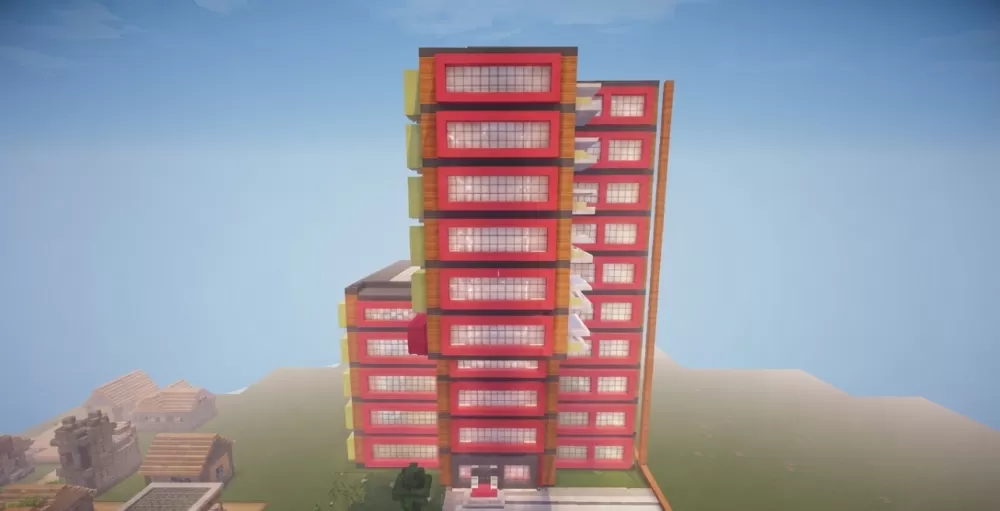
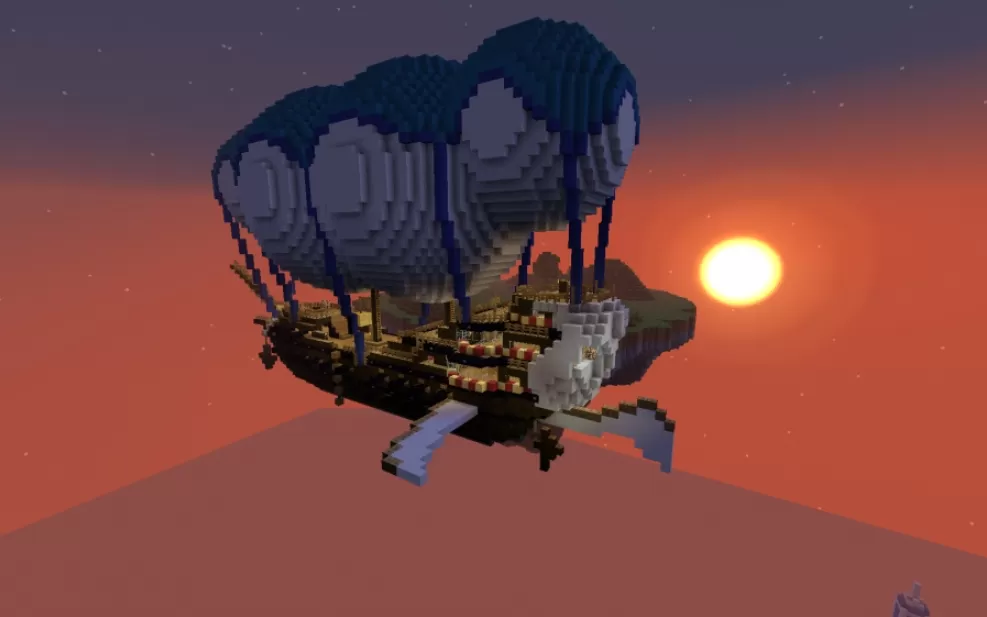
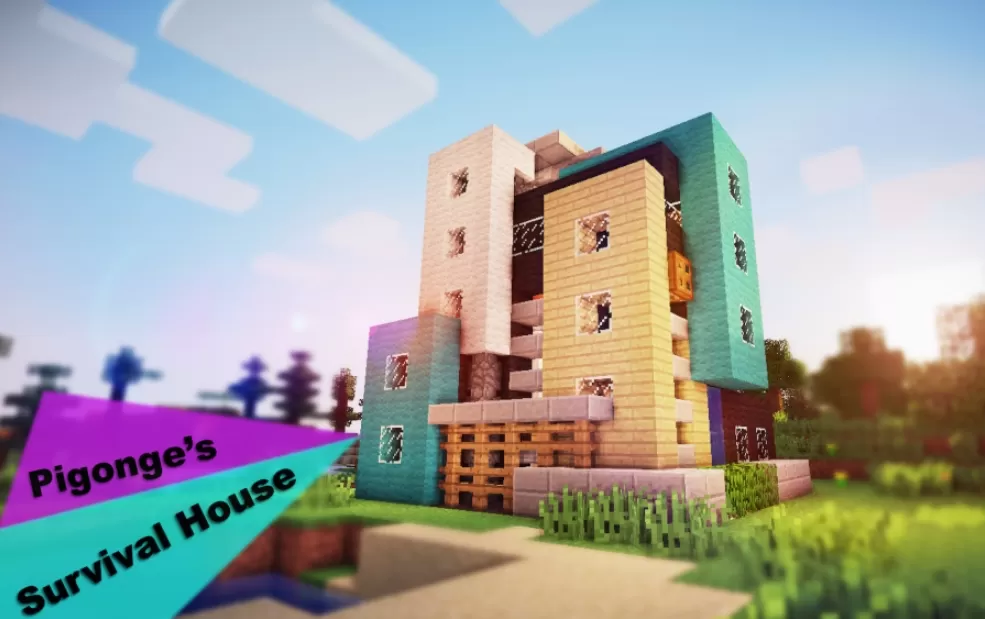
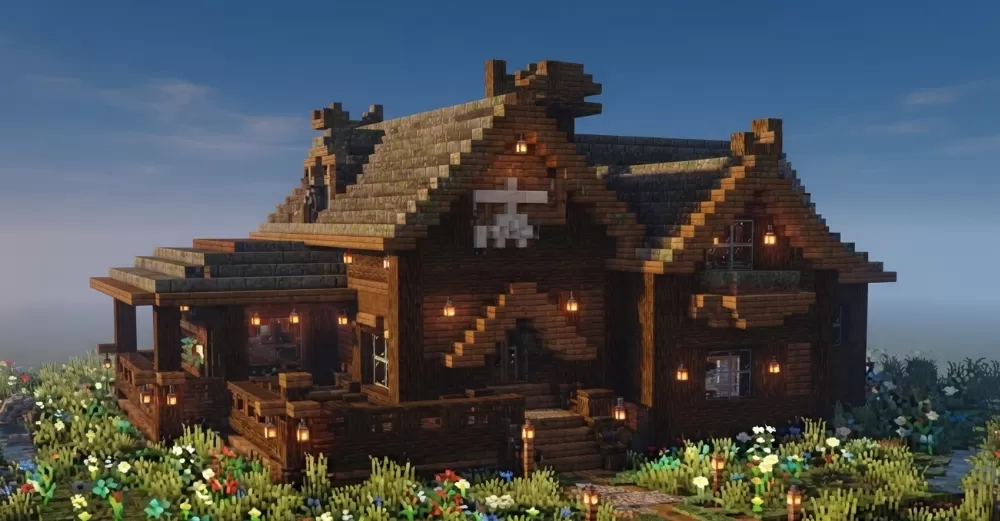
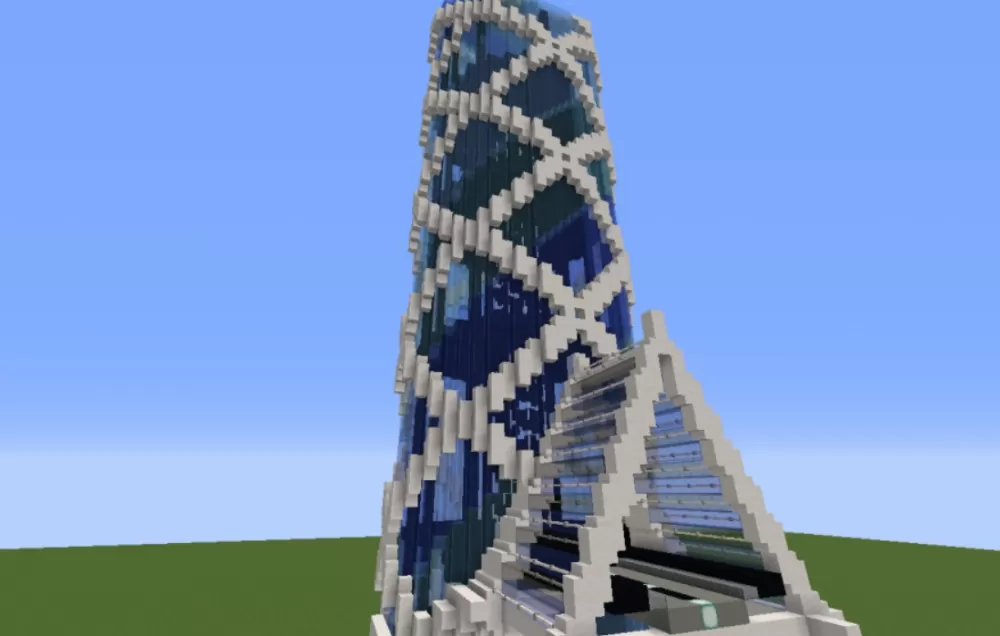
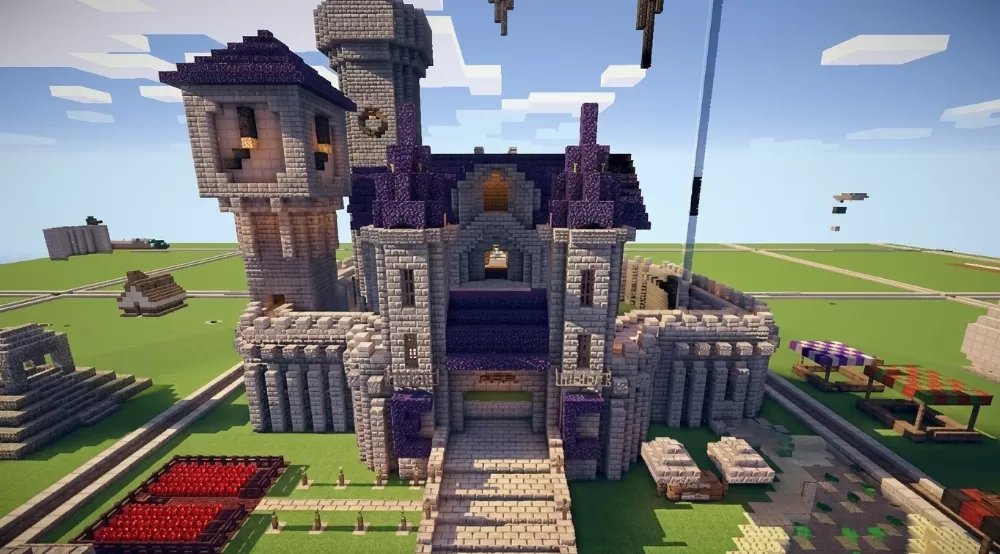
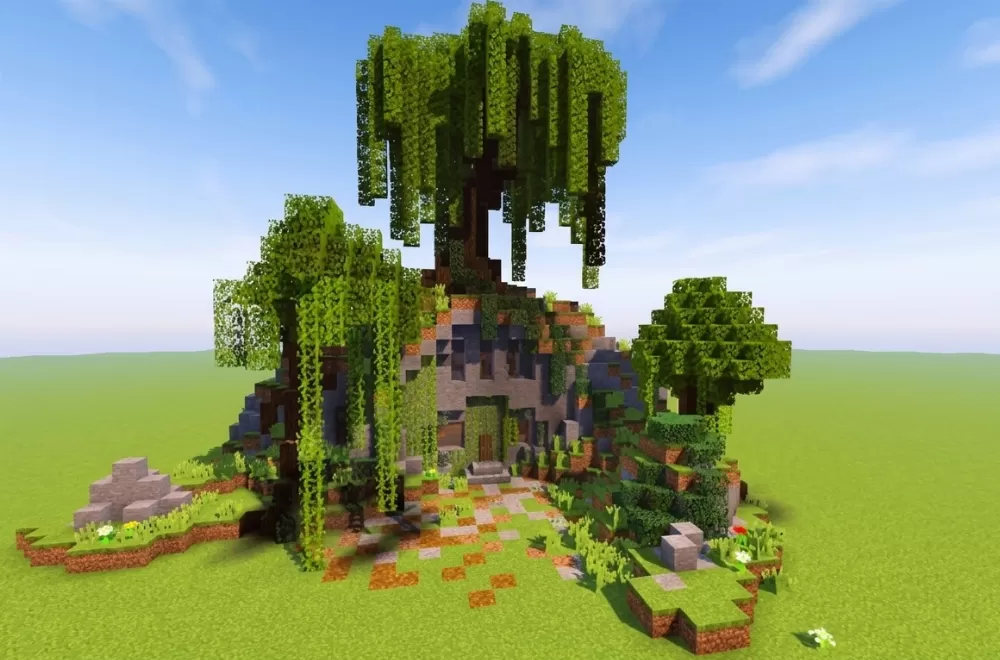
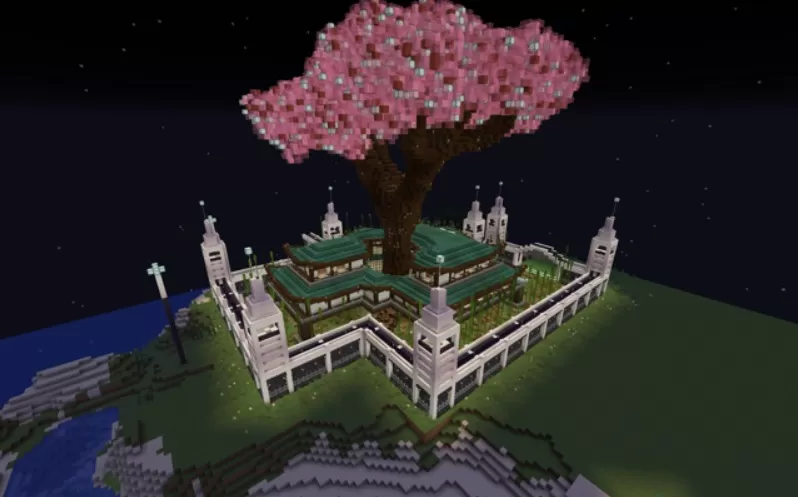
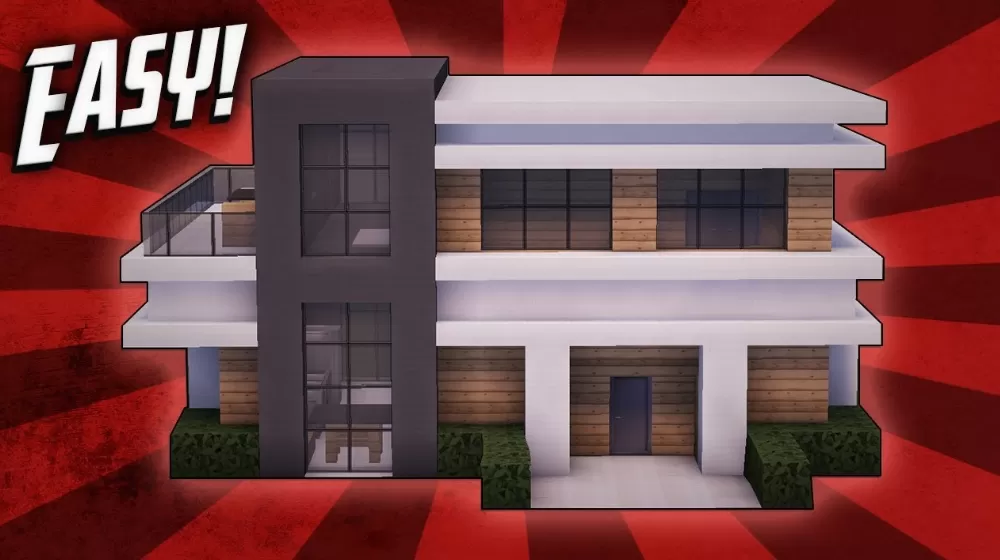
The catalog has grown out of community submissions since 2013, so the range is wide: starter huts and survival bases, medieval castles and cathedrals, modern villas with interiors, redstone farms, pirate ships, airships, statues, pixel art and spawn areas built for whole servers. Small builds take a few minutes to place; the largest run to several million blocks and were made by entire teams.
Every entry carries screenshots, the author's name where it was submitted, and the three download formats. Builds made in newer versions keep their modern blocks in the .litematic and .schem files; the old .schematic format has no numbers for blocks added after 1.12, so those are swapped for the closest lookalikes and the page says so. If you are after plans rather than files, start with Minecraft blueprints.