🧱 Minecraft Textures
Latest Textures and Shaders. A variety of texture packs and shaders for a more realistic game. Apply binding, radiance, glare, change the standard textures and lighting.
About Minecraft Textures
A resource pack repaints the game without touching how it works. Some packs stay close to the original and just clean it up, so the game still looks like Minecraft but sharper. Others go all in: realistic stone, hand-drawn wood, cartoon mobs, medieval everything. Shaders are the other half of the story — they change light, water and shadows, and turn the same world into something that looks rendered.
Packs install as .mcpack files: open the file, Minecraft imports it, then switch it on in Settings → Global Resources for every world, or per world in its settings. Order matters when you stack several — the pack at the top wins for any texture two packs both replace.
Shaders ask much more of your device than textures do. On a phone or a Switch, start with the lightest version a pack offers and raise the render distance only if the frame rate holds. If the world turns black or water disappears after enabling one, that is usually a pack built for a different Minecraft version rather than a broken download.
Recent articles
Starting a Raid in Minecraft Bedrock: Ominous Bottle, Bad Omen and Common Fixes
Oct 25, 2026
Minecraft Bedrock Difficulty Guide: How to Change It and What Each Level Changes
Oct 17, 2026
Minecraft Bedrock Crossplay Guide: Join Friends on PC, Phone and Console
Oct 17, 2026
Minecraft's Frozen Fourth Drop Begins Testing
Oct 1, 2026
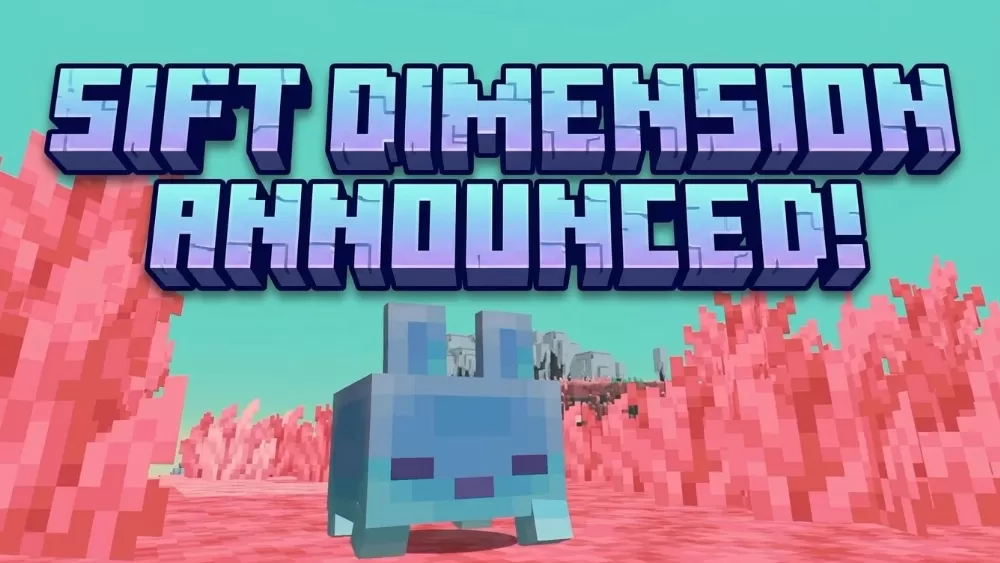
Minecraft's Fourth Dimension Revealed at September's Minecraft LIVE
Sep 27, 2026




