Haunted House (partially unfurnished, with bonus giant pumpkin)
Published on January 1, 2023
By KrissieFox1
👁️🗨️ 151
33
★
★
★
★
★
Rate it
Screenshots
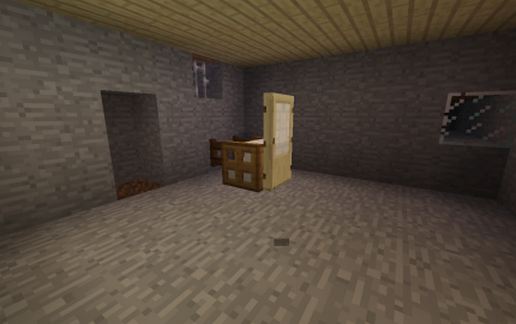
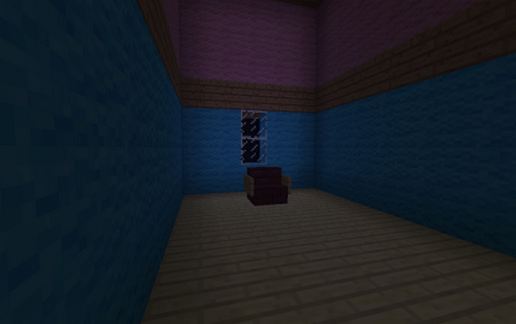
Description
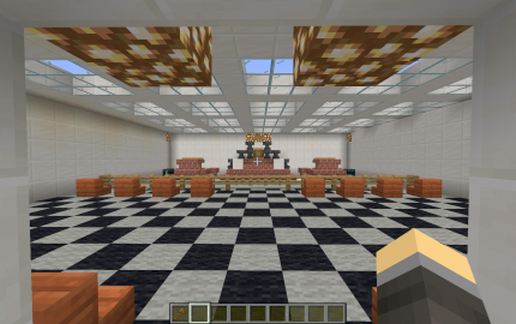
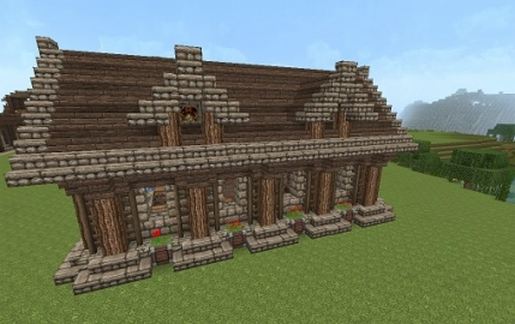
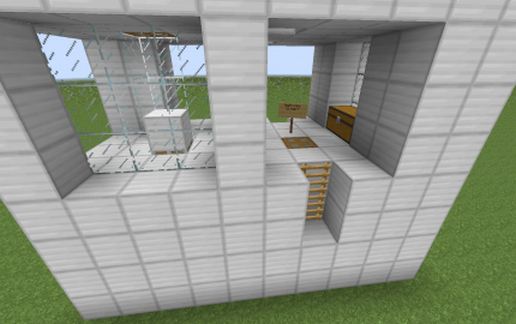
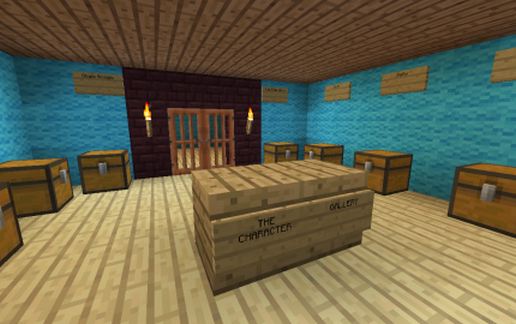
A haunted house I made as a"welcome center" for Halloween Land on my old server. I had a lot of ambitious things planned for the area including trick-or-treating, card collecting, monster cereals, and other assorted goodies and quests. Inside the house you can find many of these collectible cards and items. I still find it sad that I was so disorganized with making my adventure areas on that world that most of them remained half-finished, and also that most players never seemed to visit them much anyway...and it was hard to make such things work on a purely vanilla server anyway. This is why I stick to making downloadable adventure maps/schematics now for that sort of thing.
Also included in the zip file is a giant jack-o-lantern with bleeding eyes I made on an old server. inside it has a little room where you can store things. I didn't include a picture of it, because it's honestly kind of ugly and weirdly shaped, but it still has sentimental value and at least looks cool on the inside. Maybe I'll make a better looking one someday.
Both of these schematics are for Minecraft Java Edition 1.12.2. The world save url contains both of the schematics mentioned.
Also included in the zip file is a giant jack-o-lantern with bleeding eyes I made on an old server. inside it has a little room where you can store things. I didn't include a picture of it, because it's honestly kind of ugly and weirdly shaped, but it still has sentimental value and at least looks cool on the inside. Maybe I'll make a better looking one someday.
Both of these schematics are for Minecraft Java Edition 1.12.2. The world save url contains both of the schematics mentioned.
Download: Haunted House (partially unfurnished, with bonus giant pumpkin) schematic for Minecraft
| Format | Size | Use with | |
|---|---|---|---|
.litematic haunted-house-(partially-unfurnished,-with-bonus-giant-pumpkin).litematic |
73.19 KB | Litematica (Java) — more Litematica schematics |
|
.schem haunted-house-(partially-unfurnished,-with-bonus-giant-pumpkin).schem |
9.26 KB | WorldEdit / FAWE |
|
.schematic haunted-house-(partially-unfurnished,-with-bonus-giant-pumpkin).schematic |
16.55 KB | Legacy / online installer |
|
| Install this build directly on your Minecraft map |
|
||
Auto-converted from the original format; container contents (chests, signs) may be missing.
📘 How to use with Litematica (click to expand)
- Put the downloaded
.litematicfile into the.minecraft/schematics/folder. - In game, press M to open the Litematica menu and choose Load Schematics.
- Select the file in the list and click Load Schematic.
- Position the placement where you want it and build — or paste it instantly in creative with Easy Place mode.
Requires the Litematica mod (Java Edition).
More builds: Litematica schematics.
Comments
Similar