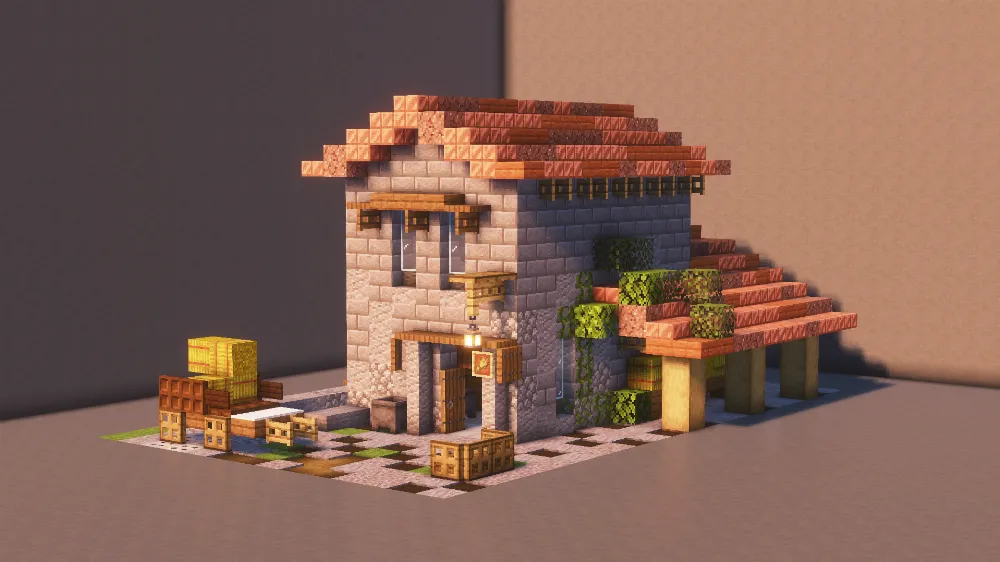
Watermill
Screenshots
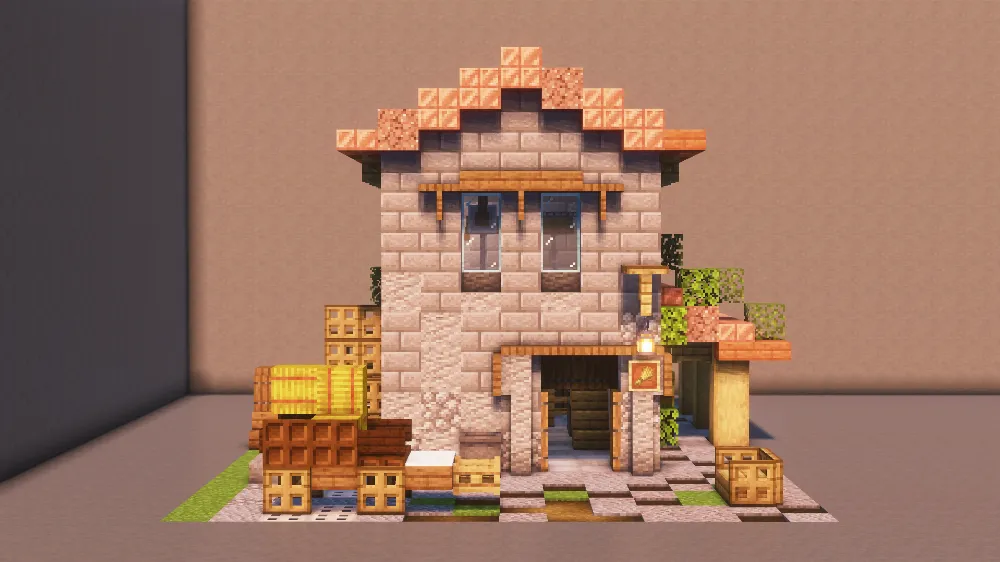
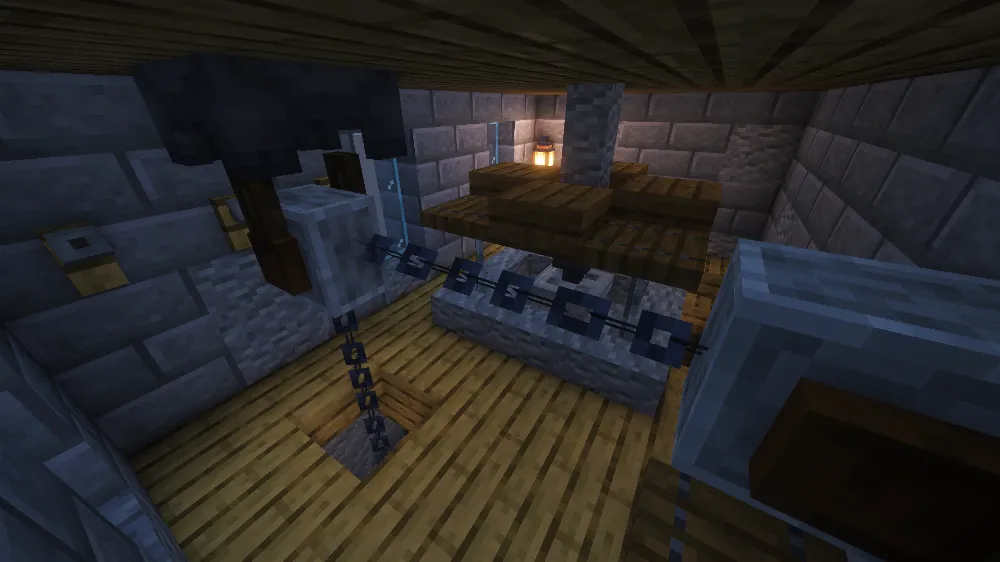
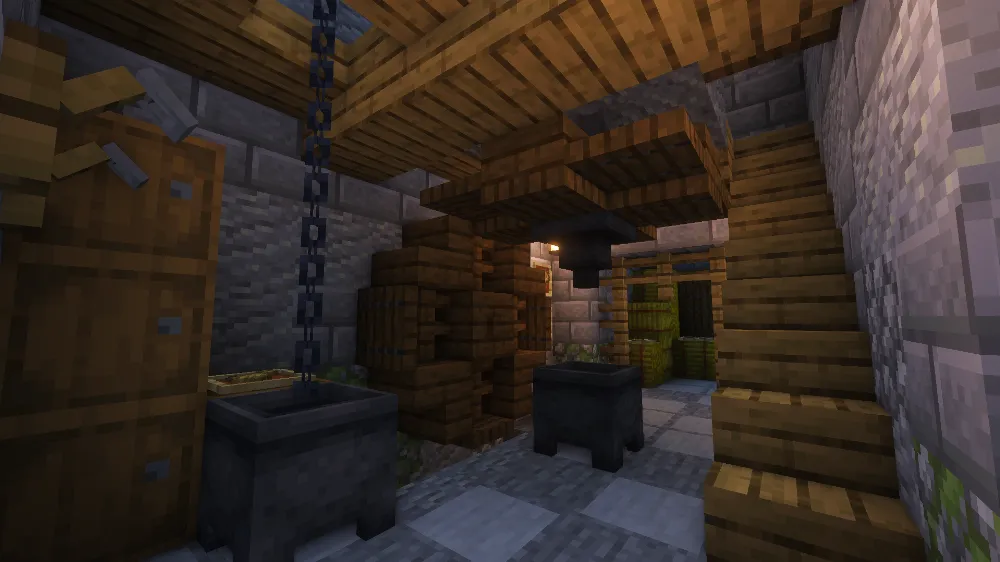
Description
This Minecraft watermill schematic is a two-story stone building with a red and orange striped roof and a mix of gray stone and diorite walls. The lower floor has a wooden door with an awning, a hanging sign and glowing lanterns, while the upper floor has narrow windows framed by wooden beams. On one side of the building, hanging vines and an open wooden platform give the mill a lived-in, overgrown look, and a small mechanism on the roof stands in for the rotation part of the mill.
Around the building there is a small backyard with a wooden cart, stacked crates and barrels, a bit of water and a checkered stone path leading up to the door. The size makes it a good fit for a village, a countryside build or a small farm area where you need a mill next to fields or a river. It works well both as a background building and as a detailed close-up piece for a medieval-style map, and it fits naturally into any Minecraft village schematic as a standalone functional building.
| Format | Size | Use with | |
|---|---|---|---|
.litematic watermill.litematic |
3.71 KB | Litematica (Java) — more Litematica schematics |
|
.schem watermill.schem |
3.06 KB | WorldEdit / FAWE |
|
.schematic watermill.schematic |
1.55 KB | Legacy / online installer Older format: about 16% of the blocks are replaced with their closest pre-1.13 lookalikes. |
|
| Install this build directly on your Minecraft map |
|
||
- Put the downloaded
.litematicfile into the.minecraft/schematics/folder. - In game, press M to open the Litematica menu and choose Load Schematics.
- Select the file in the list and click Load Schematic.
- Position the placement where you want it and build — or paste it instantly in creative with Easy Place mode.
Comments
Similar






I found a fix for all your problems, it's straightforward. When you download the file you will get a .schematic file and if you look above it says .litematic, so all you have to do is rename the file from .schematic to .litematic then your file will work perfectly.
Hi, I can't get this schematic to load. I keep getting the error "Failed to load schematic". Any ideas?