Flying Apartments
Published on September 19, 2025
👁️🗨️ 11412
2201
★
★
★
★
★
Rate it
Screenshots
Description
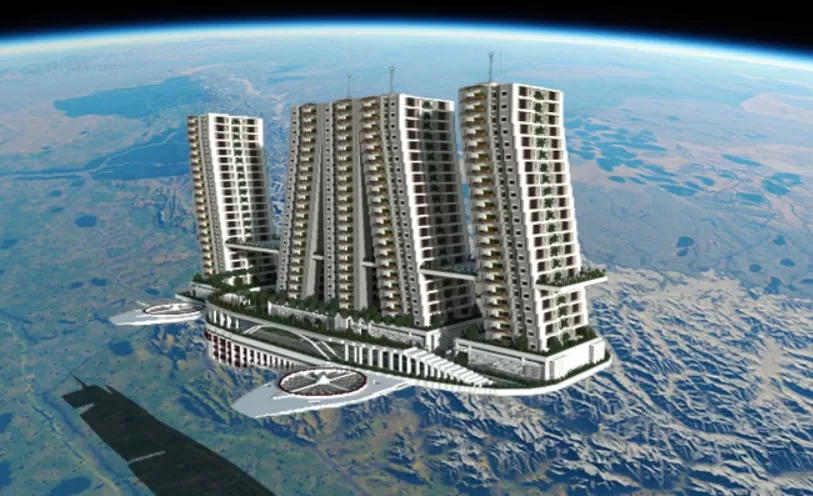
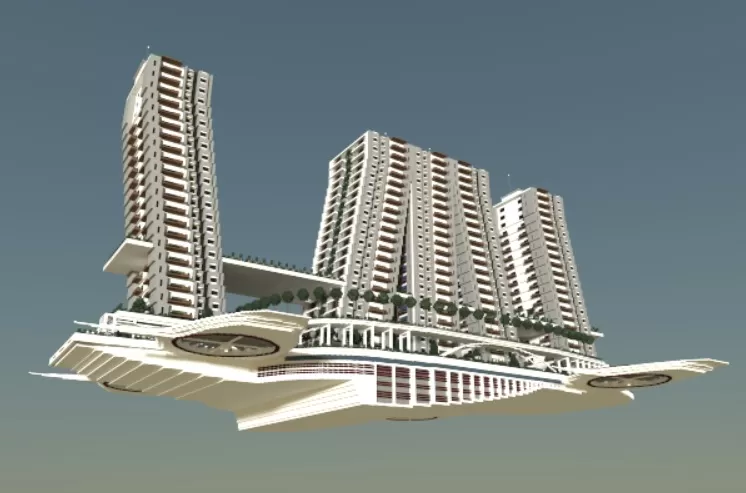
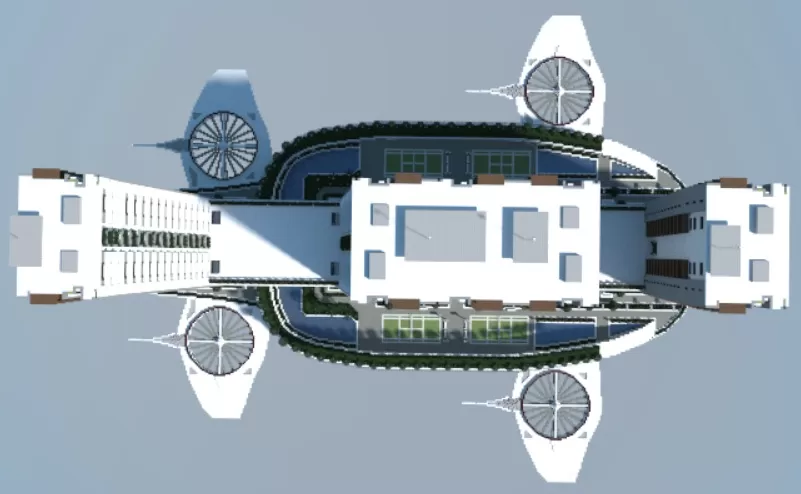
This futuristic residential complex features multiple high-rise apartment towers suspended in mid-air, creating an impressive skyline structure that defies gravity. The design includes several tower blocks with detailed facades, balconies, and what appears to be a central platform or landing area connecting the buildings.
The schematic showcases modern architectural elements with clean lines, repetitive window patterns, and a sophisticated base structure that serves as the foundation for the floating towers. The space-age aesthetic is enhanced by the orbital backdrop, suggesting this could serve as a space station or advanced civilization settlement.
The schematic showcases modern architectural elements with clean lines, repetitive window patterns, and a sophisticated base structure that serves as the foundation for the floating towers. The space-age aesthetic is enhanced by the orbital backdrop, suggesting this could serve as a space station or advanced civilization settlement.
Download: Flying Apartments schematic for Minecraft
| Format | Size | Use with | |
|---|---|---|---|
.litematic flying-apartments.litematic |
442.72 KB | Litematica (Java) — more Litematica schematics |
|
.schem flying-apartments.schem |
115.91 KB | WorldEdit / FAWE |
|
.schematic flying-apartments.schematic |
206.33 KB | Legacy / online installer |
|
| Install this build directly on your Minecraft map |
|
||
Auto-converted from the original format; container contents (chests, signs) may be missing.
📘 How to use with Litematica (click to expand)
- Put the downloaded
.litematicfile into the.minecraft/schematics/folder. - In game, press M to open the Litematica menu and choose Load Schematics.
- Select the file in the list and click Load Schematic.
- Position the placement where you want it and build — or paste it instantly in creative with Easy Place mode.
Requires the Litematica mod (Java Edition).
More builds: Litematica schematics.
Comments
Similar