Football Stadium
Published on December 12, 2025
👁️🗨️ 7686
1439
★
★
★
★
★
Rate it
Screenshots
Description
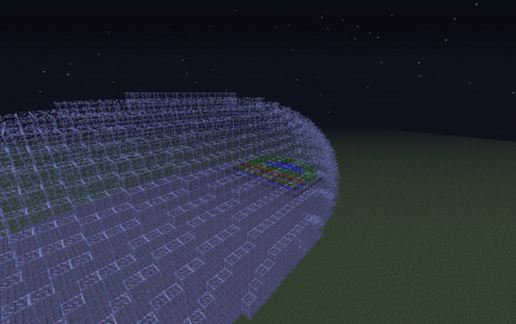
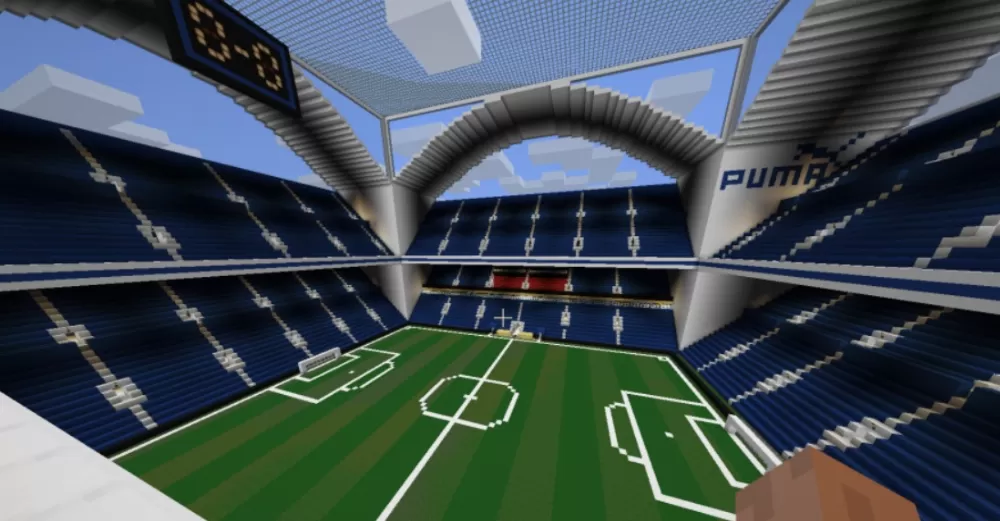
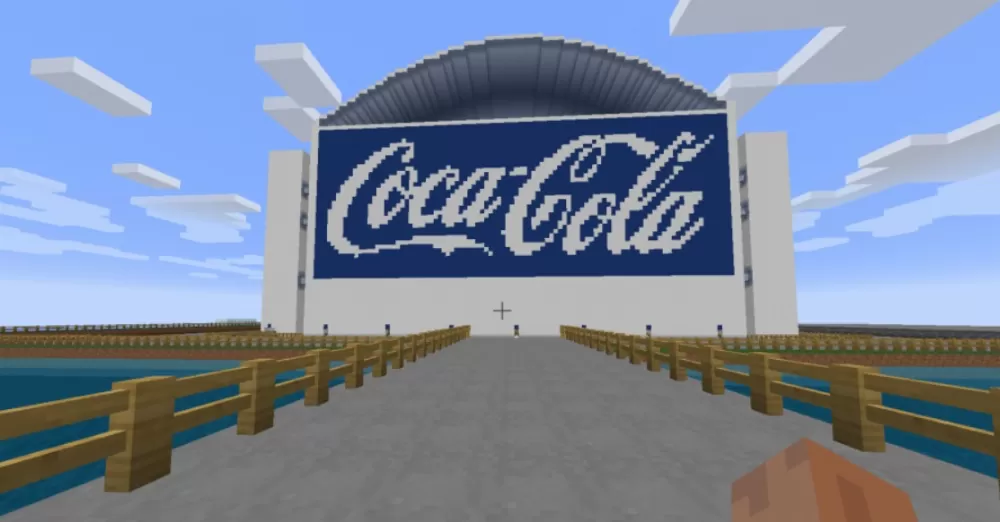
This fully enclosed football stadium represents hundreds of hours of detailed construction work, featuring a complete glass roof and distinctive blue-and-white exterior design. Unlike replica builds, this is an entirely original stadium concept with professional-level amenities and authentic sporting venue atmosphere. The structure combines impressive scale with functional interior spaces, making it suitable for both decorative showcase builds and functional multiplayer sporting events.
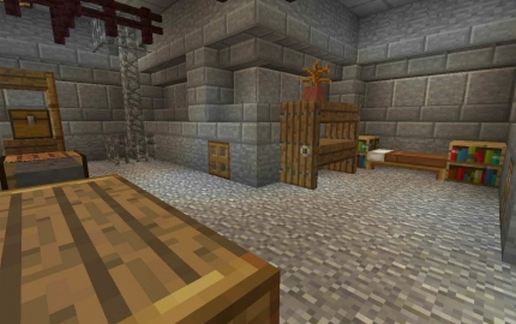
The stadium includes comprehensive facilities: changing rooms for teams, executive seating areas, TV commentary positions for broadcast setups, operational turnstiles at entry points, and burger bar concessions distributed throughout the venue. Access is provided via stairwell towers positioned at all four corners of the structure. The build features authentic sponsor branding with Puma and Coca-Cola logos integrated into the design. The playing field is regulation-sized with properly marked lines and goal areas, while the surrounding seating tiers provide stadium-scale capacity. The enclosed glass roof design allows natural lighting while maintaining weather protection, creating a modern arena aesthetic that stands out in any Minecraft world.
The stadium includes comprehensive facilities: changing rooms for teams, executive seating areas, TV commentary positions for broadcast setups, operational turnstiles at entry points, and burger bar concessions distributed throughout the venue. Access is provided via stairwell towers positioned at all four corners of the structure. The build features authentic sponsor branding with Puma and Coca-Cola logos integrated into the design. The playing field is regulation-sized with properly marked lines and goal areas, while the surrounding seating tiers provide stadium-scale capacity. The enclosed glass roof design allows natural lighting while maintaining weather protection, creating a modern arena aesthetic that stands out in any Minecraft world.
Download: Football Stadium schematic for Minecraft
| Format | Size | Use with | |
|---|---|---|---|
.litematic football-stadium.litematic |
102.51 KB | Litematica (Java) — more Litematica schematics |
|
.schem football-stadium.schem |
20.93 KB | WorldEdit / FAWE |
|
.schematic football-stadium.schematic |
31.28 KB | Legacy / online installer |
|
| Install this build directly on your Minecraft map |
|
||
Auto-converted from the original format; container contents (chests, signs) may be missing.
📘 How to use with Litematica (click to expand)
- Put the downloaded
.litematicfile into the.minecraft/schematics/folder. - In game, press M to open the Litematica menu and choose Load Schematics.
- Select the file in the list and click Load Schematic.
- Position the placement where you want it and build — or paste it instantly in creative with Easy Place mode.
Requires the Litematica mod (Java Edition).
More builds: Litematica schematics.
Comments
Similar