Steampunk Sky City
Published on January 13, 2026
👁️🗨️ 4024
429
★
★
★
★
★
Rate it
Screenshots
Description
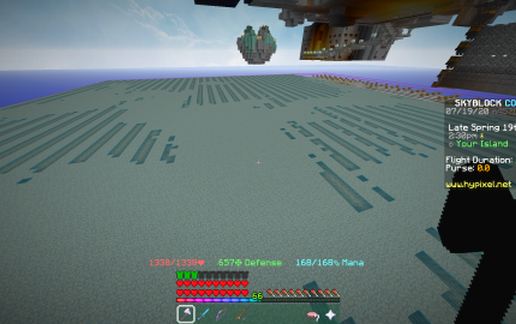
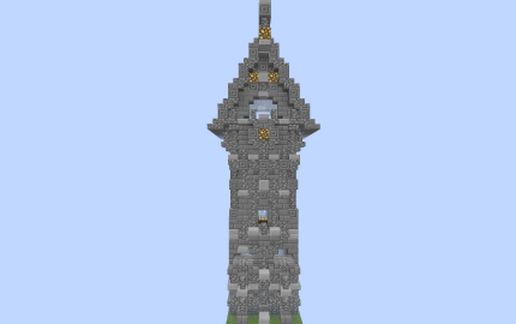
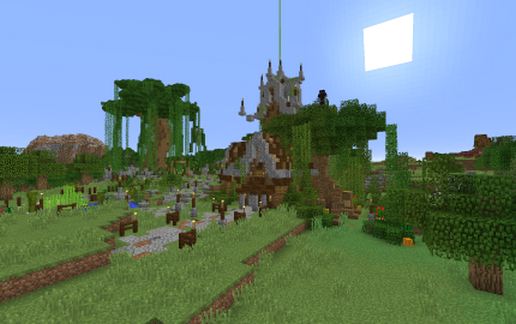
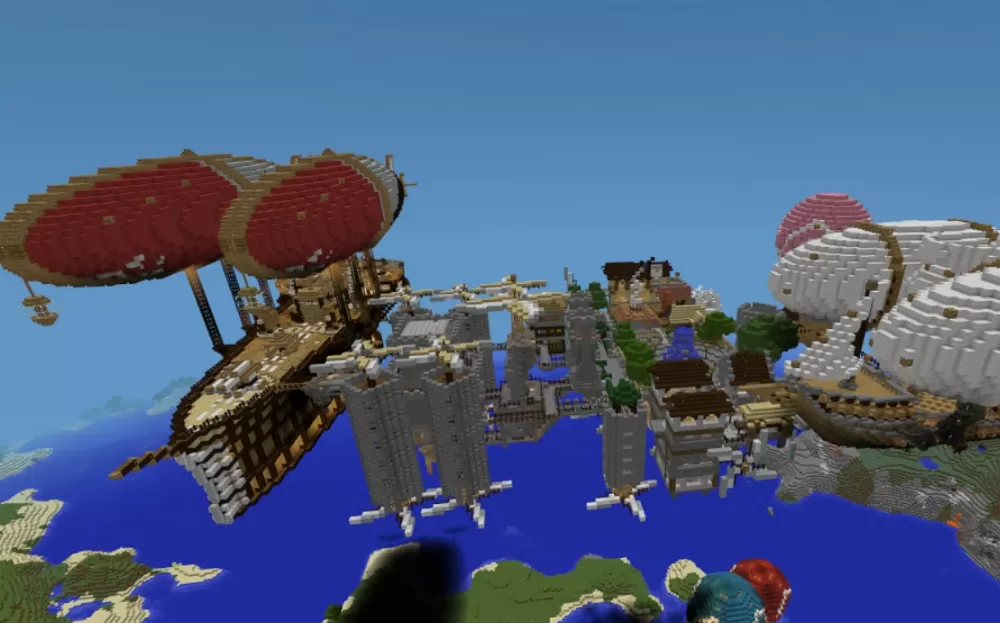
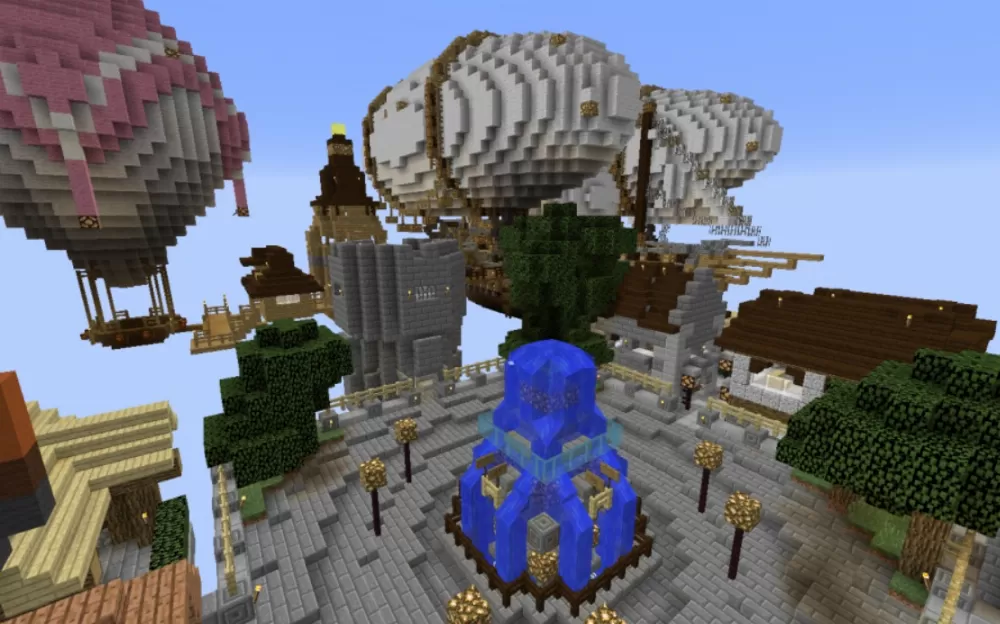
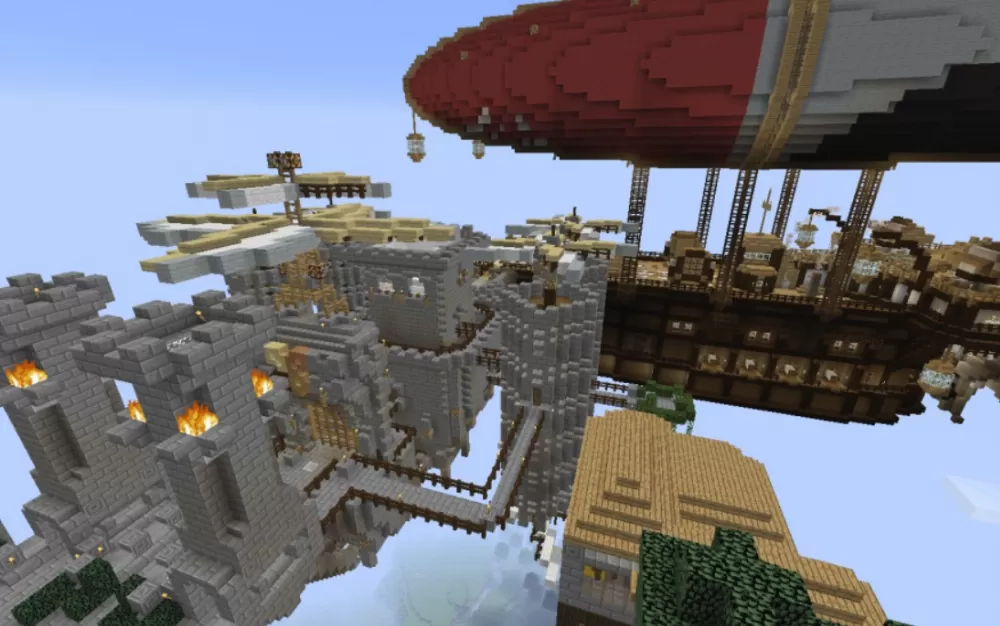
This elaborate steampunk sky city schematic floats high above the world, accessible via a ground-based balloon lift system that transports visitors to the aerial metropolis. The city features massive airships with distinctive mushroom-shaped red and white balloon designs, interconnected platforms suspended in the sky, and Victorian-industrial architecture throughout. The floating settlement is organized into five districts: an airships and balloons dock serving as the transit hub, a central fountain plaza for gatherings, a market district with shops and temple, inns for travelers, and a fortified palace housing the city's power source.
A merchant airship is already docked at the platform ready for trading, while the heavily defended palace includes gates, walls, and a massive battle airship stationed at the royal private dock for protection. The interconnected platforms and suspended walkways create a complete aerial city with all essential services, military installations, and commercial areas. The schematic provides a ready-to-use steampunk metropolis perfect for fantasy builds, sky-based kingdoms, or as a unique hub for adventure maps and multiplayer servers.
A merchant airship is already docked at the platform ready for trading, while the heavily defended palace includes gates, walls, and a massive battle airship stationed at the royal private dock for protection. The interconnected platforms and suspended walkways create a complete aerial city with all essential services, military installations, and commercial areas. The schematic provides a ready-to-use steampunk metropolis perfect for fantasy builds, sky-based kingdoms, or as a unique hub for adventure maps and multiplayer servers.
Download: Steampunk Sky City schematic for Minecraft
| Format | Size | Use with | |
|---|---|---|---|
.litematic steampunk-sky-city.litematic |
172.37 KB | Litematica (Java) — more Litematica schematics |
|
.schem steampunk-sky-city.schem |
63.35 KB | WorldEdit / FAWE |
|
.schematic steampunk-sky-city.schematic |
86.83 KB | Legacy / online installer |
|
Install this build directly on your Minecraft map
Auto-converted from the original format; container contents (chests, signs) may be missing.
📘 How to use with Litematica (click to expand)
- Put the downloaded
.litematicfile into the.minecraft/schematics/folder. - In game, press M to open the Litematica menu and choose Load Schematics.
- Select the file in the list and click Load Schematic.
- Position the placement where you want it and build — or paste it instantly in creative with Easy Place mode.
Requires the Litematica mod (Java Edition).
More builds: Litematica schematics.