The Celestial Hotel
Published on February 16, 2026
👁️🗨️ 11710
3025
★
★
★
★
★
Rate it
Screenshots
Description
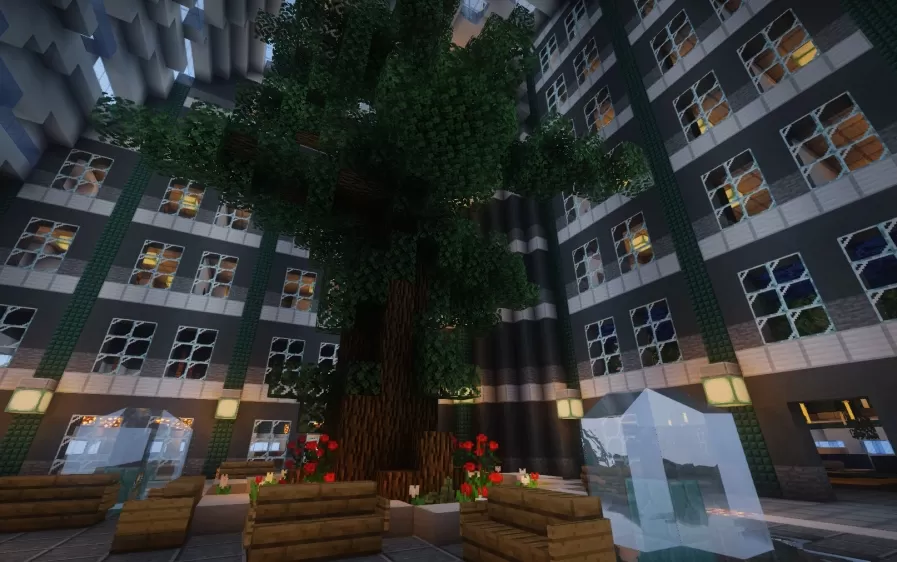
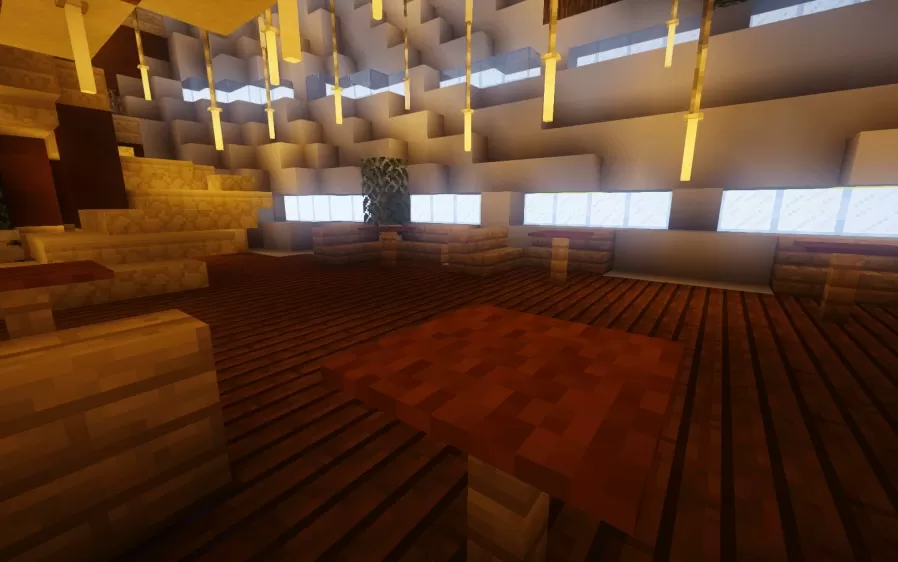
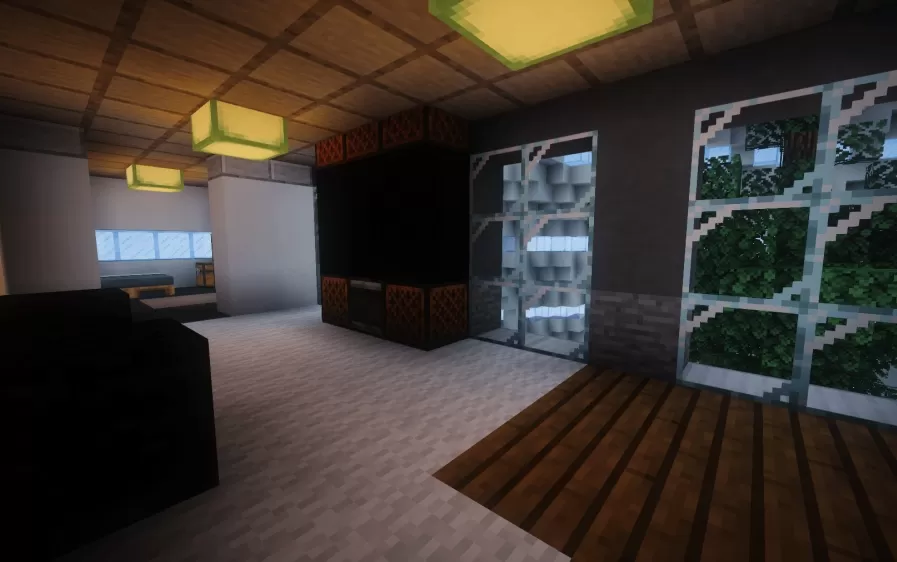
This schematic features a stunning spherical hotel structure suspended in the sky, designed with a futuristic aesthetic that combines luxury accommodation with practical elytra travel. The main building consists of a large orb-shaped core constructed with dark blocks and glass, topped with an expansive circular landing platform that serves as a designated arrival point for players wearing elytra. The landing disc features decorative rings in orange and white patterns with detailed crown-like spires at the center, creating an impressive architectural focal point visible from great distances.
The build is optimized for placement at Y-level 140, which positions the beacon at the top of the structure to function as a decorative antenna while maintaining visibility across the landscape. The spherical hotel core offers ample interior space for rooms, lobbies, and amenities, while the geometric patterns on the exterior create visual depth and movement. This schematic works excellently as a spawn point, travel hub for elytra-equipped players, or as a luxury destination in skyblock and floating island builds where verticality and aerial access are key design elements.
The build is optimized for placement at Y-level 140, which positions the beacon at the top of the structure to function as a decorative antenna while maintaining visibility across the landscape. The spherical hotel core offers ample interior space for rooms, lobbies, and amenities, while the geometric patterns on the exterior create visual depth and movement. This schematic works excellently as a spawn point, travel hub for elytra-equipped players, or as a luxury destination in skyblock and floating island builds where verticality and aerial access are key design elements.
Download: The Celestial Hotel schematic for Minecraft
| Format | Size | Use with | |
|---|---|---|---|
.litematic the-celestial-hotel.litematic |
92.19 KB | Litematica (Java) — more Litematica schematics |
|
.schem the-celestial-hotel.schem |
43.73 KB | WorldEdit / FAWE |
|
.schematic the-celestial-hotel.schematic |
69.76 KB | Legacy / online installer |
|
| Install this build directly on your Minecraft map |
|
||
Auto-converted from the original format; container contents (chests, signs) may be missing.
📘 How to use with Litematica (click to expand)
- Put the downloaded
.litematicfile into the.minecraft/schematics/folder. - In game, press M to open the Litematica menu and choose Load Schematics.
- Select the file in the list and click Load Schematic.
- Position the placement where you want it and build — or paste it instantly in creative with Easy Place mode.
Requires the Litematica mod (Java Edition).
More builds: Litematica schematics.