Blacksmith Shop
Published on March 8, 2026
👁️🗨️ 3869
576
★
★
★
★
★
Rate it
Screenshots
Description
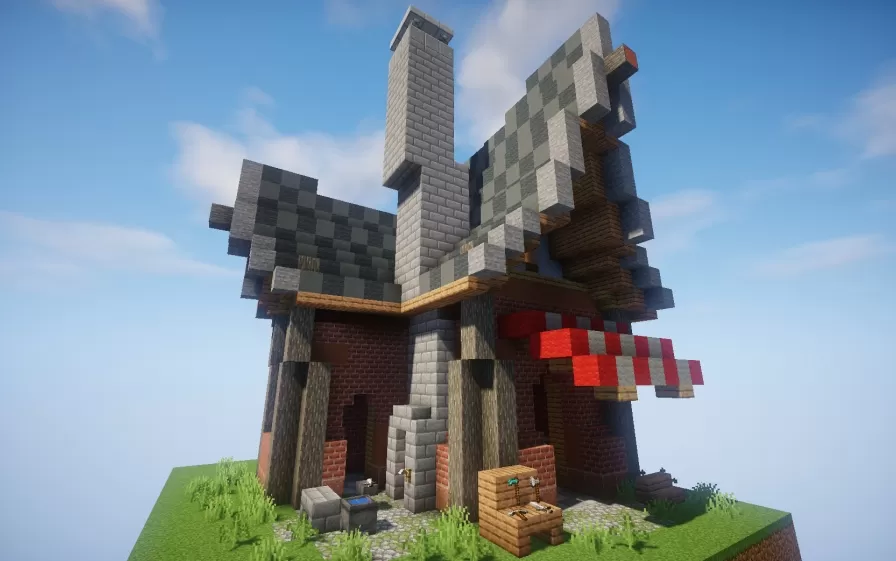
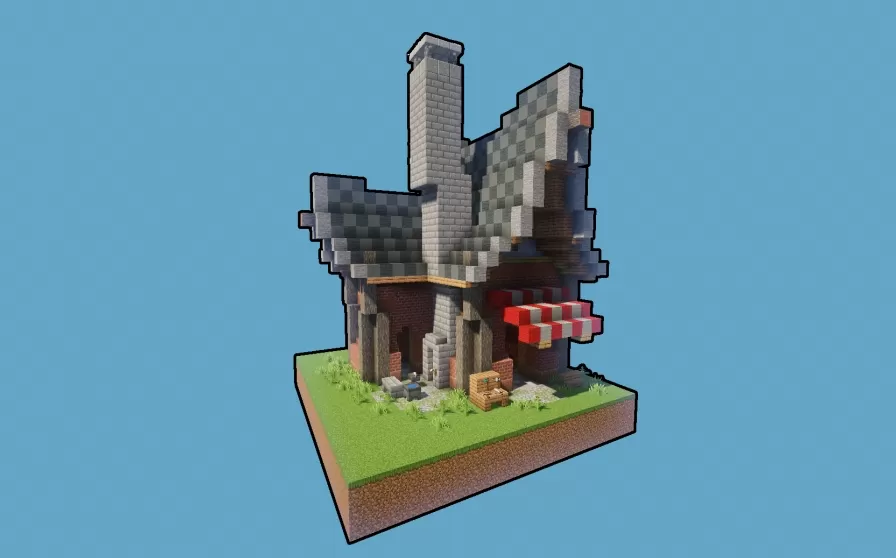
This schematic features a detailed medieval blacksmith shop with distinctive architectural character, combining brick, stone, and wood materials to create an authentic forge atmosphere. The building showcases a unique asymmetric roof design with checkered patterns using gray and darker stone blocks, topped by a tall chimney stack that reinforces the industrial workshop identity. The structure includes prominent wooden support beams, arched entryways, and carefully textured walls that blend red brick with stone accents. A red and white decorative sign element extends from the side, likely representing the traditional blacksmith guild marker or shop identification.
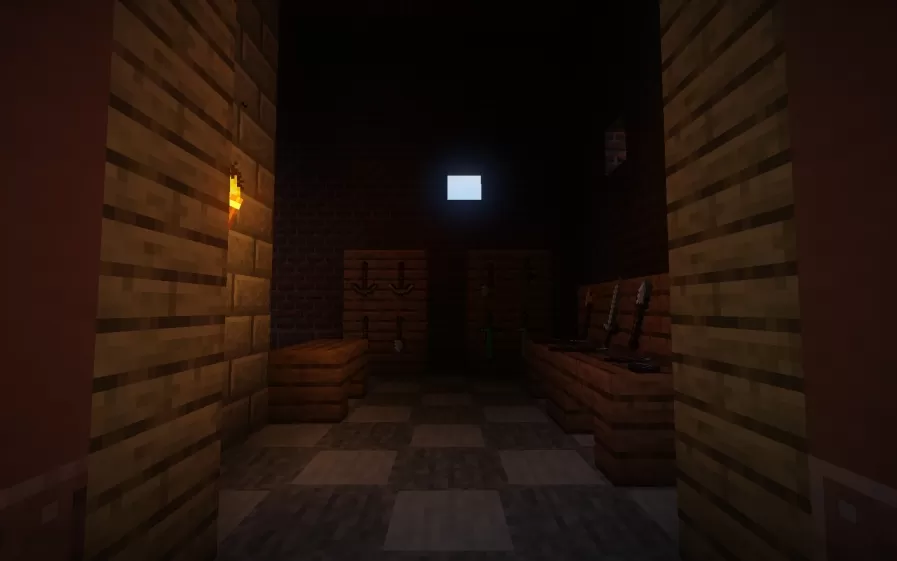
The schematic comes complete with decorative elements created using armor stands, adding functional details like anvils, tools, weapons displays, and workshop equipment that bring the smithy to life without requiring additional manual placement. The exterior features a small landscaped platform with storage chests, workbenches, and ambient detailing that establishes the working environment. This build works perfectly as a cornerstone structure for medieval villages, castle towns, or fantasy settlements where crafting and commerce are central themes. The compact footprint makes it easy to integrate into existing builds while the distinctive silhouette ensures it stands out as a recognizable community landmark.
The schematic comes complete with decorative elements created using armor stands, adding functional details like anvils, tools, weapons displays, and workshop equipment that bring the smithy to life without requiring additional manual placement. The exterior features a small landscaped platform with storage chests, workbenches, and ambient detailing that establishes the working environment. This build works perfectly as a cornerstone structure for medieval villages, castle towns, or fantasy settlements where crafting and commerce are central themes. The compact footprint makes it easy to integrate into existing builds while the distinctive silhouette ensures it stands out as a recognizable community landmark.
Download: Blacksmith Shop schematic for Minecraft
| Format | Size | Use with | |
|---|---|---|---|
.litematic blacksmith-shop.litematic |
55.68 KB | Litematica (Java) — more Litematica schematics |
|
.schem blacksmith-shop.schem |
2.22 KB | WorldEdit / FAWE |
|
.schematic blacksmith-shop.schematic |
4.18 KB | Legacy / online installer |
|
Install this build directly on your Minecraft map
Auto-converted from the original format; container contents (chests, signs) may be missing.
📘 How to use with Litematica (click to expand)
- Put the downloaded
.litematicfile into the.minecraft/schematics/folder. - In game, press M to open the Litematica menu and choose Load Schematics.
- Select the file in the list and click Load Schematic.
- Position the placement where you want it and build — or paste it instantly in creative with Easy Place mode.
Requires the Litematica mod (Java Edition).
More builds: Litematica schematics.