Man 'o' War
Published on March 11, 2026
👁️🗨️ 5351
1491
★
★
★
★
★
Rate it
Screenshots
Description
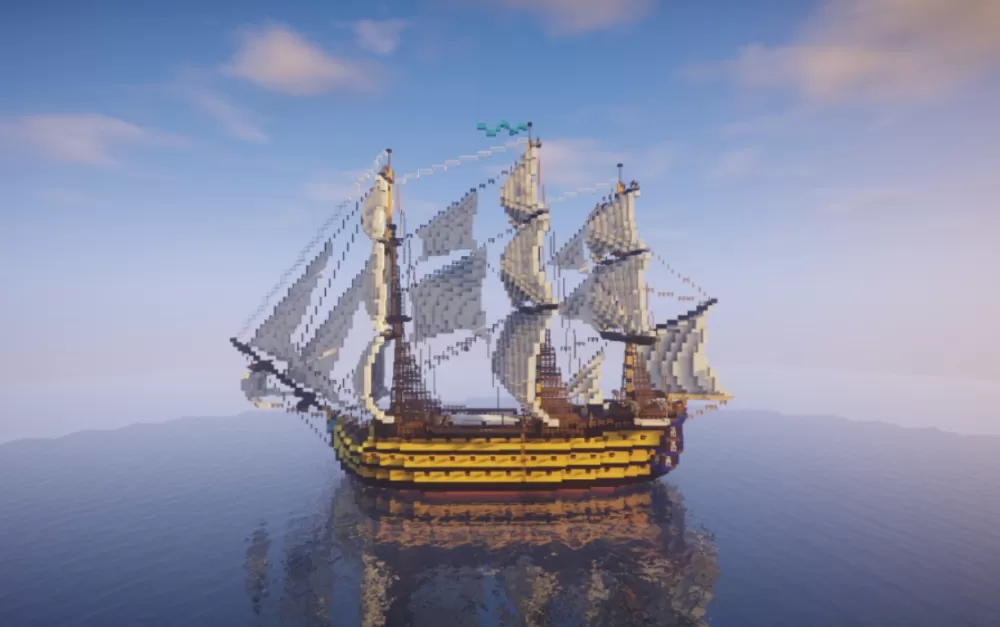
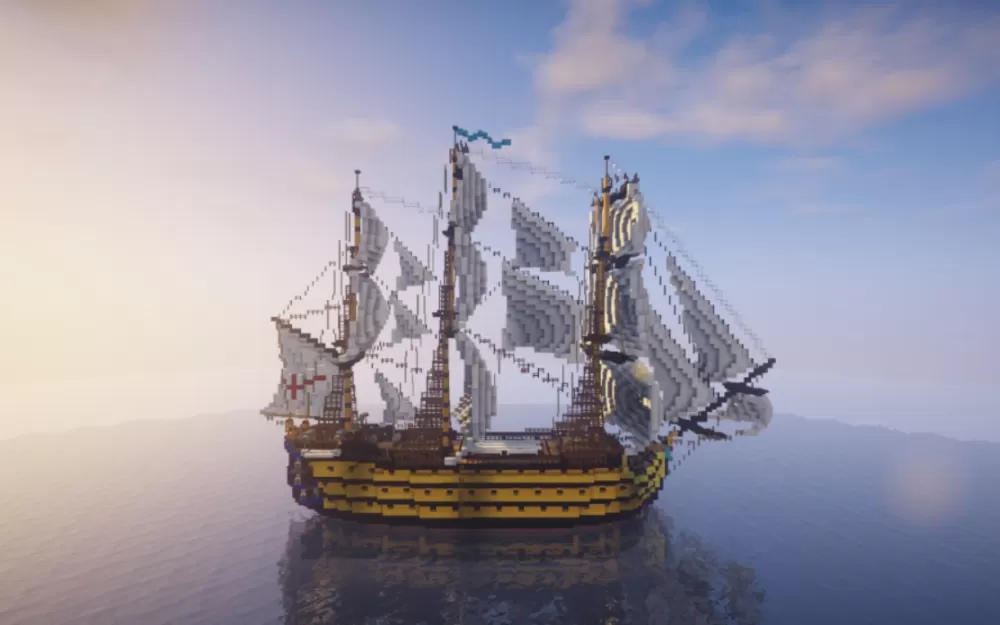
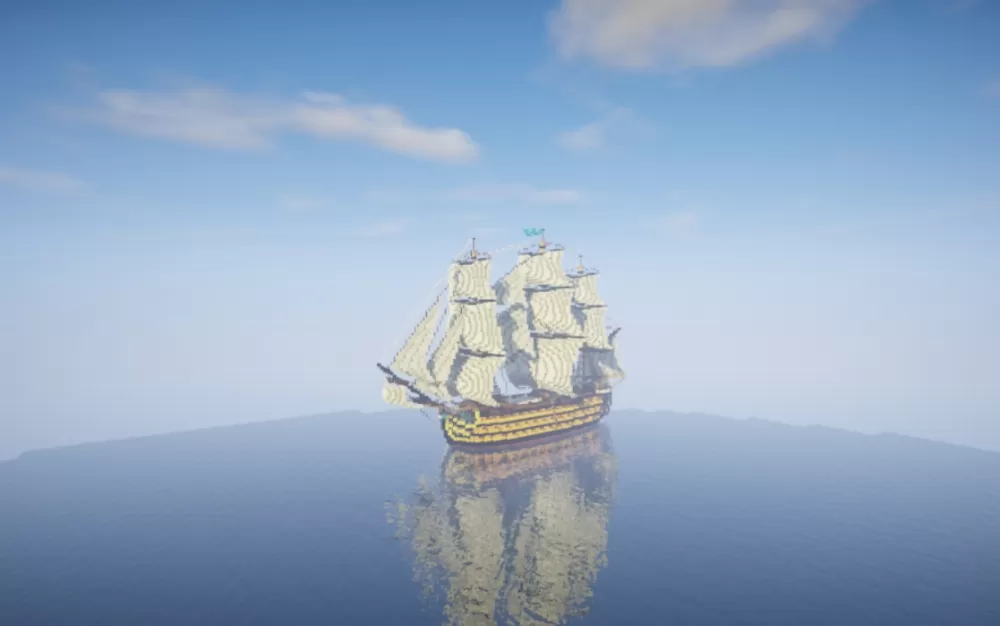
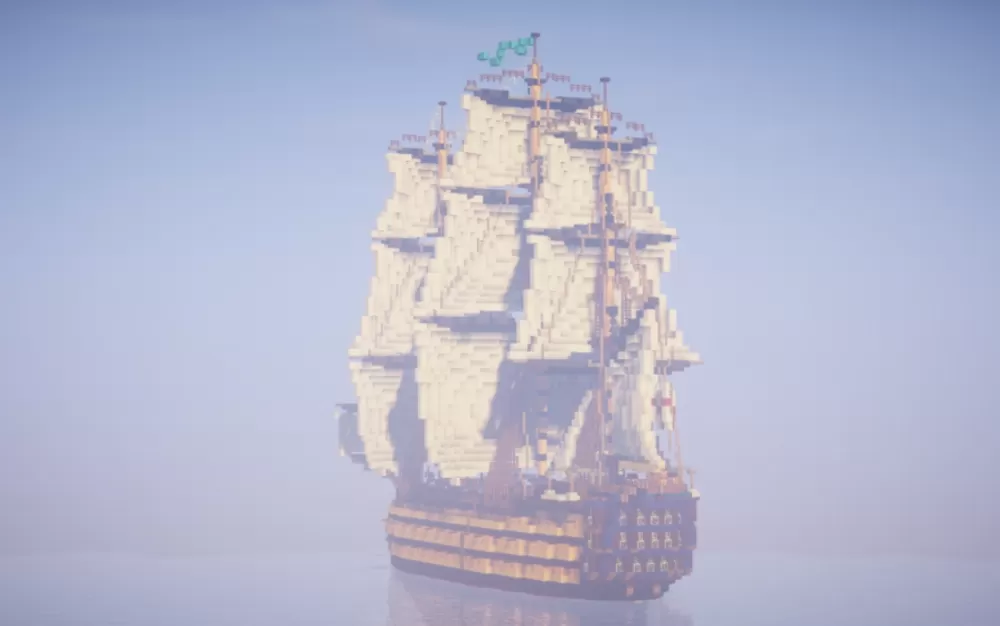
This schematic presents a magnificently detailed 18th-century Man o' War battleship, featuring massive three-masted rigging with full white sails and an imposing yellow and dark wood hull that captures the grandeur of age-of-sail naval warfare. The vessel boasts an arsenal of 92 decorative cannons positioned along multiple gun decks, creating an authentic warship profile. The exterior showcases intricate details including rope rigging connecting all three masts, ornamental figurehead elements, stern castle decorations with glowing accent lighting, and period-accurate naval flags. The ship's construction uses a realistic color palette of yellow planking with dark wood trim and white canvas sails that billows naturally.
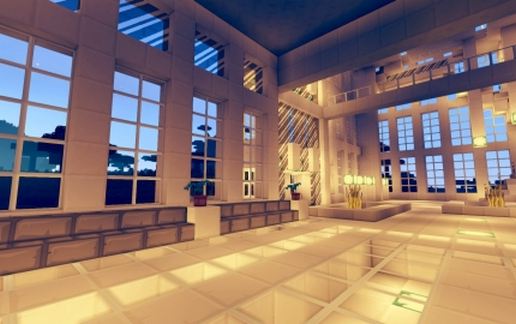
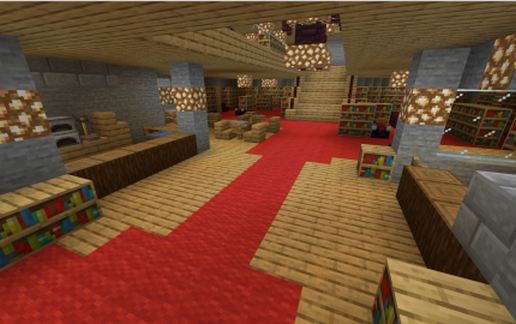
The interior is fully furnished with extensive decorative elements throughout multiple deck levels, recreating authentic naval life aboard a warship. The ship contains numerous distinct rooms including the captain's cabin with officers' quarters, a functional galley for food preparation, jail cells for prisoners, cargo holds for supplies, and various storerooms distributed across the decks. This level of interior detail makes the schematic perfect for adventure maps, pirate-themed worlds, historical recreations, or roleplay servers where naval combat and seafaring exploration are central gameplay elements. The Man o' War works exceptionally well as a flagship for naval fleets, a mobile base for ocean adventures, or as a museum piece showcasing maritime history in harbor builds.
The interior is fully furnished with extensive decorative elements throughout multiple deck levels, recreating authentic naval life aboard a warship. The ship contains numerous distinct rooms including the captain's cabin with officers' quarters, a functional galley for food preparation, jail cells for prisoners, cargo holds for supplies, and various storerooms distributed across the decks. This level of interior detail makes the schematic perfect for adventure maps, pirate-themed worlds, historical recreations, or roleplay servers where naval combat and seafaring exploration are central gameplay elements. The Man o' War works exceptionally well as a flagship for naval fleets, a mobile base for ocean adventures, or as a museum piece showcasing maritime history in harbor builds.
Download: Man 'o' War schematic for Minecraft
| Format | Size | Use with | |
|---|---|---|---|
.litematic man-'o'-war.litematic |
66.37 KB | Litematica (Java) — more Litematica schematics |
|
.schem man-'o'-war.schem |
18.31 KB | WorldEdit / FAWE |
|
.schematic man-'o'-war.schematic |
32.94 KB | Legacy / online installer |
|
Install this build directly on your Minecraft map
Auto-converted from the original format; container contents (chests, signs) may be missing.
📘 How to use with Litematica (click to expand)
- Put the downloaded
.litematicfile into the.minecraft/schematics/folder. - In game, press M to open the Litematica menu and choose Load Schematics.
- Select the file in the list and click Load Schematic.
- Position the placement where you want it and build — or paste it instantly in creative with Easy Place mode.
Requires the Litematica mod (Java Edition).
More builds: Litematica schematics.