Minecraft Biosphere
Published on May 5, 2026
👁️🗨️ 2606
174
★
★
★
★
★
Rate it
Screenshots
Description
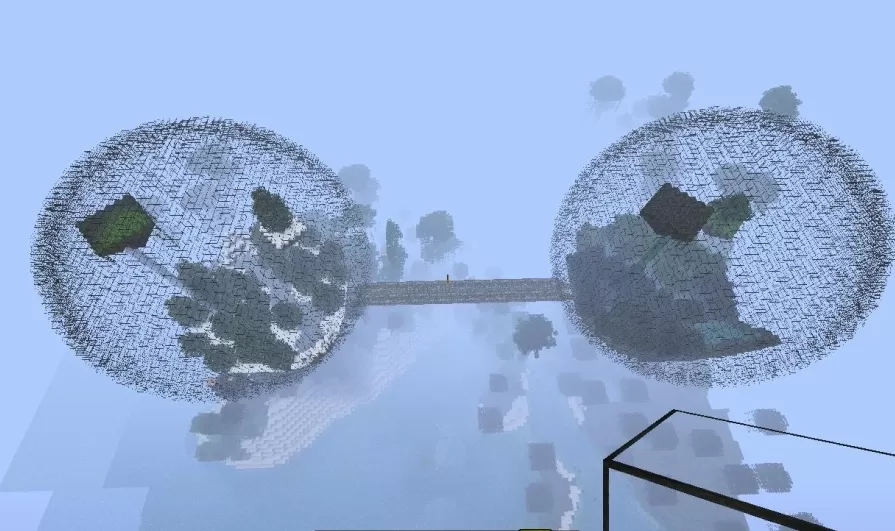
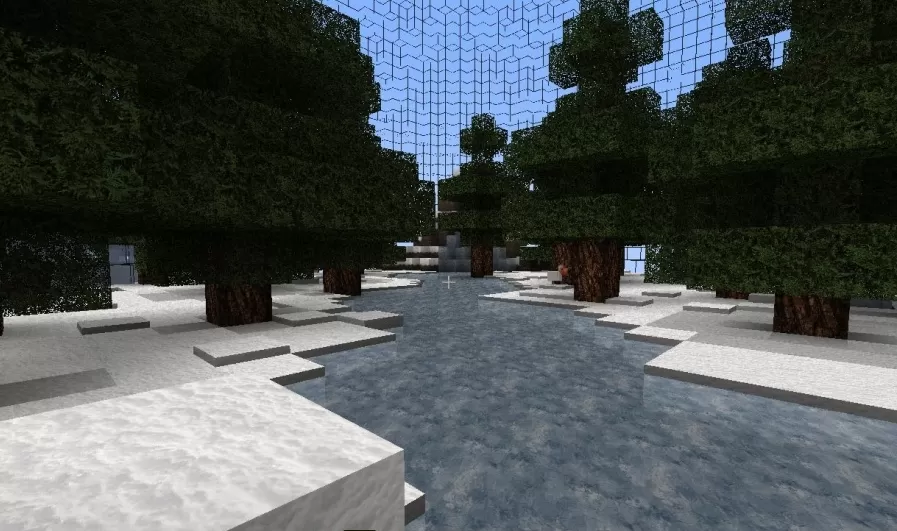
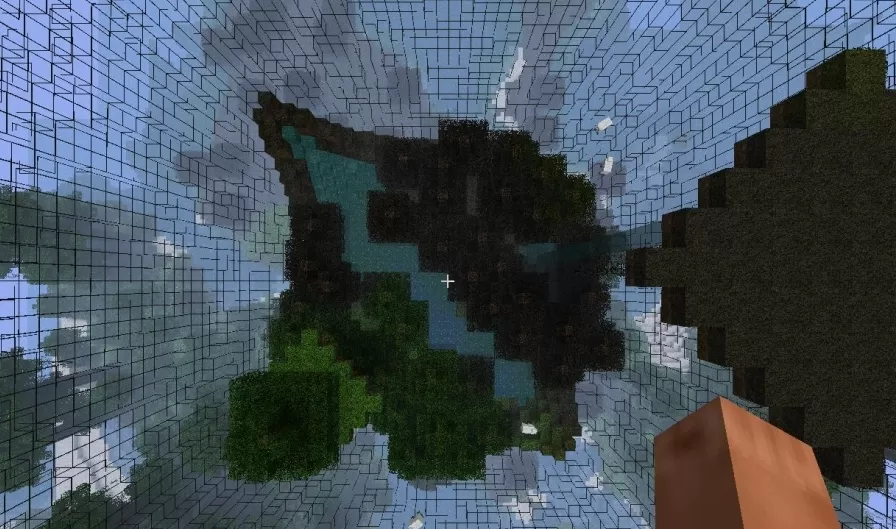
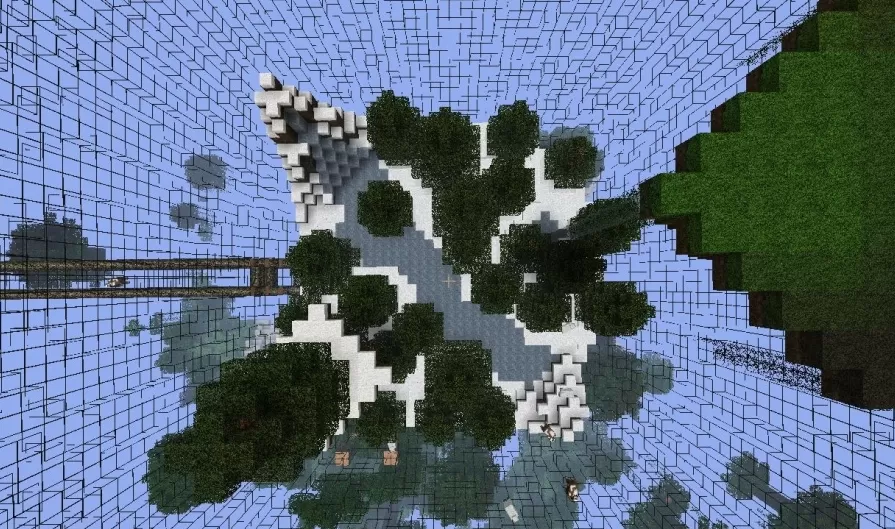
This schematic presents a biosphere survival concept featuring massive glass spheres that enclose self-contained natural environments suspended in the sky. The structure consists of two large transparent domes connected by a bridge walkway, each containing a complete miniature ecosystem with terrain, trees, water features, and vegetation. The spheres are constructed from glass blocks that create a protective barrier while allowing full visibility of the enclosed biomes. Inside each dome, natural terrain generation includes grass blocks, stone formations, flowing water, and mature trees that create functioning mini-worlds isolated from the outside environment.
The interior environments showcase different landscape configurations with hills, valleys, and water channels that wind through the terrain. Trees grow naturally within the protected atmosphere, and the ground-level perspective reveals stone pathways, ice or snow blocks, and carefully maintained ecosystems. The connecting bridge provides safe passage between the two biospheres, allowing exploration of both contained environments. This schematic works excellently for survival challenge maps where resources are limited to what exists within the spheres, skyblock-style gameplay with enclosed biomes, or as a unique architectural feature in creative worlds. The concept creates isolated ecological systems perfect for themed builds, scientific research stations in sky cities, or self-sustaining habitats in void or space-themed worlds where traditional terrain doesn't exist.
The interior environments showcase different landscape configurations with hills, valleys, and water channels that wind through the terrain. Trees grow naturally within the protected atmosphere, and the ground-level perspective reveals stone pathways, ice or snow blocks, and carefully maintained ecosystems. The connecting bridge provides safe passage between the two biospheres, allowing exploration of both contained environments. This schematic works excellently for survival challenge maps where resources are limited to what exists within the spheres, skyblock-style gameplay with enclosed biomes, or as a unique architectural feature in creative worlds. The concept creates isolated ecological systems perfect for themed builds, scientific research stations in sky cities, or self-sustaining habitats in void or space-themed worlds where traditional terrain doesn't exist.
Download: Minecraft Biosphere schematic for Minecraft
| Format | Size | Use with | |
|---|---|---|---|
.litematic minecraft-biosphere.litematic |
53.65 KB | Litematica (Java) — more Litematica schematics |
|
.schem minecraft-biosphere.schem |
11.88 KB | WorldEdit / FAWE |
|
.schematic minecraft-biosphere.schematic |
17.08 KB | Legacy / online installer |
|
Install this build directly on your Minecraft map
Auto-converted from the original format; container contents (chests, signs) may be missing.
📘 How to use with Litematica (click to expand)
- Put the downloaded
.litematicfile into the.minecraft/schematics/folder. - In game, press M to open the Litematica menu and choose Load Schematics.
- Select the file in the list and click Load Schematic.
- Position the placement where you want it and build — or paste it instantly in creative with Easy Place mode.
Requires the Litematica mod (Java Edition).
More builds: Litematica schematics.