Pokecenter
Published on May 17, 2026
👁️🗨️ 2423
130
★
★
★
★
★
Rate it
Screenshots
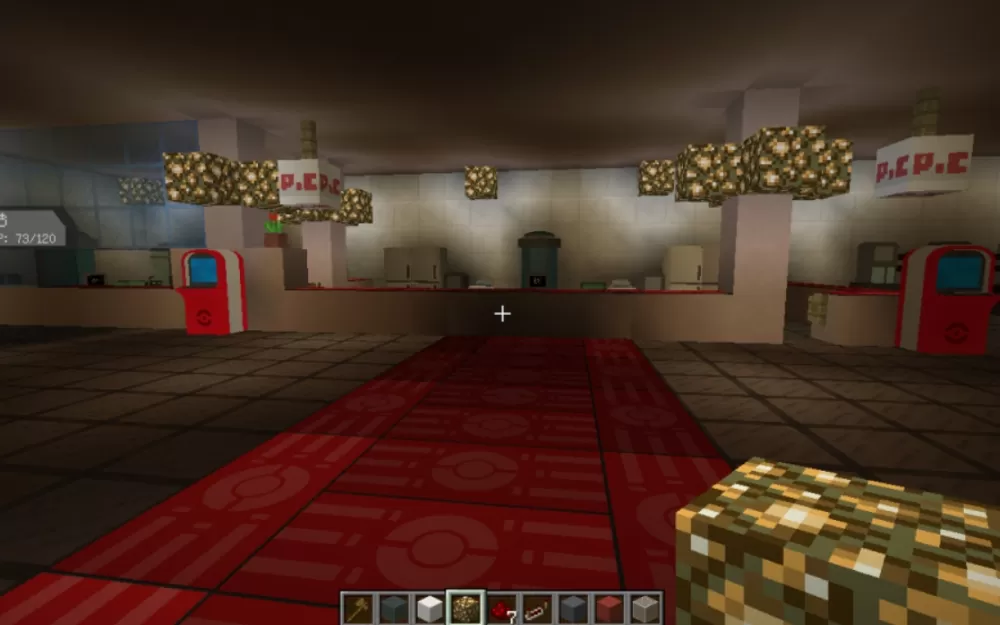
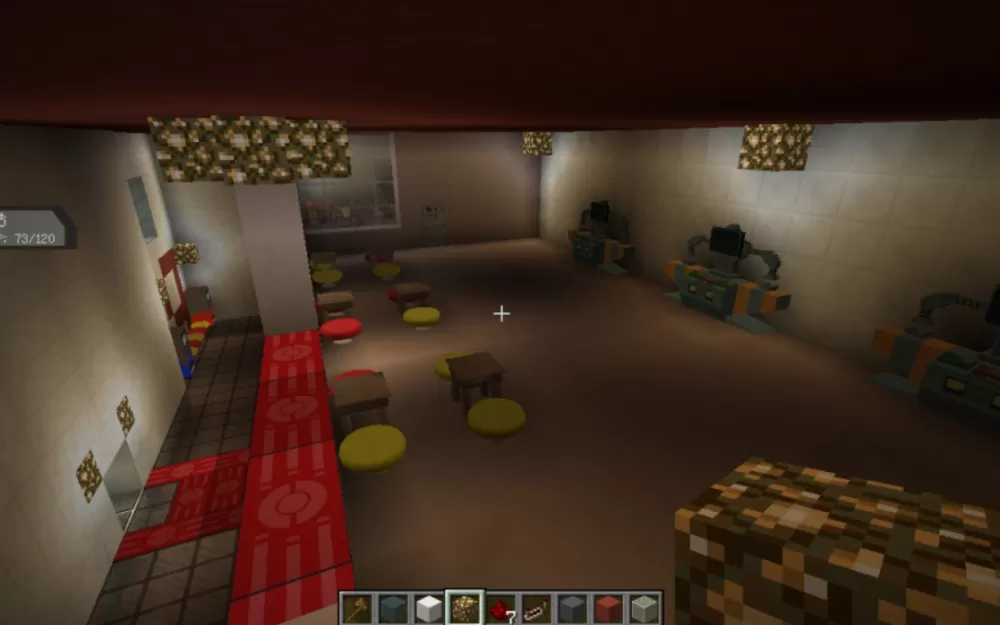
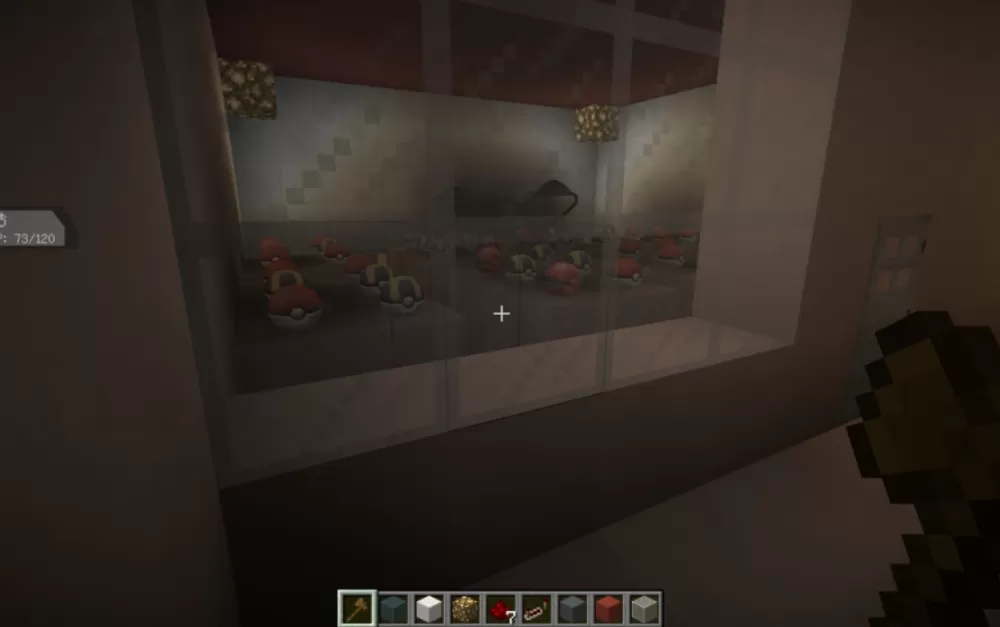
Description
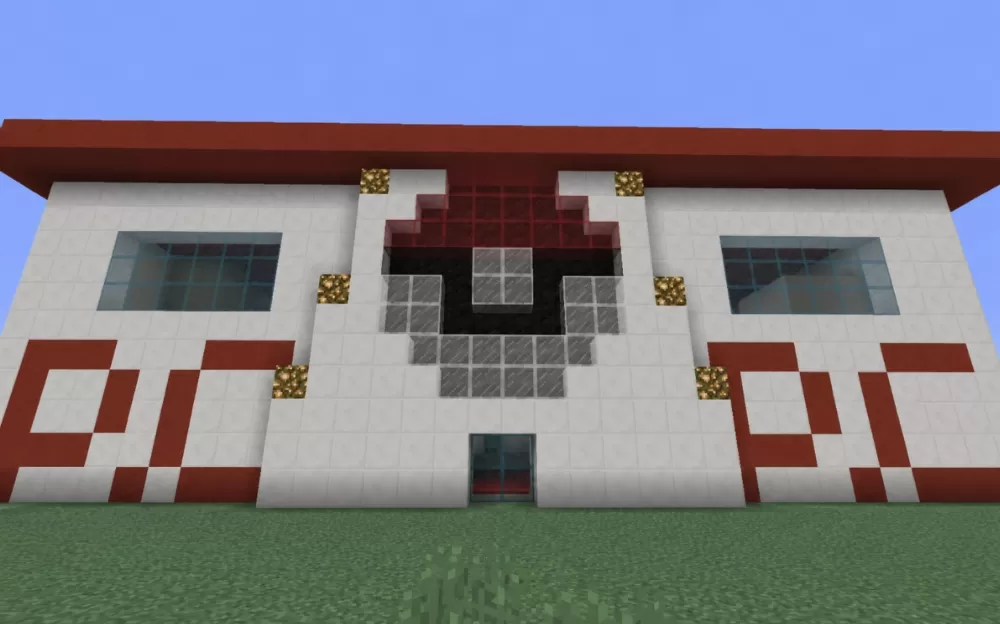
This schematic recreates a Pokemon Center building from the Pokemon franchise, featuring the iconic red and white color scheme with the recognizable Pokeball logo prominently displayed on the front facade. The structure is built with white walls accented by red trim, with a distinctive red overhanging roof that provides shelter above the entrance. Large cyan-tinted glass windows flank both sides of the central Pokeball emblem, which is rendered in red, white, and gray blocks with glowstone accent lighting positioned around it. The building sits on a grass foundation and includes proper signage elements that identify it as a Pokemon Center.
The entrance features automatic sliding doors powered by redstone mechanisms, allowing players to enter and exit without manual door operation. This functional element adds authenticity to the Pokemon Center experience where doors traditionally open automatically as trainers approach. This schematic works perfectly for Pokemon-themed adventure maps, roleplay servers based on the Pokemon universe, or creative builds focused on recreating locations from the games and anime. The recognizable design makes it instantly identifiable to Pokemon fans, while the compact size keeps it practical for town centers or as a healing station in survival worlds with Pokemon mods. The building serves as an ideal gathering point or rest area in multiplayer environments where the Pokemon theme is central to gameplay.
The entrance features automatic sliding doors powered by redstone mechanisms, allowing players to enter and exit without manual door operation. This functional element adds authenticity to the Pokemon Center experience where doors traditionally open automatically as trainers approach. This schematic works perfectly for Pokemon-themed adventure maps, roleplay servers based on the Pokemon universe, or creative builds focused on recreating locations from the games and anime. The recognizable design makes it instantly identifiable to Pokemon fans, while the compact size keeps it practical for town centers or as a healing station in survival worlds with Pokemon mods. The building serves as an ideal gathering point or rest area in multiplayer environments where the Pokemon theme is central to gameplay.
Download: Pokecenter schematic for Minecraft
| Format | Size | Use with | |
|---|---|---|---|
.litematic pokecenter.litematic |
36.11 KB | Litematica (Java) — more Litematica schematics |
|
.schem pokecenter.schem |
2.18 KB | WorldEdit / FAWE |
|
.schematic pokecenter.schematic |
5.27 KB | Legacy / online installer |
|
| Install this build directly on your Minecraft map |
|
||
Auto-converted from the original format; container contents (chests, signs) may be missing.
📘 How to use with Litematica (click to expand)
- Put the downloaded
.litematicfile into the.minecraft/schematics/folder. - In game, press M to open the Litematica menu and choose Load Schematics.
- Select the file in the list and click Load Schematic.
- Position the placement where you want it and build — or paste it instantly in creative with Easy Place mode.
Requires the Litematica mod (Java Edition).
More builds: Litematica schematics.
Comments
Similar