Hobbit Home
Published on June 5, 2026
👁️🗨️ 3385
366
★
★
★
★
★
Rate it
Screenshots
Description
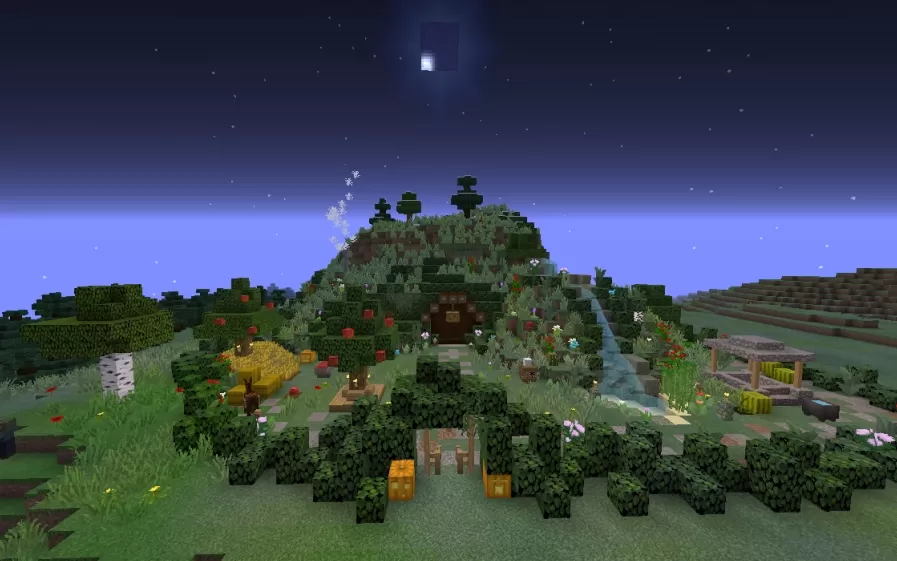
This schematic presents a fully realized hobbit hole built into a lush green hill, capturing the cozy charm of the Shire from Tolkien's universe. The exterior features a rounded wooden door set into the hillside, surrounded by a richly detailed garden with colorful flowers, berry bushes, apple trees, decorative haystacks, a small water feature, and a wooden pergola structure. Topiary trees of various shapes crown the top of the hill, while hedge borders define the garden perimeter. The entire hill is included in the schematic, making it a complete self-contained build ready to drop into any world.
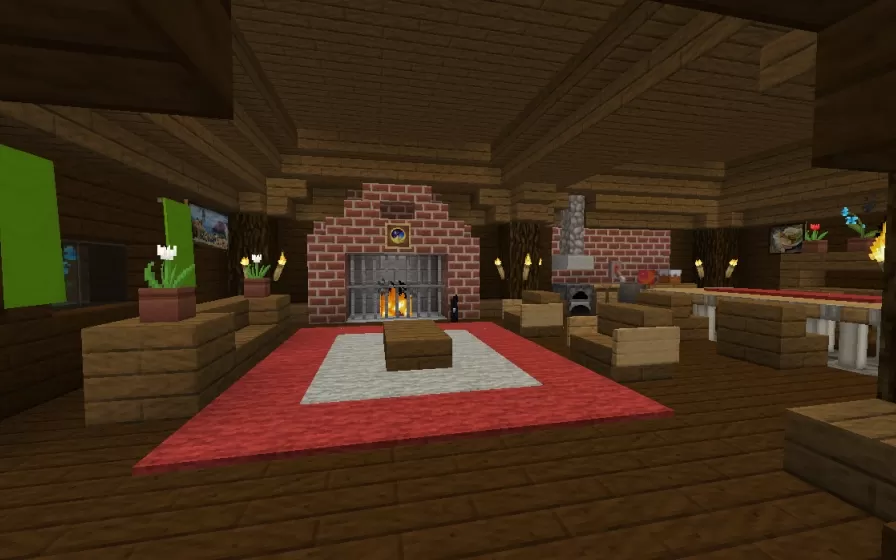
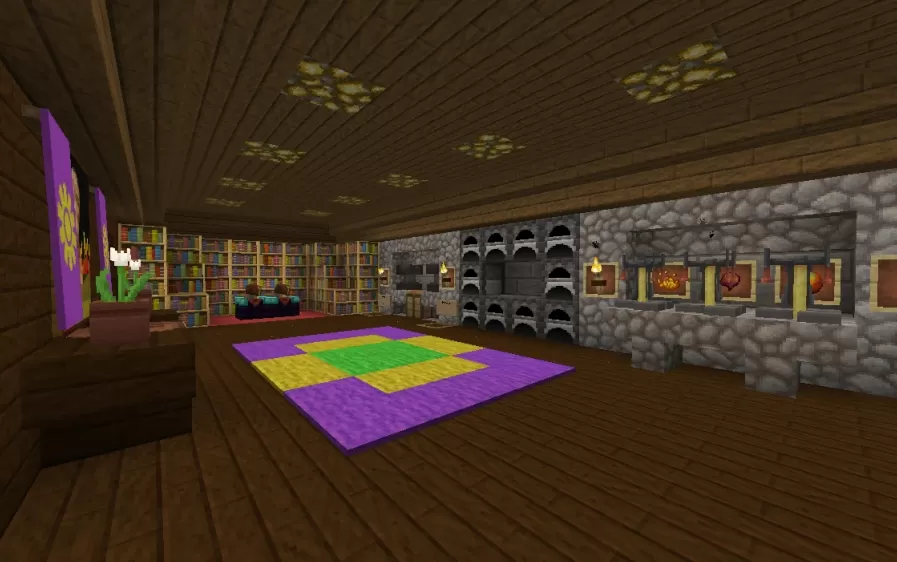
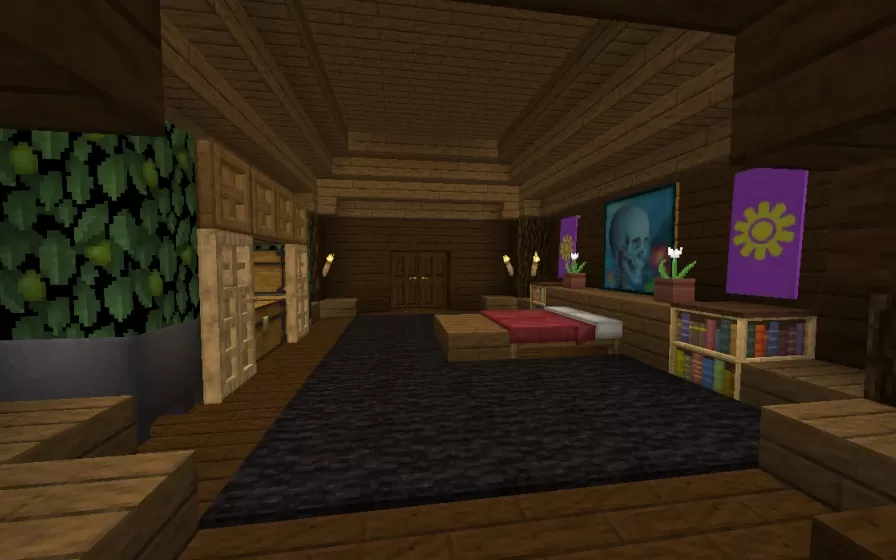
The fully furnished interior is divided into distinct living spaces. One room features a large brick fireplace with a seating area, red carpet, a coffee table, decorative paintings on the walls, potted plants, and a dining area to the side. Another room serves as a library and workspace, complete with floor-to-ceiling bookshelves, a reading corner with seating, a colorful patterned rug, multiple furnaces along a stone wall, and decorative frames. The warm wooden interiors with glowstone ceiling lighting throughout give every room an inviting, lived-in atmosphere. This schematic is an ideal choice for fantasy-themed worlds, Tolkien tribute builds, or any survival world where a charming and fully equipped underground home is needed.
The fully furnished interior is divided into distinct living spaces. One room features a large brick fireplace with a seating area, red carpet, a coffee table, decorative paintings on the walls, potted plants, and a dining area to the side. Another room serves as a library and workspace, complete with floor-to-ceiling bookshelves, a reading corner with seating, a colorful patterned rug, multiple furnaces along a stone wall, and decorative frames. The warm wooden interiors with glowstone ceiling lighting throughout give every room an inviting, lived-in atmosphere. This schematic is an ideal choice for fantasy-themed worlds, Tolkien tribute builds, or any survival world where a charming and fully equipped underground home is needed.
Download: Hobbit Home schematic for Minecraft
| Format | Size | Use with | |
|---|---|---|---|
.litematic hobbit-home.litematic |
55.49 KB | Litematica (Java) — more Litematica schematics |
|
.schem hobbit-home.schem |
14.42 KB | WorldEdit / FAWE |
|
.schematic hobbit-home.schematic |
26.31 KB | Legacy / online installer |
|
Install this build directly on your Minecraft map
Auto-converted from the original format; container contents (chests, signs) may be missing.
📘 How to use with Litematica (click to expand)
- Put the downloaded
.litematicfile into the.minecraft/schematics/folder. - In game, press M to open the Litematica menu and choose Load Schematics.
- Select the file in the list and click Load Schematic.
- Position the placement where you want it and build — or paste it instantly in creative with Easy Place mode.
Requires the Litematica mod (Java Edition).
More builds: Litematica schematics.