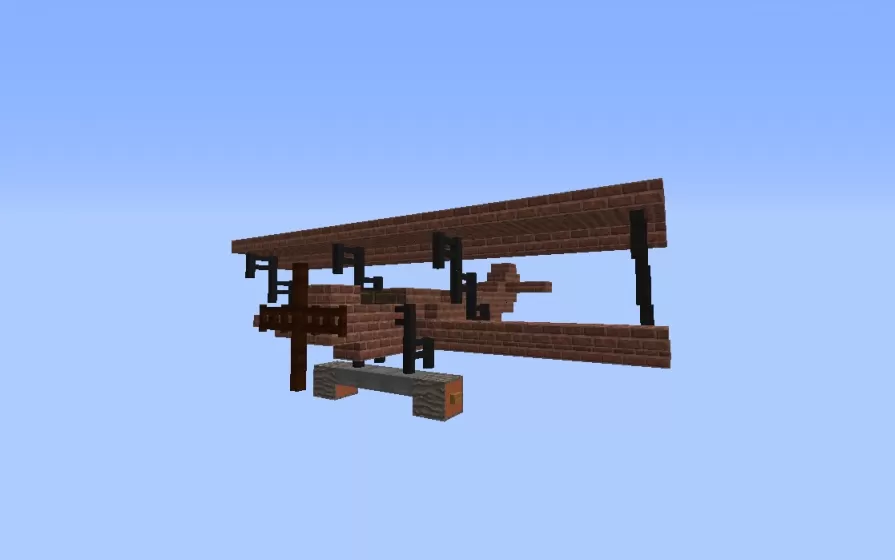
Fokker D.VII Plane
Published on June 21, 2026
👁️🗨️ 1386
129
★
★
★
★
★
Rate it
Screenshots
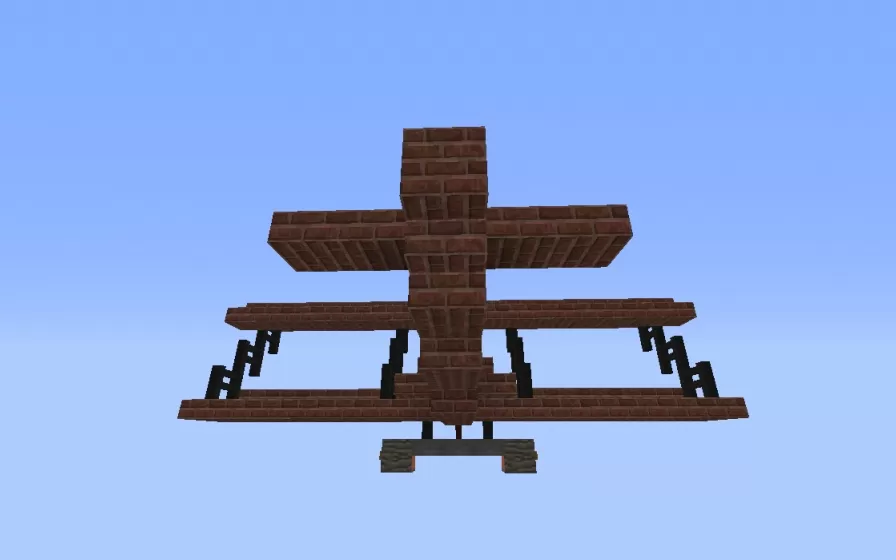
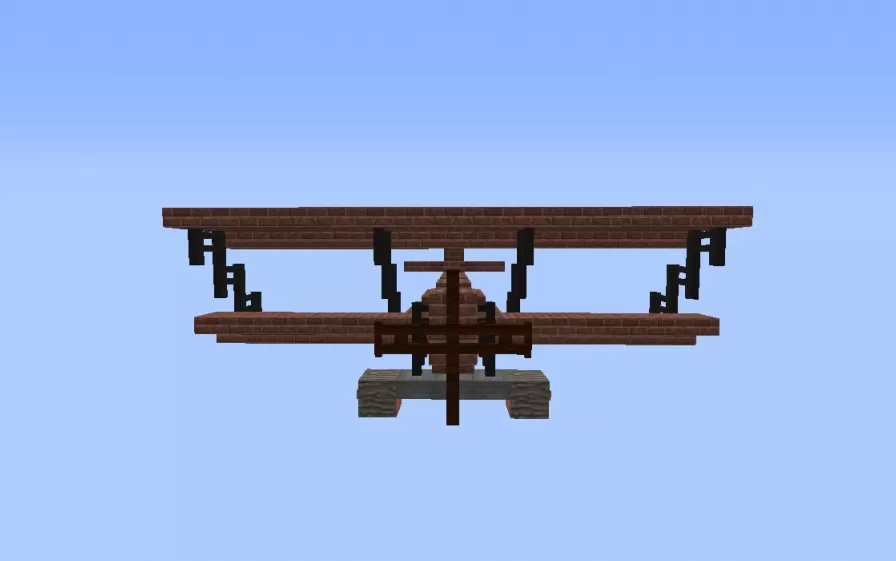
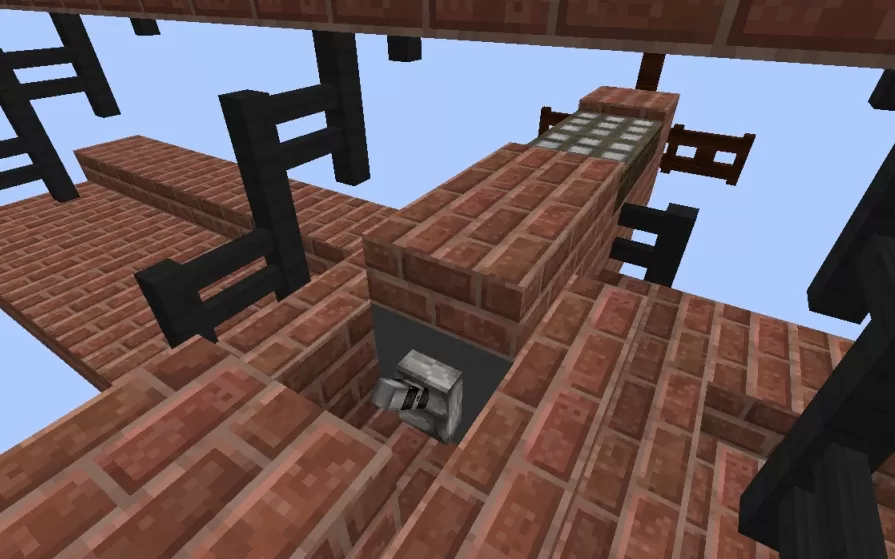
Description
This schematic recreates the Fokker D.VII at true 1:1 scale, one of the most celebrated German fighter aircraft of World War One. Introduced in 1918, the Fokker D.VII distinguished itself not through raw speed but through exceptional climbing ability and dive performance, outclassing most Allied aircraft at both high and low altitudes. The build captures the biplane's defining silhouette with two flat rectangular wings connected by black strut supports and wire bracing, a compact brick-toned fuselage, rotary engine at the nose, and a fixed undercarriage with skid. The cockpit area is represented with a small open section on the upper fuselage.
The model uses brick blocks throughout the main airframe surfaces to approximate the fabric-covered wooden construction of the real aircraft, with black blocks forming the structural struts and bracing wires. The 1:1 scale makes the build a true-to-life representation of the fighter's actual dimensions, giving a genuine sense of how compact and agile the original aircraft was. This schematic works well in World War One-themed builds, aviation museums, historical recreations, or as a display piece in hangars and airfields where period military aircraft add authenticity and character.
The model uses brick blocks throughout the main airframe surfaces to approximate the fabric-covered wooden construction of the real aircraft, with black blocks forming the structural struts and bracing wires. The 1:1 scale makes the build a true-to-life representation of the fighter's actual dimensions, giving a genuine sense of how compact and agile the original aircraft was. This schematic works well in World War One-themed builds, aviation museums, historical recreations, or as a display piece in hangars and airfields where period military aircraft add authenticity and character.
Download: Fokker D.VII Plane schematic for Minecraft
| Format | Size | Use with | |
|---|---|---|---|
.litematic fokker-d.vii-plane.litematic |
16.29 KB | Litematica (Java) — more Litematica schematics |
|
.schem fokker-d.vii-plane.schem |
712.00 B | WorldEdit / FAWE |
|
.schematic fokker-d.vii-plane.schematic |
359.00 B | Legacy / online installer |
|
| Install this build directly on your Minecraft map |
|
||
Auto-converted from the original format; container contents (chests, signs) may be missing.
📘 How to use with Litematica (click to expand)
- Put the downloaded
.litematicfile into the.minecraft/schematics/folder. - In game, press M to open the Litematica menu and choose Load Schematics.
- Select the file in the list and click Load Schematic.
- Position the placement where you want it and build — or paste it instantly in creative with Easy Place mode.
Requires the Litematica mod (Java Edition).
More builds: Litematica schematics.
Comments
Similar






DO NOT DOWNLOAD THIS ITS A VIRUS