Ellipsis
Published on July 22, 2026
👁️🗨️ 2463
202
★
★
★
★
★
Rate it
Screenshots
Description
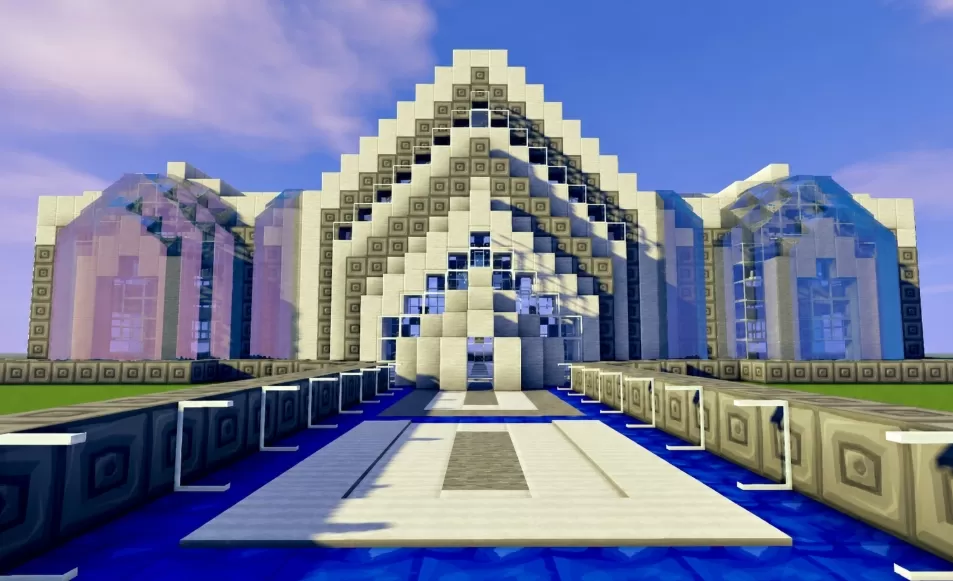
This schematic is a bold modern building defined by a tall central section that steps upward into a sharp peak, its face built from pale cream blocks studded with dark accent blocks in a scattered, pixel like pattern that dissolves into glass toward the middle. Two curved glass wings sweep out from either side of the peak, their rounded frames wrapping around wide tinted windows that catch the light and reflect the sky. A raised approach leads up to the entrance across a shallow blue pool, split by a light stone walkway down the center and lined on both sides by low patterned walls that carry the same square motif seen across the facade.
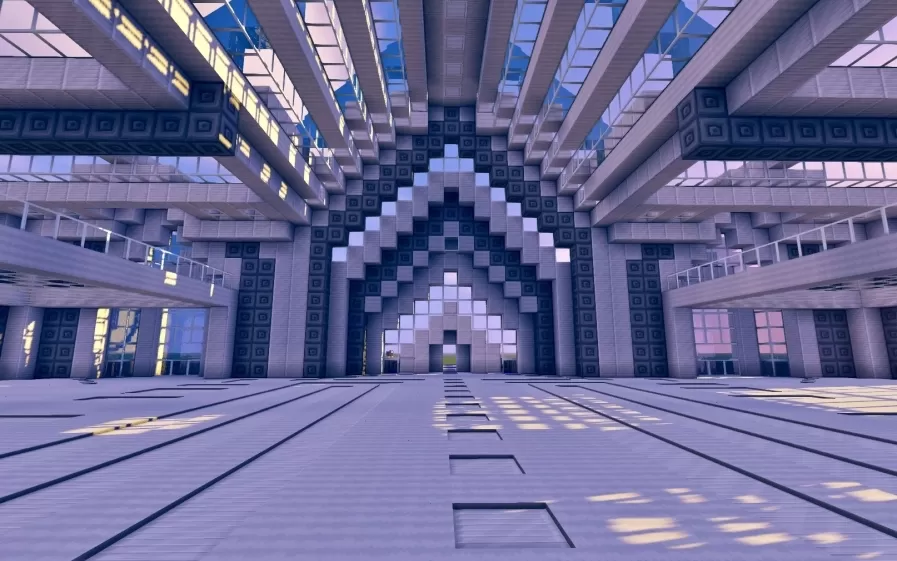
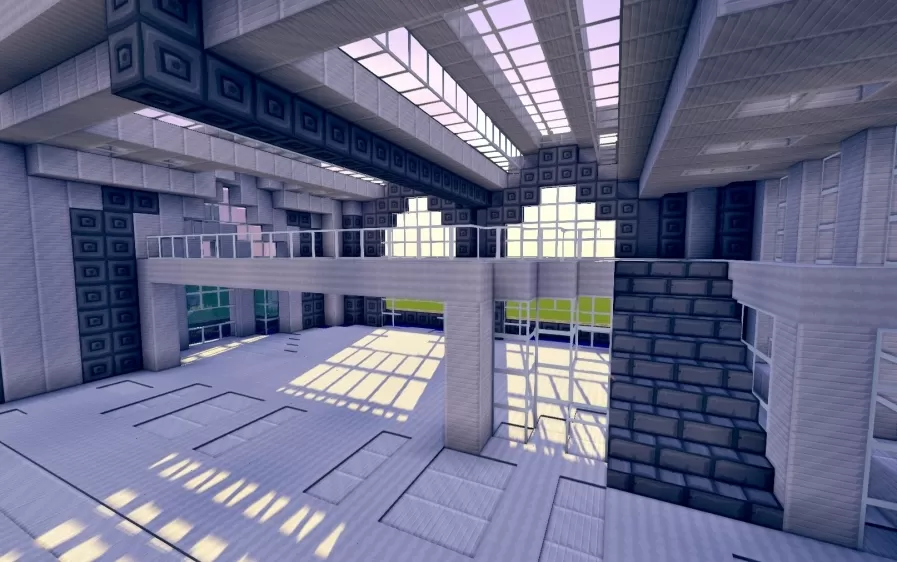
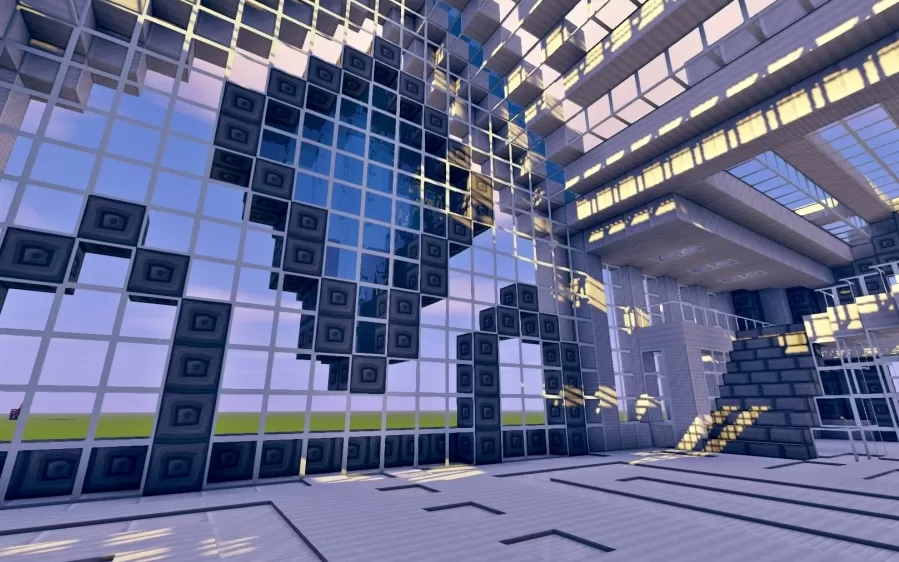
Inside, the building opens into a vast, airy interior spread across several open floors connected by staircases and railed walkways. Sunlight pours in through full height glass walls and a gridded skylight ceiling, falling across pale tiled floors marked with recessed line patterns that stretch the length of the hall. Tall pillars and dark trimmed beams frame the space without closing it in, keeping the whole interior feeling open and gallery like rather than divided into small rooms. The interior has been left unfurnished, making it adaptable to almost any role, from a bank or museum to a modern home, ready to be furnished to taste.
Inside, the building opens into a vast, airy interior spread across several open floors connected by staircases and railed walkways. Sunlight pours in through full height glass walls and a gridded skylight ceiling, falling across pale tiled floors marked with recessed line patterns that stretch the length of the hall. Tall pillars and dark trimmed beams frame the space without closing it in, keeping the whole interior feeling open and gallery like rather than divided into small rooms. The interior has been left unfurnished, making it adaptable to almost any role, from a bank or museum to a modern home, ready to be furnished to taste.
Download: Ellipsis schematic for Minecraft
| Format | Size | Use with | |
|---|---|---|---|
.litematic ellipsis.litematic |
58.70 KB | Litematica (Java) — more Litematica schematics |
|
.schem ellipsis.schem |
2.92 KB | WorldEdit / FAWE |
|
.schematic ellipsis.schematic |
3.58 KB | Legacy / online installer |
|
Install this build directly on your Minecraft map
Auto-converted from the original format; container contents (chests, signs) may be missing.
📘 How to use with Litematica (click to expand)
- Put the downloaded
.litematicfile into the.minecraft/schematics/folder. - In game, press M to open the Litematica menu and choose Load Schematics.
- Select the file in the list and click Load Schematic.
- Position the placement where you want it and build — or paste it instantly in creative with Easy Place mode.
Requires the Litematica mod (Java Edition).
More builds: Litematica schematics.