Toyota Supra Racing Edition
Published on August 7, 2026
👁️🗨️ 1661
258
★
★
★
★
★
Rate it
Screenshots
Description
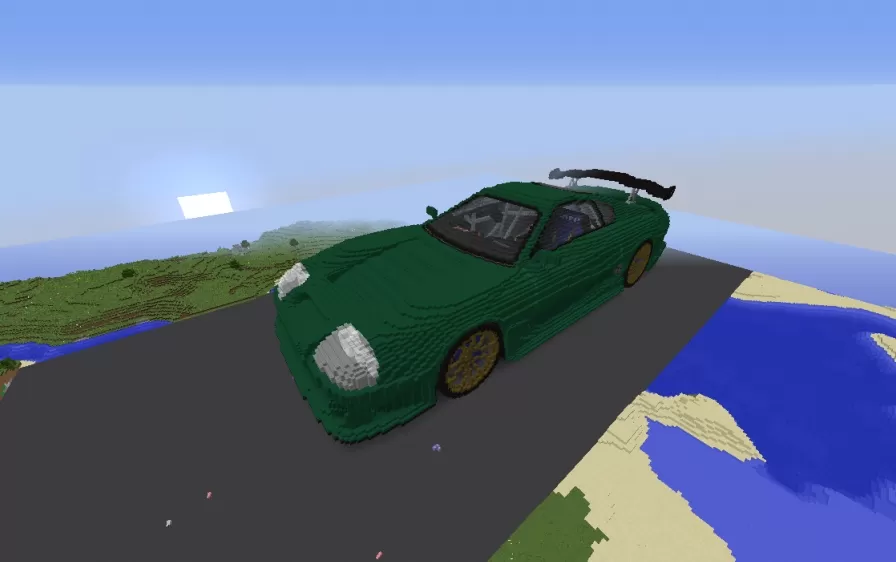
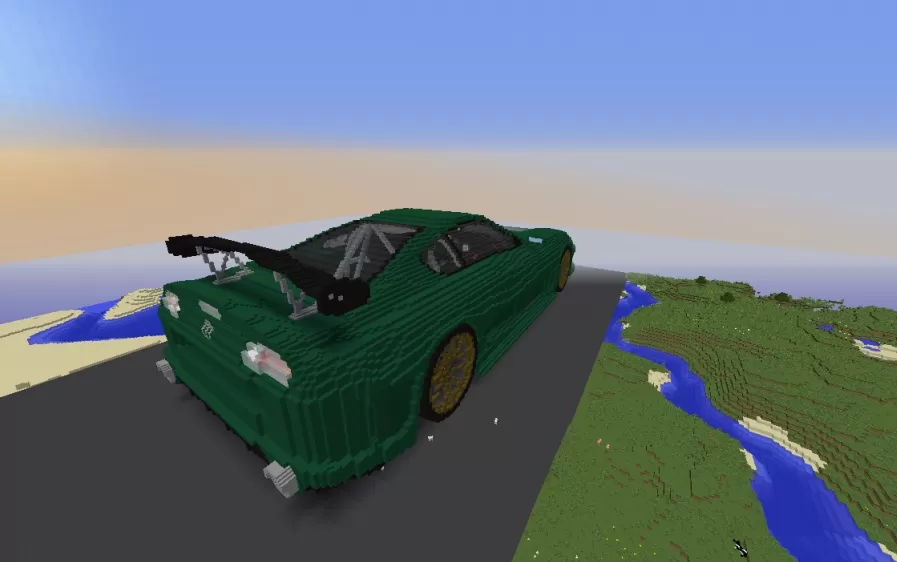
This schematic is a large scale build of a Toyota Supra in racing trim, its long low body shaped entirely from deep green blocks with darker green shading worked in along the panels to suggest the curves of the bodywork. The car sits on gold spoked wheels tucked into rounded arches, and a tall black rear wing rises on struts above the tail, giving it the aggressive stance of a track built machine. At the front, the sculpted nose steps down into headlight housings picked out in gray and white, while the sloping roof and tinted canopy carry the shape back toward the spoiler in one continuous line.
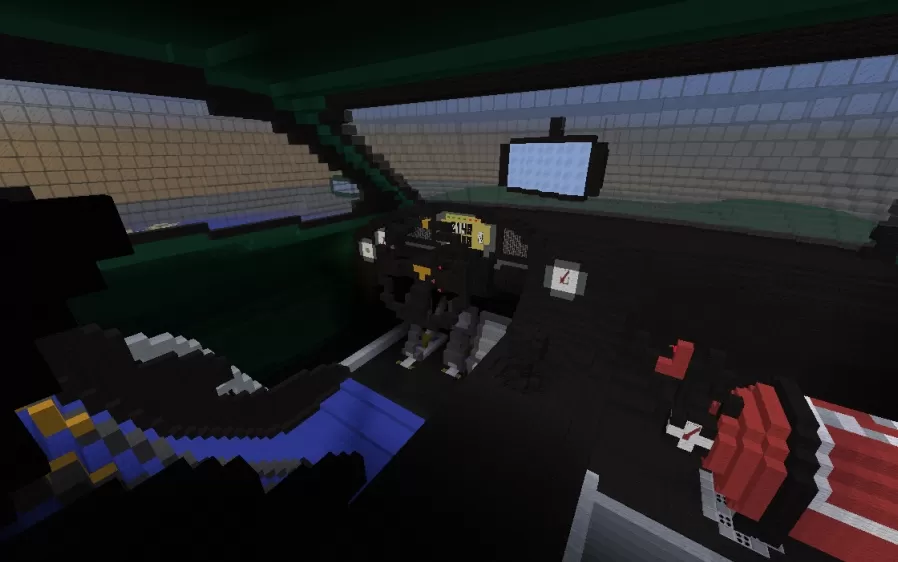
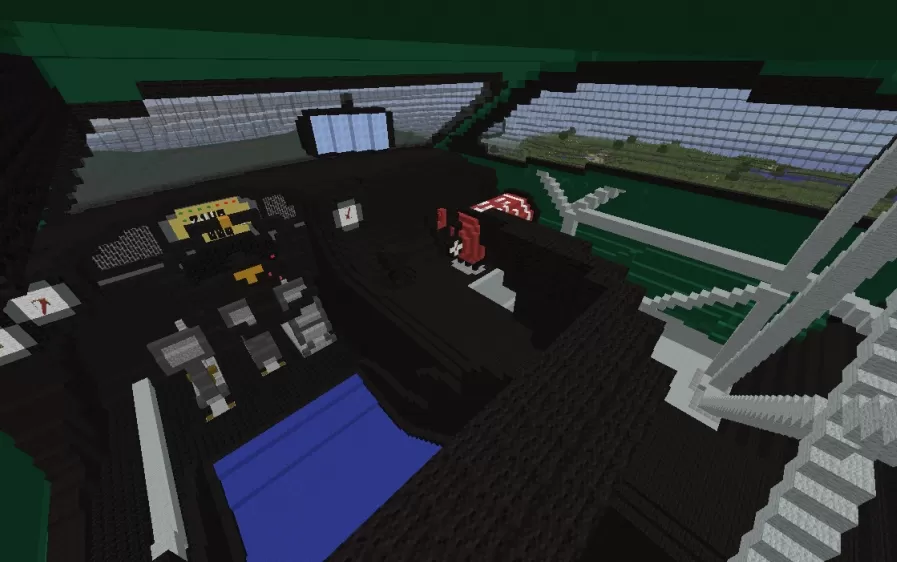
What sets this build apart is that the cabin has been detailed inside as well, not just sealed behind glass. Through the windows a full cockpit comes into view, with a dashboard carrying gauges and a central screen, a chunky steering wheel, and a roll cage frame arching over the seats. Splashes of red and blue mark the racing seats and interior fittings against the dark cabin, adding a burst of color that echoes a real competition build. At this scale the car reads as a showpiece, a bold centerpiece for a garage, a racetrack, or a modern city street.
What sets this build apart is that the cabin has been detailed inside as well, not just sealed behind glass. Through the windows a full cockpit comes into view, with a dashboard carrying gauges and a central screen, a chunky steering wheel, and a roll cage frame arching over the seats. Splashes of red and blue mark the racing seats and interior fittings against the dark cabin, adding a burst of color that echoes a real competition build. At this scale the car reads as a showpiece, a bold centerpiece for a garage, a racetrack, or a modern city street.
Download: Toyota Supra Racing Edition schematic for Minecraft
| Format | Size | Use with | |
|---|---|---|---|
.litematic toyota-supra-racing-edition.litematic |
65.75 KB | Litematica (Java) — more Litematica schematics |
|
.schem toyota-supra-racing-edition.schem |
24.36 KB | WorldEdit / FAWE |
|
.schematic toyota-supra-racing-edition.schematic |
47.87 KB | Legacy / online installer |
|
| Install this build directly on your Minecraft map |
|
||
Auto-converted from the original format; container contents (chests, signs) may be missing.
📘 How to use with Litematica (click to expand)
- Put the downloaded
.litematicfile into the.minecraft/schematics/folder. - In game, press M to open the Litematica menu and choose Load Schematics.
- Select the file in the list and click Load Schematic.
- Position the placement where you want it and build — or paste it instantly in creative with Easy Place mode.
Requires the Litematica mod (Java Edition).
More builds: Litematica schematics.
Comments
Similar