Sand Palace Station
Published on September 6, 2026
👁️🗨️ 748
58
★
★
★
★
★
Rate it
Screenshots
Description
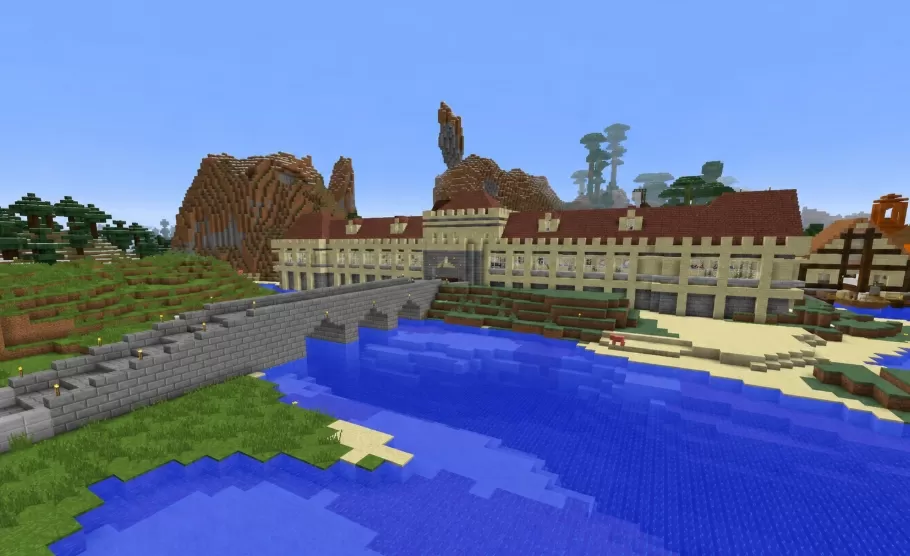
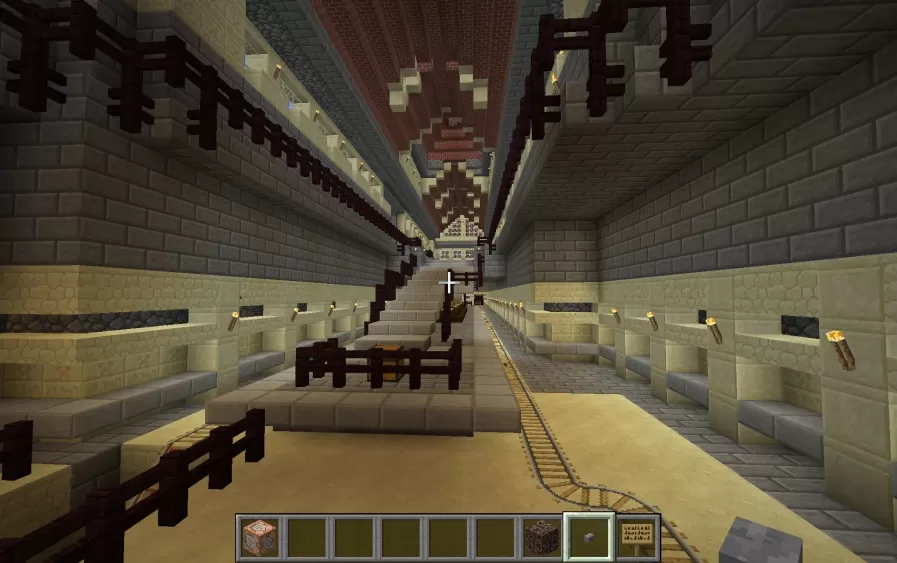
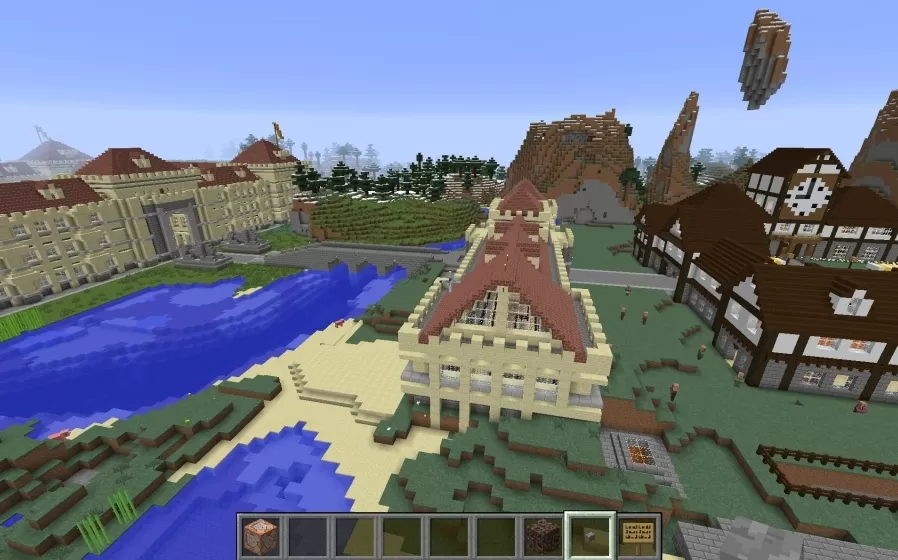
This schematic is a sprawling sandstone palace built in pale cream blocks and capped with low red roofs, its long facade stretching out in two symmetrical wings from a taller central entrance. Each wing is fronted by a continuous arcade of arched openings supported on evenly spaced columns, giving the whole building a grand, colonnaded look that runs the full length of the waterfront. The repeated arches and the warm sandstone against the red rooflines lend the palace a stately, resort like character, more open and welcoming than a fortress despite its size.
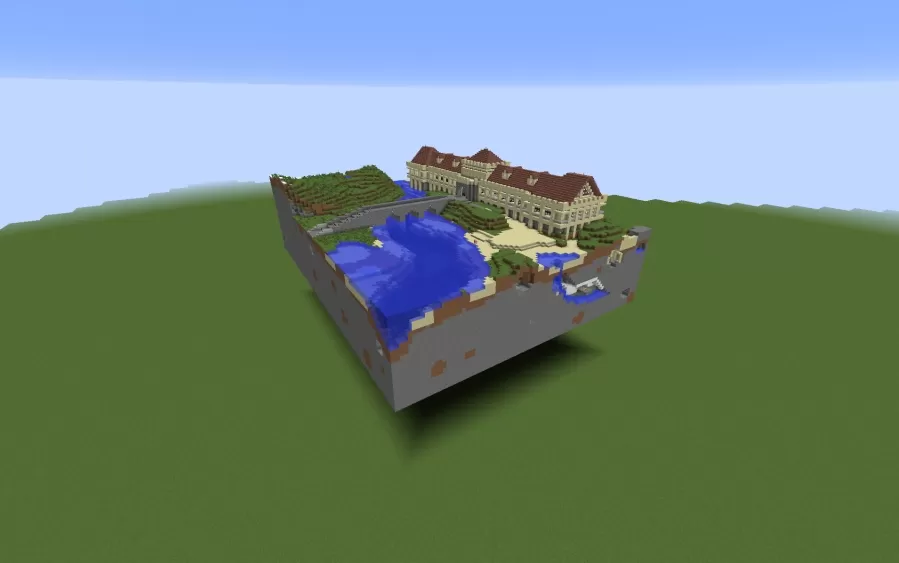
The palace comes bundled with a fully landscaped plot rather than standing alone, delivered as a square section of terrain that drops the building straight into a finished setting. A wide blue lake spreads out in front of the wings, edged by a stone brick embankment wall lined with lanterns and broken up by small sandy beaches where the water meets the land. Behind and around the complex rise steep rocky hills and clusters of trees that frame the site and give it a sense of enclosure. With its ready made grounds and water frontage, the build works as a complete centerpiece for a town, a role play server, or a large survival settlement.
The palace comes bundled with a fully landscaped plot rather than standing alone, delivered as a square section of terrain that drops the building straight into a finished setting. A wide blue lake spreads out in front of the wings, edged by a stone brick embankment wall lined with lanterns and broken up by small sandy beaches where the water meets the land. Behind and around the complex rise steep rocky hills and clusters of trees that frame the site and give it a sense of enclosure. With its ready made grounds and water frontage, the build works as a complete centerpiece for a town, a role play server, or a large survival settlement.
Download: Sand Palace Station schematic for Minecraft
| Format | Size | Use with | |
|---|---|---|---|
.litematic sand-palace-station.litematic |
106.05 KB | Litematica (Java) — more Litematica schematics |
|
.schem sand-palace-station.schem |
30.25 KB | WorldEdit / FAWE |
|
.schematic sand-palace-station.schematic |
43.01 KB | Legacy / online installer |
|
| Install this build directly on your Minecraft map |
|
||
Auto-converted from the original format; container contents (chests, signs) may be missing.
📘 How to use with Litematica (click to expand)
- Put the downloaded
.litematicfile into the.minecraft/schematics/folder. - In game, press M to open the Litematica menu and choose Load Schematics.
- Select the file in the list and click Load Schematic.
- Position the placement where you want it and build — or paste it instantly in creative with Easy Place mode.
Requires the Litematica mod (Java Edition).
More builds: Litematica schematics.
Comments
Similar