Floating Marble Village
Published on January 1, 2023
By WildBluntHickok
👁️🗨️ 239
39
★
★
★
★
★
Rate it
Screenshots
Description
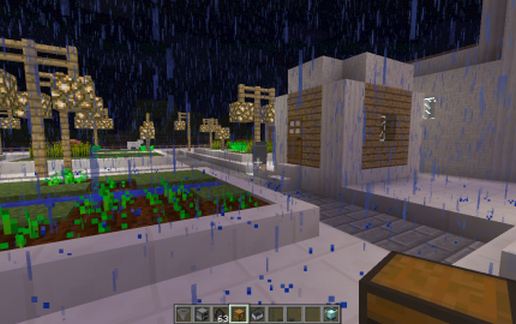
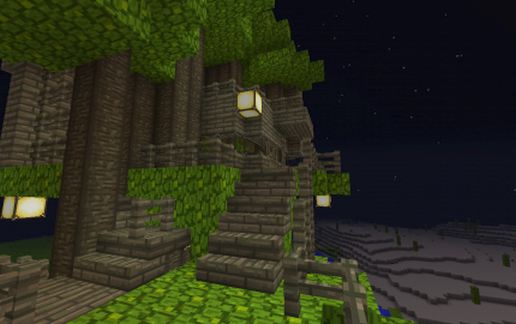
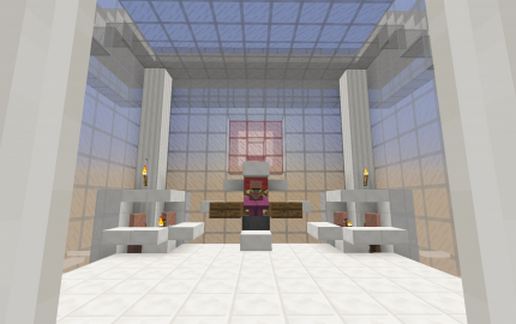
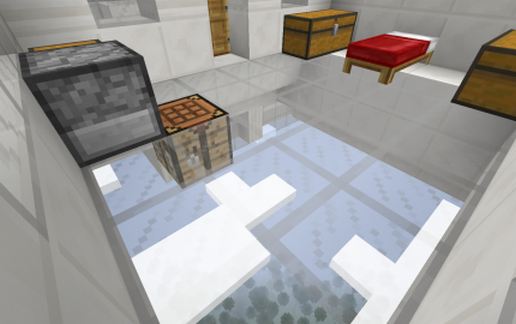
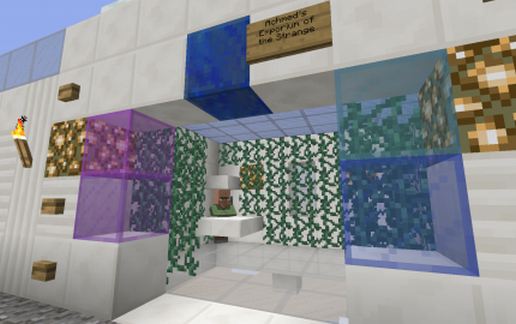
This was village number 6 on my unfinished Doctor Who adventure map. Since it's #6 the stores are selling some pretty advanced stuff. This was after I figured out how to create custom villagers that sell anything I want but before I got the idea to build "ring bell for assistance" command blocks to respawn them if a zombie picks them off. In addition to the stores and apartments and a farm there are animal pens, and they have animal spawners in the floor with a custom range. There is also a city hall type area, with the local holy man/village chief on his throne, flanked by city officals who are there to buy farmed items off people. For the most part everyone else is selling not buying. In all the villages on my map I've been using 3 different currencies: Emeralds, Gold Nuggets (as gold coins), and Diamonds (for high end stores). The exchange rate is supposed to be 30 gold nuggets = 3 emeralds = 2 diamonds, but I can't remember if I made this village before or after I came up with that. The ones made before that didn't line up right exchange-rate-wise. Don't think I used the same emerald costs as default villages either. Note: one of the stores has some pretty odd ideas about what qualifies as beauty items.
This village was originally floating at Y 185 or so above a forest. It will of course cast a shadow over the spot it floats above (Monsterswarm Forest!). On the original map you first enter the village by being teleported to the middle of the glass plaza in the center. Oh and if there are any genuine German speakers trying this village out I apologise in advance. Half of the villagers have gibberish-pseudogerman career names, half have odd phrases run through google translate.
This village was originally floating at Y 185 or so above a forest. It will of course cast a shadow over the spot it floats above (Monsterswarm Forest!). On the original map you first enter the village by being teleported to the middle of the glass plaza in the center. Oh and if there are any genuine German speakers trying this village out I apologise in advance. Half of the villagers have gibberish-pseudogerman career names, half have odd phrases run through google translate.
Download: Floating Marble Village schematic for Minecraft
| Format | Size | Use with | |
|---|---|---|---|
.litematic floating-marble-village.litematic |
49.84 KB | Litematica (Java) — more Litematica schematics |
|
.schem floating-marble-village.schem |
4.87 KB | WorldEdit / FAWE |
|
.schematic floating-marble-village.schematic |
17.32 KB | Legacy / online installer |
|
Install this build directly on your Minecraft map
Auto-converted from the original format; container contents (chests, signs) may be missing.
📘 How to use with Litematica (click to expand)
- Put the downloaded
.litematicfile into the.minecraft/schematics/folder. - In game, press M to open the Litematica menu and choose Load Schematics.
- Select the file in the list and click Load Schematic.
- Position the placement where you want it and build — or paste it instantly in creative with Easy Place mode.
Requires the Litematica mod (Java Edition).
More builds: Litematica schematics.