Quartz Building
Published on January 1, 2023
By Graograman216
👁️🗨️ 208
110
★
★
★
★
★
Rate it
Description
Today I figured something out:
When I build something, it usually seems to be quite decent.
BUT I'M UNABLE TO FILL THOSE ROOMS xD
So don't wonder if this thing seems to be hollow (although on the third floor, I tried^^)
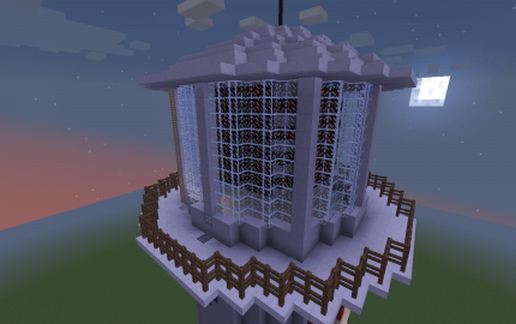
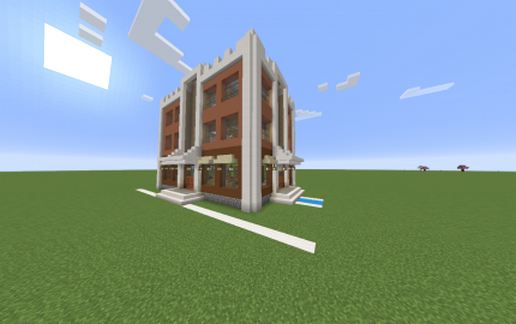
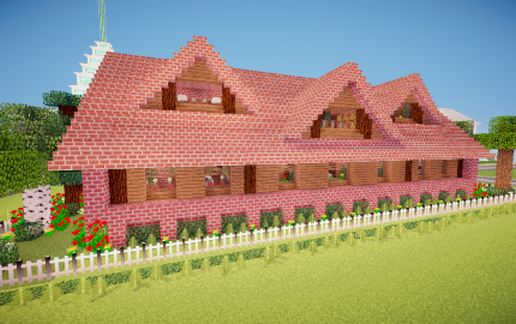
This is a building based on an octagon, and other simple geometric shapes :p
Anyways, have fun with this quatz-building (and yes, I like the coal-quartz-block-harmony :p)
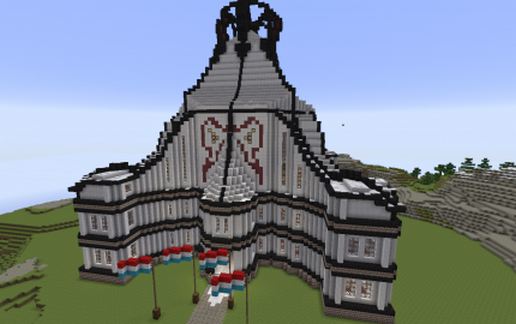
Feel free to change the flags to your own country flag.
Texture Pack: John Smith Legacy (outdated version^^)
I'd love to see a few comments, and don't forget to check out my other buildings ;)
When I build something, it usually seems to be quite decent.
BUT I'M UNABLE TO FILL THOSE ROOMS xD
So don't wonder if this thing seems to be hollow (although on the third floor, I tried^^)
This is a building based on an octagon, and other simple geometric shapes :p
Anyways, have fun with this quatz-building (and yes, I like the coal-quartz-block-harmony :p)
Feel free to change the flags to your own country flag.
Texture Pack: John Smith Legacy (outdated version^^)
I'd love to see a few comments, and don't forget to check out my other buildings ;)
Download: Quartz Building schematic for Minecraft
| Format | Size | Use with | |
|---|---|---|---|
.litematic quartz-building.litematic |
77.27 KB | Litematica (Java) — more Litematica schematics |
|
.schem quartz-building.schem |
16.85 KB | WorldEdit / FAWE |
|
.schematic quartz-building.schematic |
24.05 KB | Legacy / online installer |
|
| Install this build directly on your Minecraft map |
|
||
Auto-converted from the original format; container contents (chests, signs) may be missing.
📘 How to use with Litematica (click to expand)
- Put the downloaded
.litematicfile into the.minecraft/schematics/folder. - In game, press M to open the Litematica menu and choose Load Schematics.
- Select the file in the list and click Load Schematic.
- Position the placement where you want it and build — or paste it instantly in creative with Easy Place mode.
Requires the Litematica mod (Java Edition).
More builds: Litematica schematics.
Comments
Similar