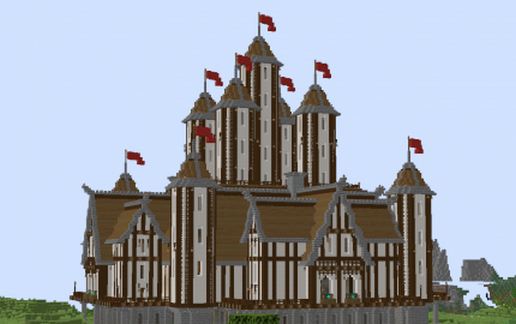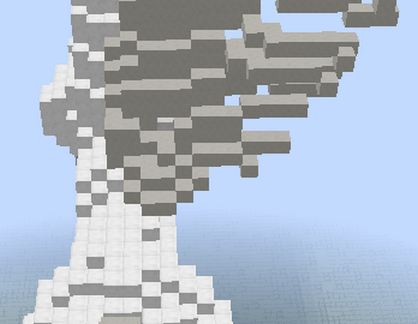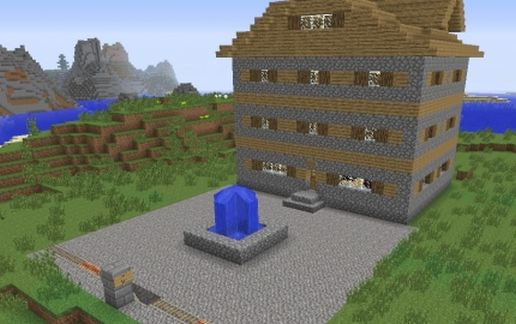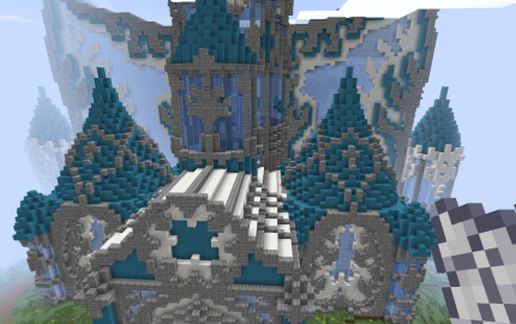
Big fantasy castle
Published on January 1, 2023
By Bencom
👁️🗨️ 224
684
★
★
★
★
★
Rate it
Description
Big fantasy castle
its not my
its not my
Download: Big fantasy castle schematic for Minecraft
| Format | Size | Use with | |
|---|---|---|---|
.litematic big-fantasy-castle.litematic |
126.78 KB | Litematica (Java) — more Litematica schematics |
|
.schem big-fantasy-castle.schem |
35.18 KB | WorldEdit / FAWE |
|
.schematic big-fantasy-castle.schematic |
51.04 KB | Legacy / online installer |
|
| Install this build directly on your Minecraft map |
|
||
Auto-converted from the original format; container contents (chests, signs) may be missing.
📘 How to use with Litematica (click to expand)
- Put the downloaded
.litematicfile into the.minecraft/schematics/folder. - In game, press M to open the Litematica menu and choose Load Schematics.
- Select the file in the list and click Load Schematic.
- Position the placement where you want it and build — or paste it instantly in creative with Easy Place mode.
Requires the Litematica mod (Java Edition).
More builds: Litematica schematics.
Comments
Similar