TDM Labs (Upgraded)
Published on January 1, 2023
By balthizarlucien
👁️🗨️ 156
50
★
★
★
★
★
Rate it
Screenshots
Description
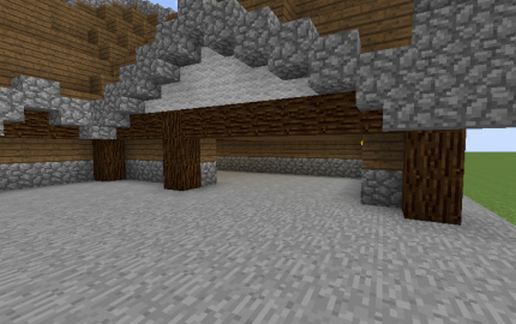
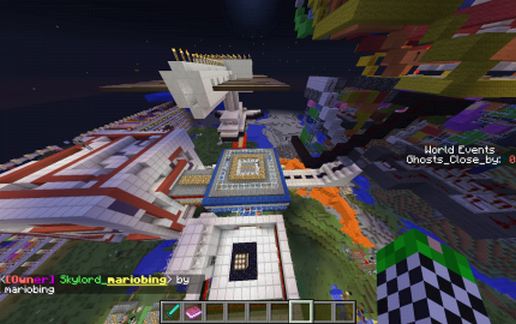
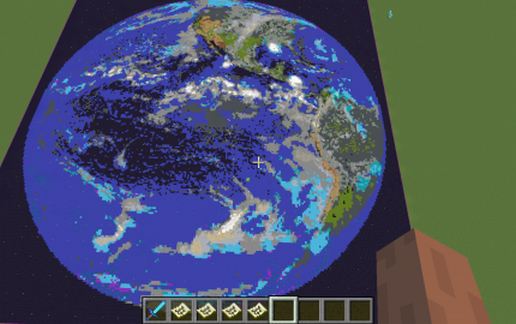
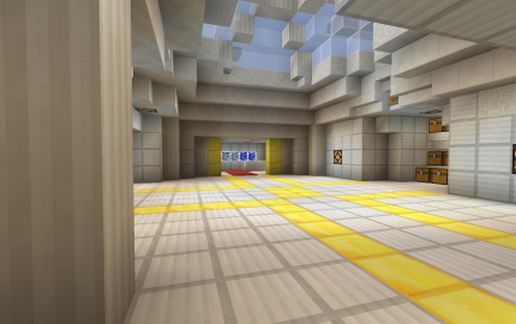
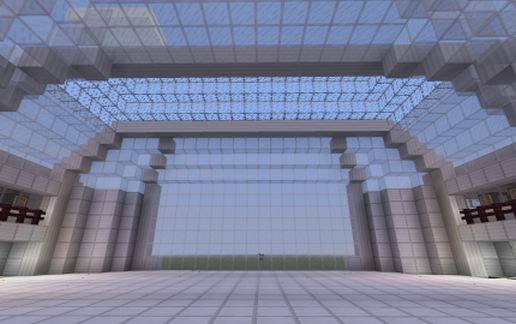
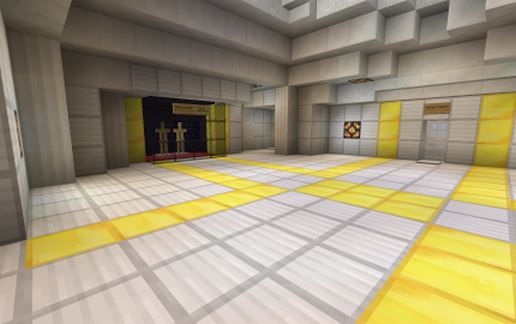
My 3 year old son and I both enjoy watching DanTDM over at The Diamond Minecart. As both a tribute to Dan and as a gift for my son's 3rd birthday last year, I decided to recreate and improve the TDM Labs.
In honorable fashion I offered the reconstructed and improved lab to Dan via both email as well as comments in his videos and discussion board on his channel but recieved absolutely no response from him. I figured now that I am posting content to this website I could give all of you a chance to wander the upgraded complex or drop it into your world and have fun with it!
To the left I have also included a YouTube video from The Diamond Minecart channel which heavily features the lab so that if you are unfamiliar with it you can see what it is this build is based upon.
Terms of Use and Acknowledgements of Your Visit
Please feel free to use this however you wish. Simply place a sign somewhere on the build acknowledging me as the builder. If you do use this build, please rate it and if you download it please let me know in the comments how you feel about the build or if you have any issues with it whatsoever. If there is an issue with this or any of my builds I will immediately attempt to rectify it and reupload it as soon as I possibly can.
Thank you for taking time to look, have a wonderful day both in and out of the minecraftian realms!
In honorable fashion I offered the reconstructed and improved lab to Dan via both email as well as comments in his videos and discussion board on his channel but recieved absolutely no response from him. I figured now that I am posting content to this website I could give all of you a chance to wander the upgraded complex or drop it into your world and have fun with it!
To the left I have also included a YouTube video from The Diamond Minecart channel which heavily features the lab so that if you are unfamiliar with it you can see what it is this build is based upon.
Terms of Use and Acknowledgements of Your Visit
Please feel free to use this however you wish. Simply place a sign somewhere on the build acknowledging me as the builder. If you do use this build, please rate it and if you download it please let me know in the comments how you feel about the build or if you have any issues with it whatsoever. If there is an issue with this or any of my builds I will immediately attempt to rectify it and reupload it as soon as I possibly can.
Thank you for taking time to look, have a wonderful day both in and out of the minecraftian realms!
Download: TDM Labs (Upgraded) schematic for Minecraft
| Format | Size | Use with | |
|---|---|---|---|
.litematic tdm-labs-(upgraded).litematic |
67.49 KB | Litematica (Java) — more Litematica schematics |
|
.schem tdm-labs-(upgraded).schem |
6.17 KB | WorldEdit / FAWE |
|
.schematic tdm-labs-(upgraded).schematic |
9.89 KB | Legacy / online installer |
|
| Install this build directly on your Minecraft map |
|
||
Auto-converted from the original format; container contents (chests, signs) may be missing.
📘 How to use with Litematica (click to expand)
- Put the downloaded
.litematicfile into the.minecraft/schematics/folder. - In game, press M to open the Litematica menu and choose Load Schematics.
- Select the file in the list and click Load Schematic.
- Position the placement where you want it and build — or paste it instantly in creative with Easy Place mode.
Requires the Litematica mod (Java Edition).
More builds: Litematica schematics.
Comments
Similar