Elements
Published on January 1, 2023
By IKFFxRaPzZ
👁️🗨️ 235
47
★
★
★
★
★
Rate it
Screenshots
Description
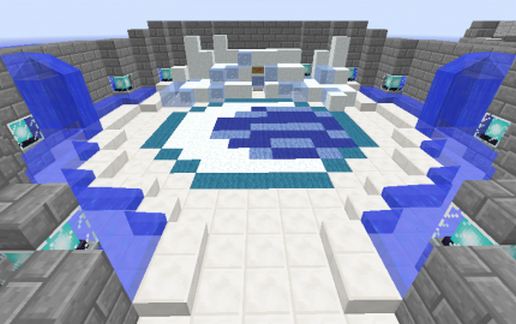
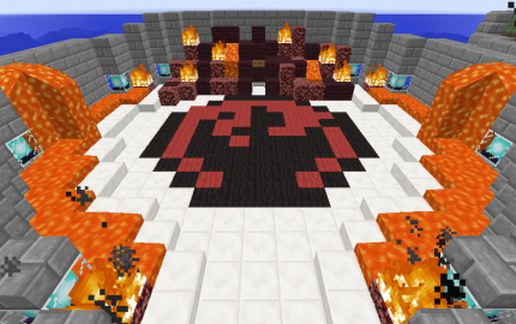
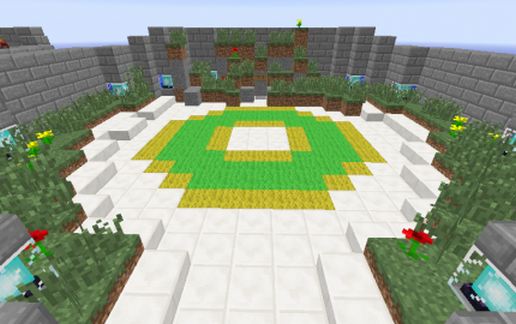
This is the spawn you arrive at when you join my server, its the pre-spawn before the actual spawn.
Here players choose their element (Fire, Air, Water, Earth)
players are then teleported to the actual spawn.
Use this spawn for your Avatar Server or edit this to what you like but please give credit :)
This location is the most spiritual place on the server which means if you find it again some day you can re-choose your element. the Temple of Light.
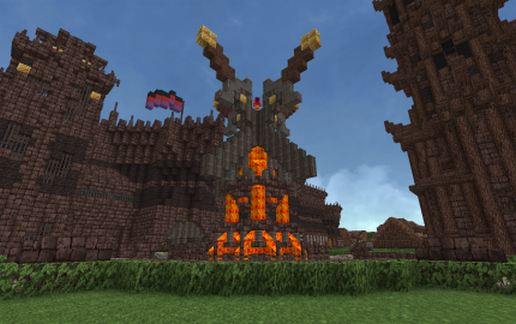
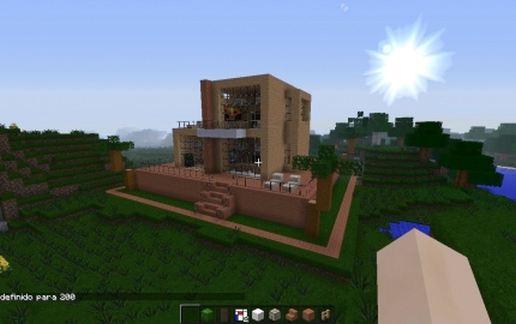
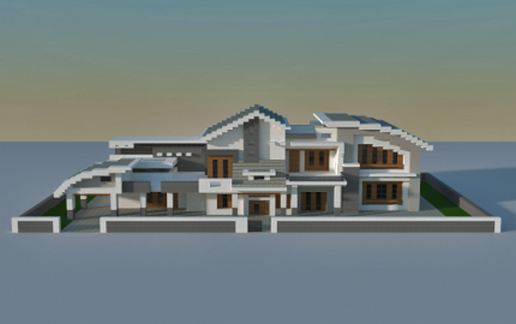
The Schematic does not look like the photo's, but it is the same design, i just never got the chance to take photos of the new one (schematic)
Here players choose their element (Fire, Air, Water, Earth)
players are then teleported to the actual spawn.
Use this spawn for your Avatar Server or edit this to what you like but please give credit :)
This location is the most spiritual place on the server which means if you find it again some day you can re-choose your element. the Temple of Light.
The Schematic does not look like the photo's, but it is the same design, i just never got the chance to take photos of the new one (schematic)
Download: Elements schematic for Minecraft
| Format | Size | Use with | |
|---|---|---|---|
.litematic elements.litematic |
47.60 KB | Litematica (Java) — more Litematica schematics |
|
.schem elements.schem |
1.52 KB | WorldEdit / FAWE |
|
.schematic elements.schematic |
1.62 KB | Legacy / online installer |
|
Install this build directly on your Minecraft map
Auto-converted from the original format; container contents (chests, signs) may be missing.
📘 How to use with Litematica (click to expand)
- Put the downloaded
.litematicfile into the.minecraft/schematics/folder. - In game, press M to open the Litematica menu and choose Load Schematics.
- Select the file in the list and click Load Schematic.
- Position the placement where you want it and build — or paste it instantly in creative with Easy Place mode.
Requires the Litematica mod (Java Edition).
More builds: Litematica schematics.