Large Survival spawn (updated)
Published on January 1, 2023
By frizzbee30
👁️🗨️ 175
34
★
★
★
★
★
Rate it
Screenshots
Description
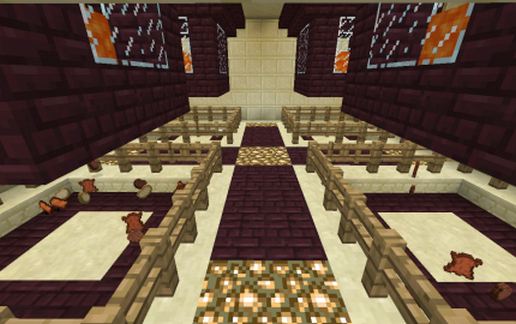
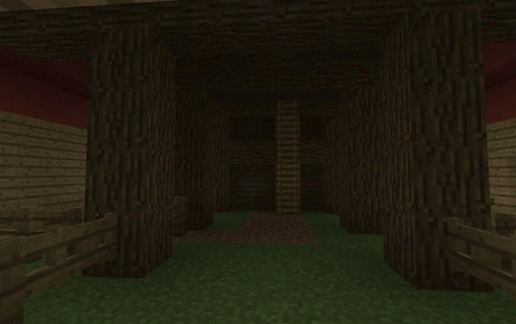
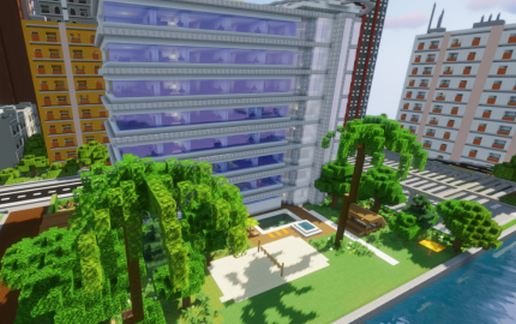
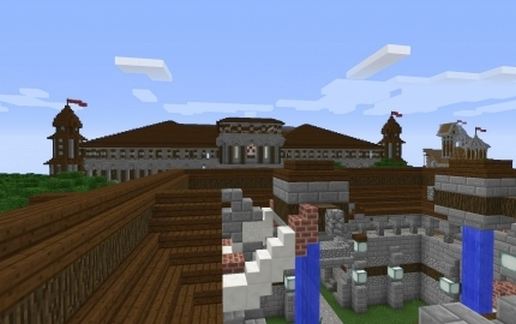
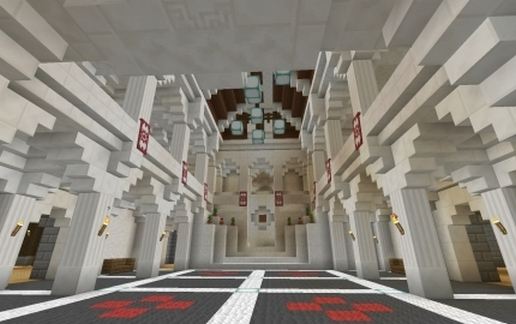
This is our new survival spawn for our server (not our main spawn). The main building was built by KBensen view-able at
play.kbcraftgaming.com
http://www.kbcraftgaming.enjin.com
facing east standing at main gate before entrance to grounds. This is an updated version with more added!
Re uploaded 4 june 2015 This file has been tested. You WILL need a massive block limit to paste it (recommend using //paste -a)
There are some borrowed buildings and statues in the grounds and we would really like to thank the creators of these, they were used because they were so good!!, Unfortuntaley we don't know who these are.
If you spot your creation please let us know and I will add a credit here for you
This is a big build, and has taken a considerable amount of time to make!
We set a sold base to eliminate caverns/lava etc and a portion of this should be attached. The schematic was copied standing at the main entrance to the grounds.
Feel free to use, and perhaps pop in and say hi!
We hope you enjoy it
My contribution was bonemeal,and arguing with KB for a couple of weeks over where the market should be and look like..he's well used to it! :D
play.kbcraftgaming.com
http://www.kbcraftgaming.enjin.com
facing east standing at main gate before entrance to grounds. This is an updated version with more added!
Re uploaded 4 june 2015 This file has been tested. You WILL need a massive block limit to paste it (recommend using //paste -a)
There are some borrowed buildings and statues in the grounds and we would really like to thank the creators of these, they were used because they were so good!!, Unfortuntaley we don't know who these are.
If you spot your creation please let us know and I will add a credit here for you
This is a big build, and has taken a considerable amount of time to make!
We set a sold base to eliminate caverns/lava etc and a portion of this should be attached. The schematic was copied standing at the main entrance to the grounds.
Feel free to use, and perhaps pop in and say hi!
We hope you enjoy it
My contribution was bonemeal,and arguing with KB for a couple of weeks over where the market should be and look like..he's well used to it! :D
Download: Large Survival spawn (updated) schematic for Minecraft
| Format | Size | Use with | |
|---|---|---|---|
.litematic large-survival-spawn-(updated).litematic |
478.61 KB | Litematica (Java) — more Litematica schematics |
|
.schem large-survival-spawn-(updated).schem |
225.12 KB | WorldEdit / FAWE |
|
.schematic large-survival-spawn-(updated).schematic |
344.24 KB | Legacy / online installer |
|
| Install this build directly on your Minecraft map |
|
||
Auto-converted from the original format; container contents (chests, signs) may be missing.
📘 How to use with Litematica (click to expand)
- Put the downloaded
.litematicfile into the.minecraft/schematics/folder. - In game, press M to open the Litematica menu and choose Load Schematics.
- Select the file in the list and click Load Schematic.
- Position the placement where you want it and build — or paste it instantly in creative with Easy Place mode.
Requires the Litematica mod (Java Edition).
More builds: Litematica schematics.
Comments
Similar