Large Airport
Published on January 1, 2023
By ronman101
👁️🗨️ 286
60
★
★
★
★
★
Rate it
Screenshots
Description
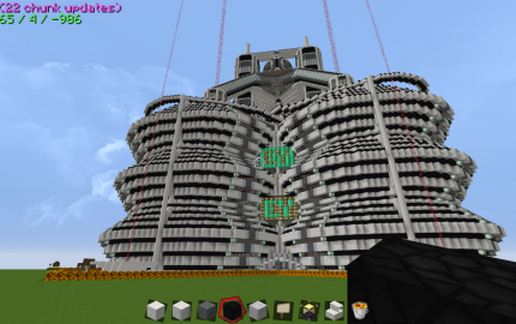
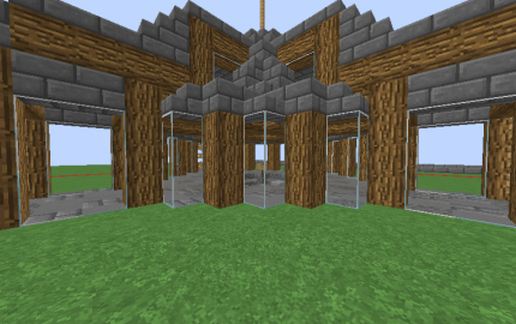
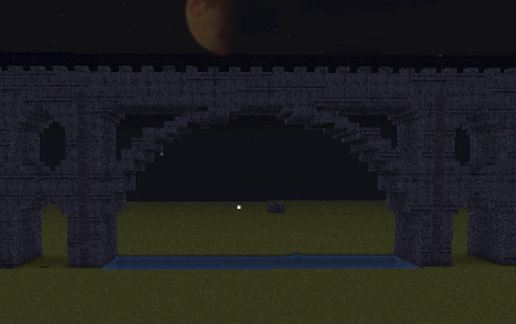
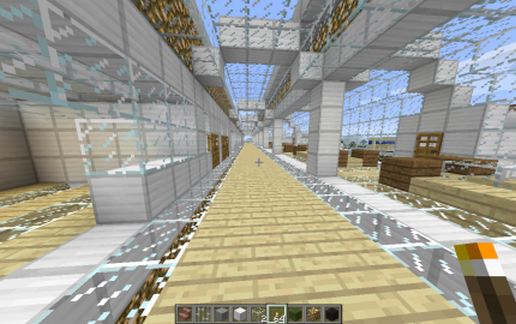
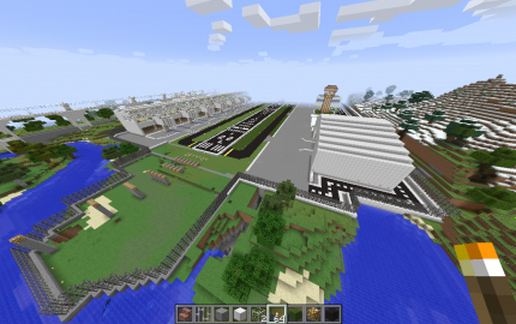
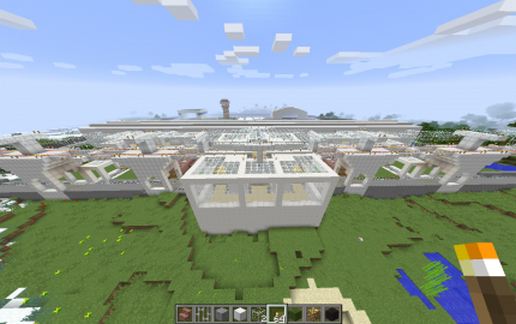
All of this was built again before MCEDIT (I do have other after that). This took one month to build as I had to excavate an entire mountain for a nice piece of flat land (TNT). This airport is very, very large. I believe that I have included most of the surround parts, including my upper level rail station as well as the lower level train station (as I took it to 41 blocks high and low). One Airport Tower, two hangers, one with a propeller plane inside and a service road around the back. Security Fence around the airport. Runway lights and descending landing lights(cut size removed some outer lights). It snows in my area, so the ground may be cover with snow in some areas. It is so big, I had to take an aerial shot. One Runway (I want two) and two Taxi runways. Room for up to 7 planes as there is 7 Terminals bays in this airport. Someday, I was planning on adding a Luggage return section, but it is too much work. I will leave that to your imagination. Every now and then, I come back to the airport to make changes, here is the latest. To measure it up in your world, place the runway height at 68, using F3.
COMING SOON Ver 2.0
COMING SOON Ver 2.0
Download: Large Airport schematic for Minecraft
| Format | Size | Use with | |
|---|---|---|---|
.litematic large-airport.litematic |
208.59 KB | Litematica (Java) — more Litematica schematics |
|
.schem large-airport.schem |
66.70 KB | WorldEdit / FAWE |
|
.schematic large-airport.schematic |
82.08 KB | Legacy / online installer |
|
| Install this build directly on your Minecraft map |
|
||
Auto-converted from the original format; container contents (chests, signs) may be missing.
📘 How to use with Litematica (click to expand)
- Put the downloaded
.litematicfile into the.minecraft/schematics/folder. - In game, press M to open the Litematica menu and choose Load Schematics.
- Select the file in the list and click Load Schematic.
- Position the placement where you want it and build — or paste it instantly in creative with Easy Place mode.
Requires the Litematica mod (Java Edition).
More builds: Litematica schematics.
Comments
Similar