Creative House
Published on January 1, 2023
By Mickyc94
👁️🗨️ 154
58
★
★
★
★
★
Rate it
Description
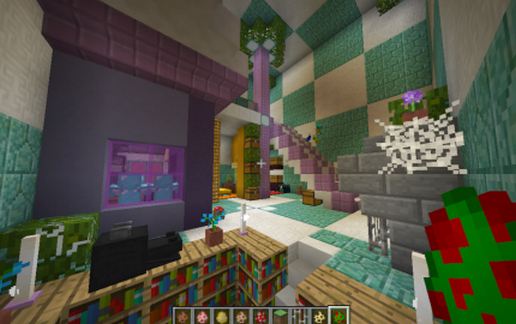
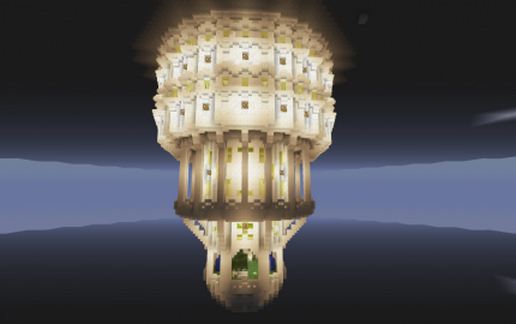
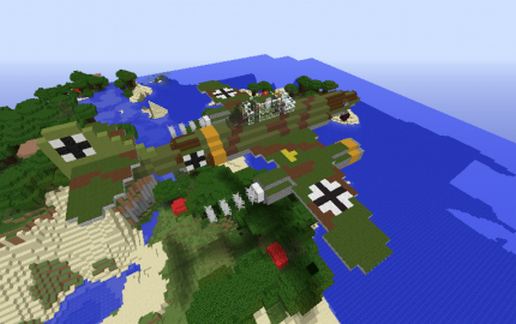
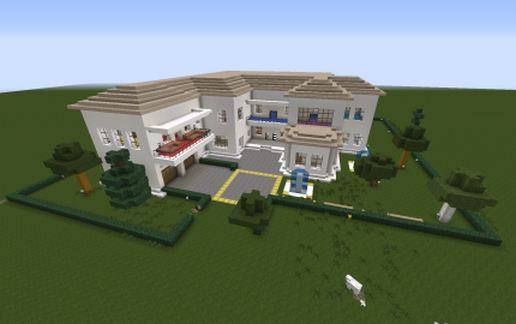
Hello, never posted a Schematic file before so this is my first one. Designed on creative a while ago and found my old save so decided to share it with you. I would post other pictures but I would rather you take a look for yourself.
Not sure how many blocks you will have to build up before you paste Schematic but I would say about 20 as thats what it was when I tested on my creative world. If there are any problems, let me know and I will try to fix them as soon as possible and re-upload.
Comments would be very much appreciated as I wish to build more things in the future and would help me improve on buildings.
Thankyou for looking.
Not sure how many blocks you will have to build up before you paste Schematic but I would say about 20 as thats what it was when I tested on my creative world. If there are any problems, let me know and I will try to fix them as soon as possible and re-upload.
Comments would be very much appreciated as I wish to build more things in the future and would help me improve on buildings.
Thankyou for looking.
Download: Creative House schematic for Minecraft
| Format | Size | Use with | |
|---|---|---|---|
.litematic creative-house.litematic |
46.75 KB | Litematica (Java) — more Litematica schematics |
|
.schem creative-house.schem |
8.91 KB | WorldEdit / FAWE |
|
.schematic creative-house.schematic |
16.29 KB | Legacy / online installer |
|
| Install this build directly on your Minecraft map |
|
||
Auto-converted from the original format; container contents (chests, signs) may be missing.
📘 How to use with Litematica (click to expand)
- Put the downloaded
.litematicfile into the.minecraft/schematics/folder. - In game, press M to open the Litematica menu and choose Load Schematics.
- Select the file in the list and click Load Schematic.
- Position the placement where you want it and build — or paste it instantly in creative with Easy Place mode.
Requires the Litematica mod (Java Edition).
More builds: Litematica schematics.
Comments
Similar