Updated Spawn
Published on January 1, 2023
By Hazmat11
👁️🗨️ 149
34
★
★
★
★
★
Rate it
Screenshots
Description
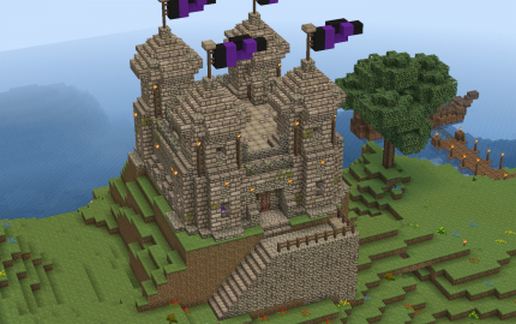
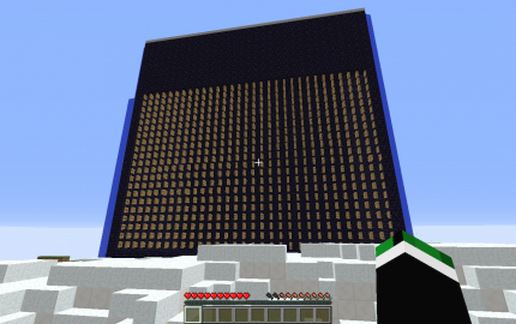
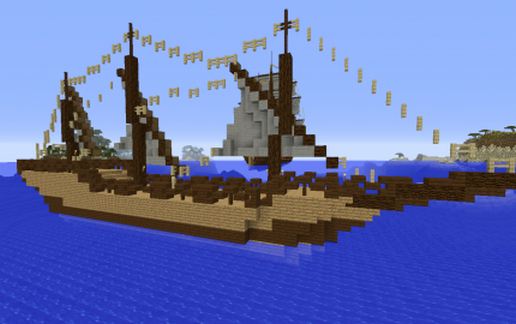
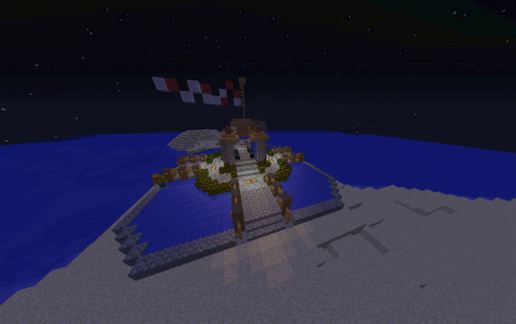
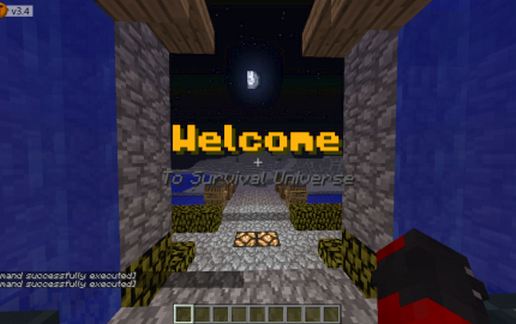
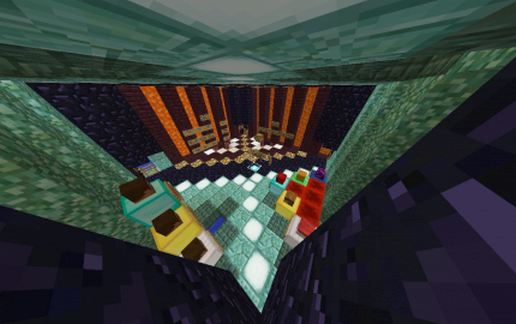
This is a spawn that was made by me i do own a server and the signs that say made by bizzon_dust do not change it or remove it please if i do see anyone that has that spawn and use it and say its theres i will be annoyed and i will say its mine so watch out also there is working redstone and a downstairs part just head to the water and look down (not in the water)
How to install:
1. Download it and go to your server plugins
2. Open Your Worldedit If You Dont Have Worldedit You Will Need It Its Free And Easy To Use
3. Open File Schematics If You Dont See One Create One If Your Running A Server From Home All You Need To Do Its Add A New Folder In Side That Folder If Your Running On A Website Say Shockbyte Or McProHosting Something Like You Need To Crate A Directory In Your Worldedit And Name It Schematics
4. When You Done That Reload/Reset Your Server
5. Do /schematic load {Name Of File}
Thanks And Pleace Dont Claim It Yours Thanks
How to install:
1. Download it and go to your server plugins
2. Open Your Worldedit If You Dont Have Worldedit You Will Need It Its Free And Easy To Use
3. Open File Schematics If You Dont See One Create One If Your Running A Server From Home All You Need To Do Its Add A New Folder In Side That Folder If Your Running On A Website Say Shockbyte Or McProHosting Something Like You Need To Crate A Directory In Your Worldedit And Name It Schematics
4. When You Done That Reload/Reset Your Server
5. Do /schematic load {Name Of File}
Thanks And Pleace Dont Claim It Yours Thanks
Download: Updated Spawn schematic for Minecraft
| Format | Size | Use with | |
|---|---|---|---|
.litematic updated-spawn.litematic |
38.88 KB | Litematica (Java) — more Litematica schematics |
|
.schem updated-spawn.schem |
4.87 KB | WorldEdit / FAWE |
|
.schematic updated-spawn.schematic |
10.74 KB | Legacy / online installer |
|
| Install this build directly on your Minecraft map |
|
||
Auto-converted from the original format; container contents (chests, signs) may be missing.
📘 How to use with Litematica (click to expand)
- Put the downloaded
.litematicfile into the.minecraft/schematics/folder. - In game, press M to open the Litematica menu and choose Load Schematics.
- Select the file in the list and click Load Schematic.
- Position the placement where you want it and build — or paste it instantly in creative with Easy Place mode.
Requires the Litematica mod (Java Edition).
More builds: Litematica schematics.
Comments
Similar