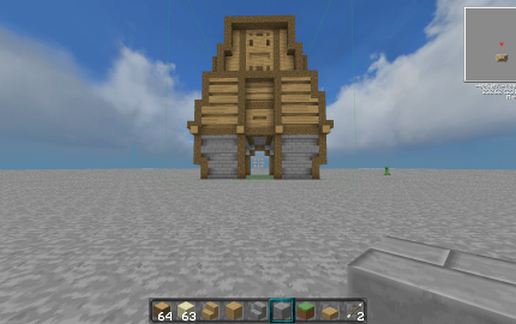
Stratégique Medieval
Published on January 1, 2023
By LaChoseV2
👁️🗨️ 218
30
★
★
★
★
★
Rate it
Description
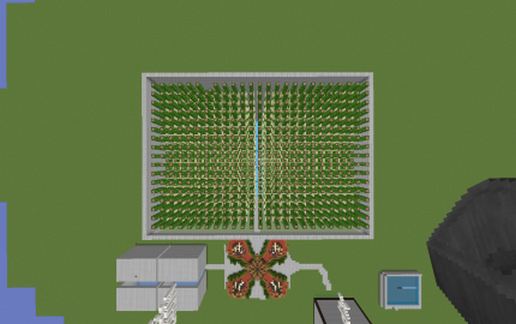
Stratège pour serveur
Download: Stratégique Medieval schematic for Minecraft
| Format | Size | Use with | |
|---|---|---|---|
.litematic strategique-medieval.litematic |
41.05 KB | Litematica (Java) — more Litematica schematics |
|
.schem strategique-medieval.schem |
1.06 KB | WorldEdit / FAWE |
|
.schematic strategique-medieval.schematic |
974.00 B | Legacy / online installer |
|
Install this build directly on your Minecraft map
Auto-converted from the original format; container contents (chests, signs) may be missing.
📘 How to use with Litematica (click to expand)
- Put the downloaded
.litematicfile into the.minecraft/schematics/folder. - In game, press M to open the Litematica menu and choose Load Schematics.
- Select the file in the list and click Load Schematic.
- Position the placement where you want it and build — or paste it instantly in creative with Easy Place mode.
Requires the Litematica mod (Java Edition).
More builds: Litematica schematics.