Litematica Schematics — Page 379
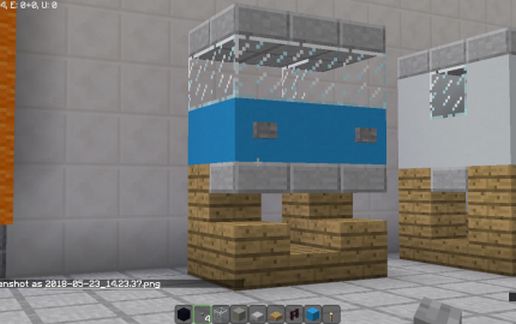
Truck cab (1) schematic - building
Truck Cab (1)

Miscellaneous Details →

Creation schematic - building
Creation

Miscellaneous Details →

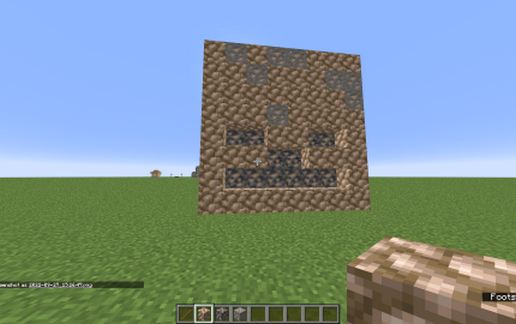
Iron Skeleton Mob Head schematic - building
Iron Skeleton Mob Head

Miscellaneous Details →

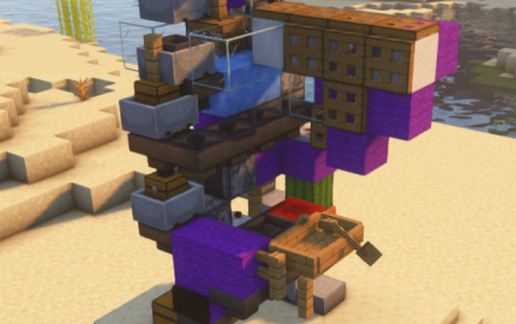
Minecart sorter liquid/powderd snow proof/ bucket entity proof schematic - building
Minecart Sorter Liquid/powderd Snow Proof/ Bucket Entity Proof

Redstone Details →

Wooden House schematic - building
Wooden House

Houses Details →

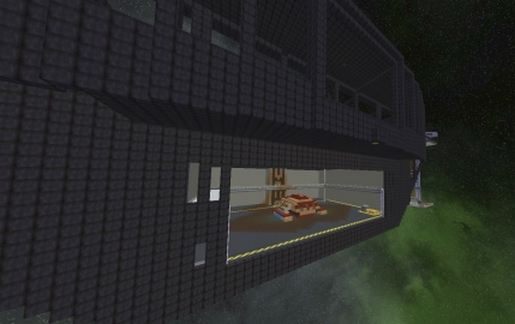
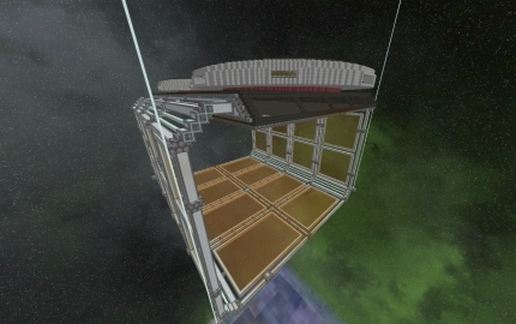
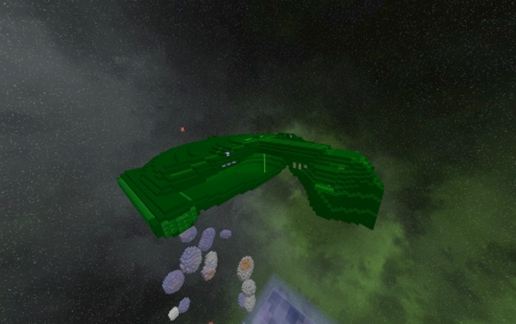
Space Station "starbase 16" schematic - building
Space Station "starbase 16"

Flying Machines Details →

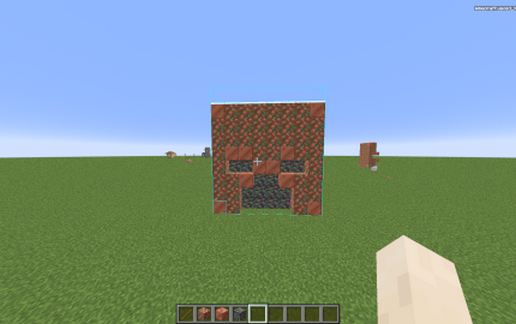
Copper Zombie Mob Head schematic - building
Copper Zombie Mob Head

Miscellaneous Details →

Phantom Manner schematic - building
Phantom Manner

Gardens Details →

Space Shipyard schematic - building
Space Shipyard

Miscellaneous Details →

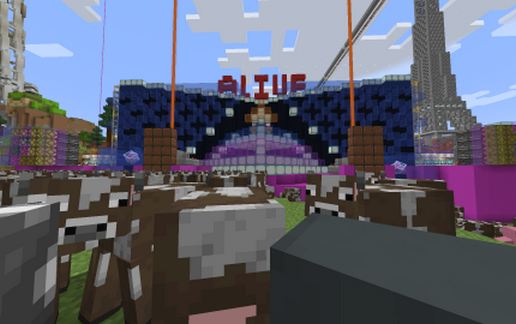
Daft Punk Alive 2007 schematic - building
Daft Punk Alive 2007

Miscellaneous Details →

Iron Farm by Nico Is Lost (3 Layer Version 1.19) schematic - building
Iron Farm By Nico Is Lost (3 Layer Version 1.19)

Miscellaneous Details →

War bird schematic - building
War Bird

Flying Machines Details →

worm wizard on cloud schematic - building
Worm Wizard On Cloud

Miscellaneous Details →

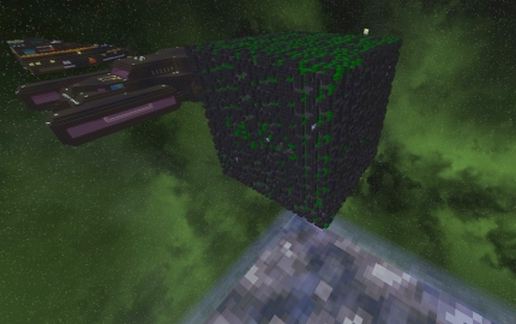
Borg Cube schematic - building
Borg Cube

Flying Machines Details →

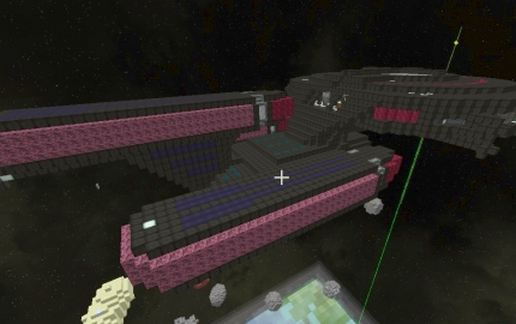
All Good things Style "Enterprise" schematic - building
All Good Things Style "Enterprise"

Flying Machines Details →

  1. Put the downloaded .litematic file into the .minecraft/schematics/ folder.
  2. In game, press M to open the Litematica menu and choose Load Schematics.
  3. Select the file in the list and click Load Schematic.
  4. Position the placement where you want it and build — or paste it instantly in creative with Easy Place mode.
Requires the Litematica mod (Java Edition). More builds: Litematica schematics.
✖️
Menu
🔝