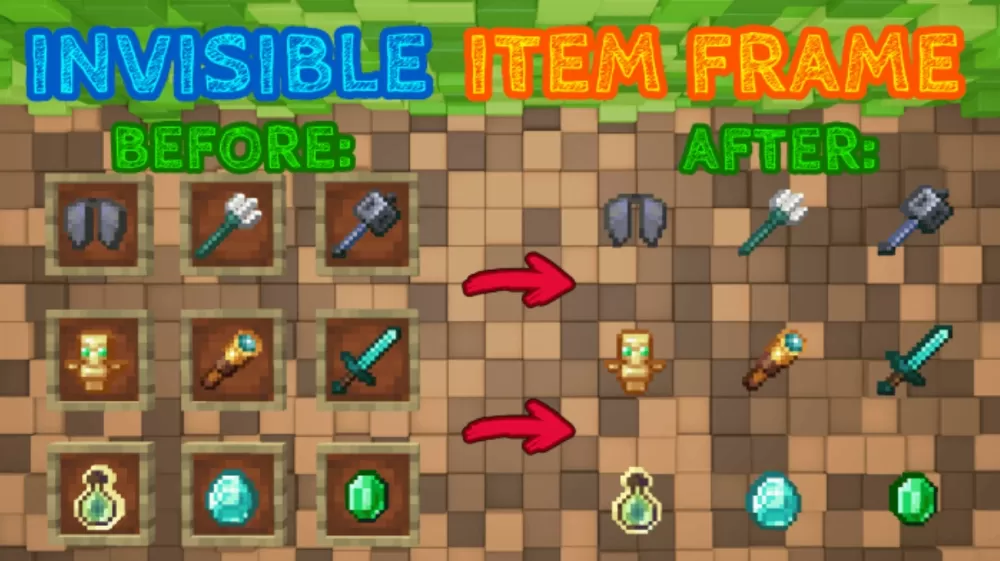
Invisible Item Frame Resource Pack
Screenshots
Description
The Invisible Item Frame texture pack removes the wooden border from item frames, leaving only the item itself hanging in place. Nothing about how frames work changes, so you still place them, rotate the contents and take items back out exactly as before. The difference is purely visual, and it turns every frame into a clean mounting point for decoration instead of a brown square stuck to your wall.
Items That Float on Their Own
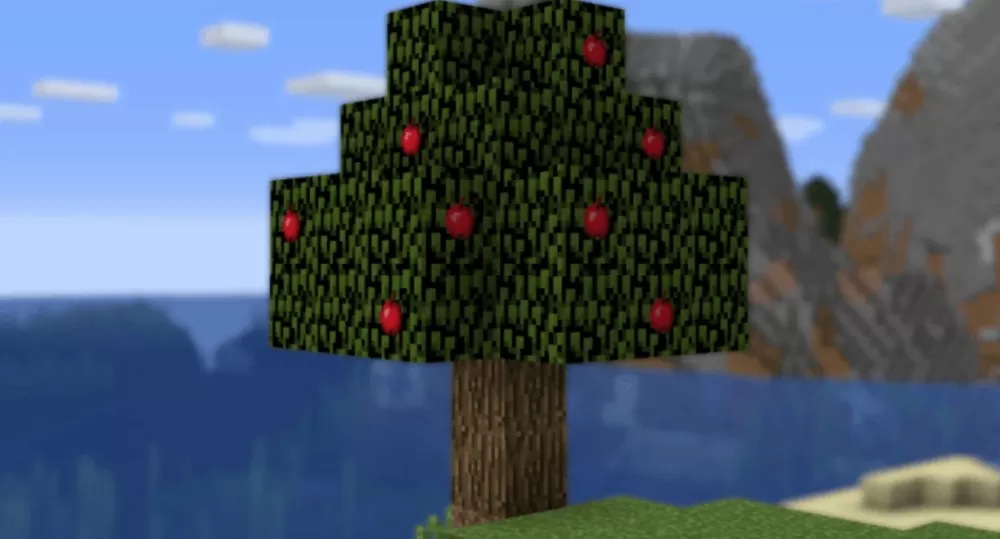
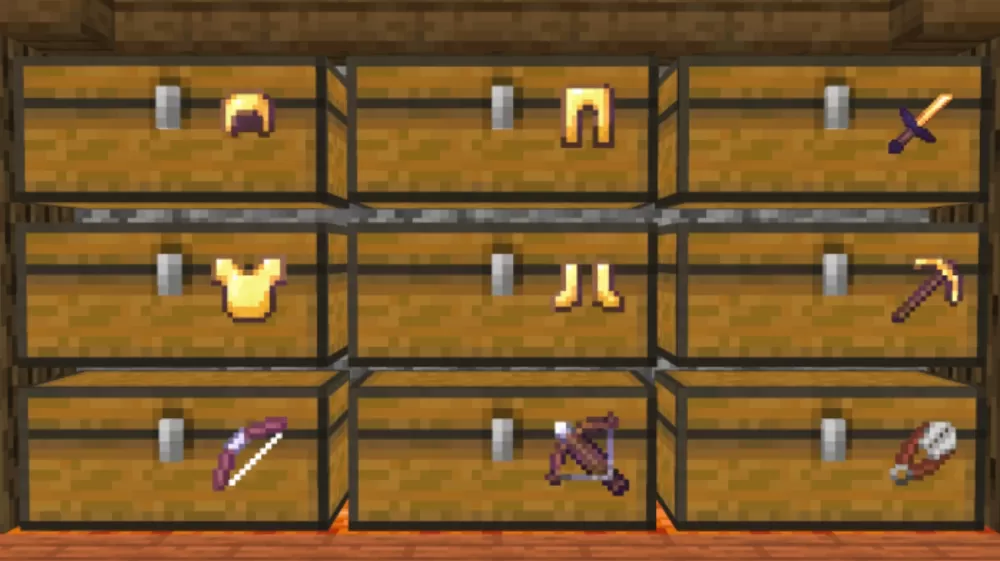
Once the frame texture is gone, whatever you put inside looks like it belongs to the block behind it. Apples placed in the leaves of a tree read as fruit growing on the branches, and a row of golden armor pieces across a wall of chests turns storage into an armory display. Tools and weapons sit flat against the surface they are mounted on, so swords, pickaxes, bows and crossbows work as signage for a smithy, a shop stall or a trophy room.
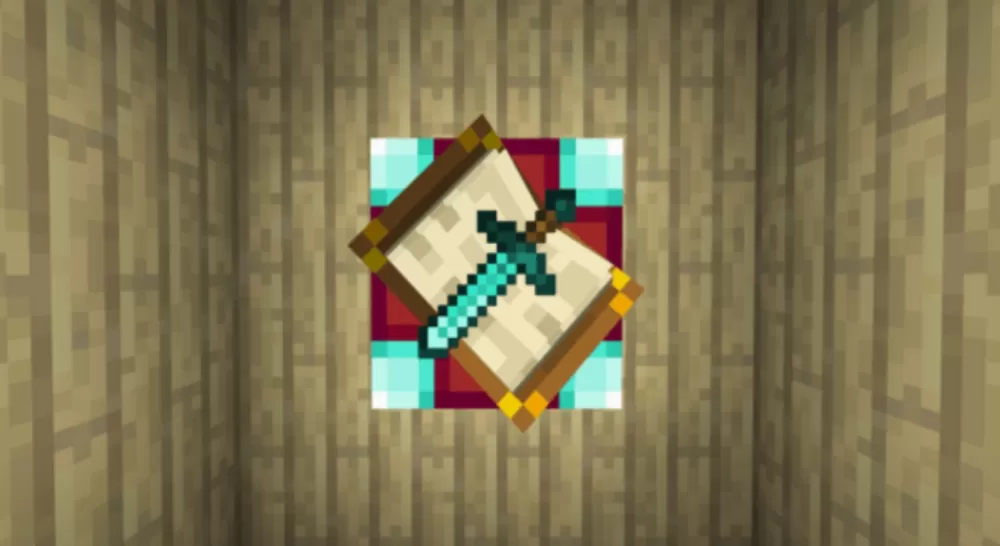
Because frames can also be stacked on top of maps, you can pin an item over a mounted map and keep the whole thing looking like a single piece of wall art. Potions, diamonds and emeralds all keep their normal sprite, which makes labelled storage rooms much easier to read at a glance.
Pick Which Frames Disappear
The pack ships with three variants so you can decide how far the effect goes. Choose which frames to make invisible:
- Both regular and glowing item frames.
- Only glowing item frames.
- Only regular item frames.
Keeping one type visible is handy if you still want normal frames for maps and labels while the other type handles decoration. Since the change is purely visual, the pack can be turned on and off at any point without affecting frames you have already placed.
| File | Filesize | |
|---|---|---|
|
4be-invisibleframes.mcpack
|
9.95 KB |





Thanks for letting me know
I tryed it on edu. and it worked
It no work on edu.
It does work
me to bro because i this want this to work
i swear if this doesn't work