The Majestic Hotel
Published on July 10, 2026
👁️🗨️ 1769
224
★
★
★
★
★
Rate it
Screenshots
Description
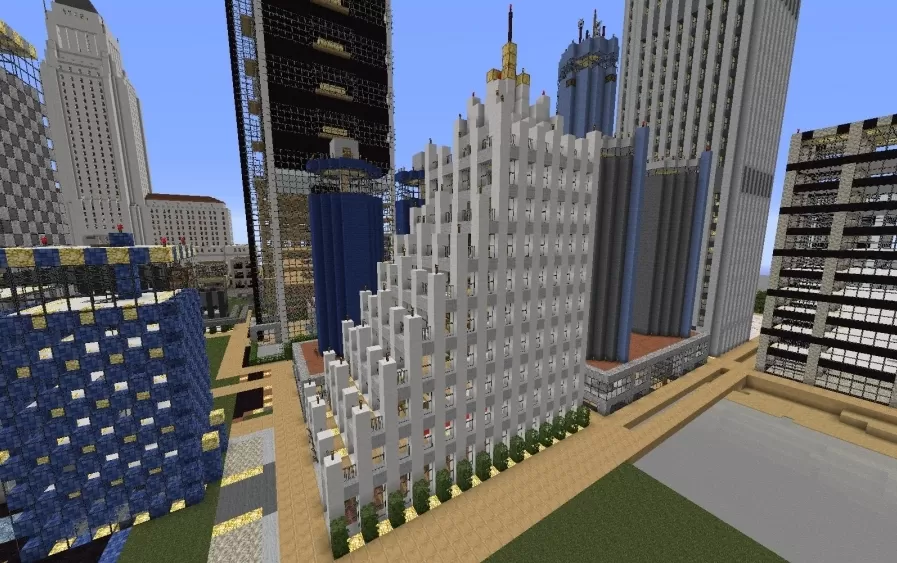
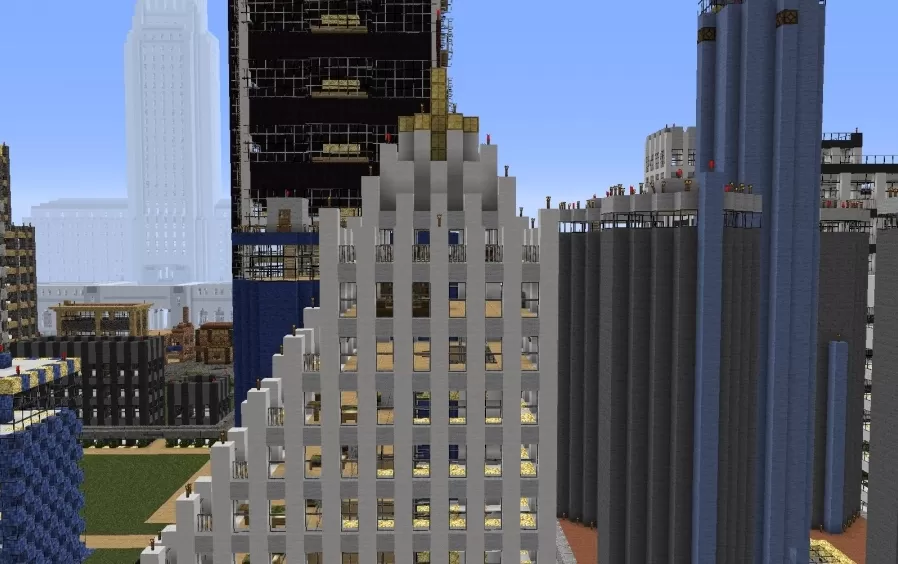
This schematic presents a ten-floor hotel tower rising forty-four blocks into the city skyline, its facade built from pale stone blocks that step back in tiers as the building climbs, echoing the tiered profile of the skyscrapers around it. Narrow vertical window bands run the height of each tier, giving the tower a strong sense of upward motion, while the crown is finished with gold accented setbacks and a slender spire at the very top. Rows of trimmed hedges line the ground floor along the street, softening the transition between the white stonework and the pavement below.
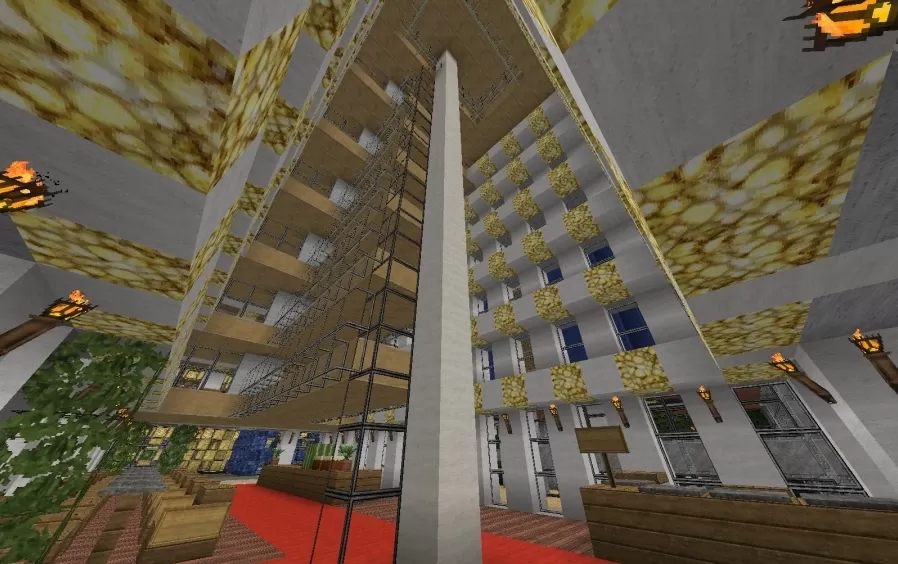
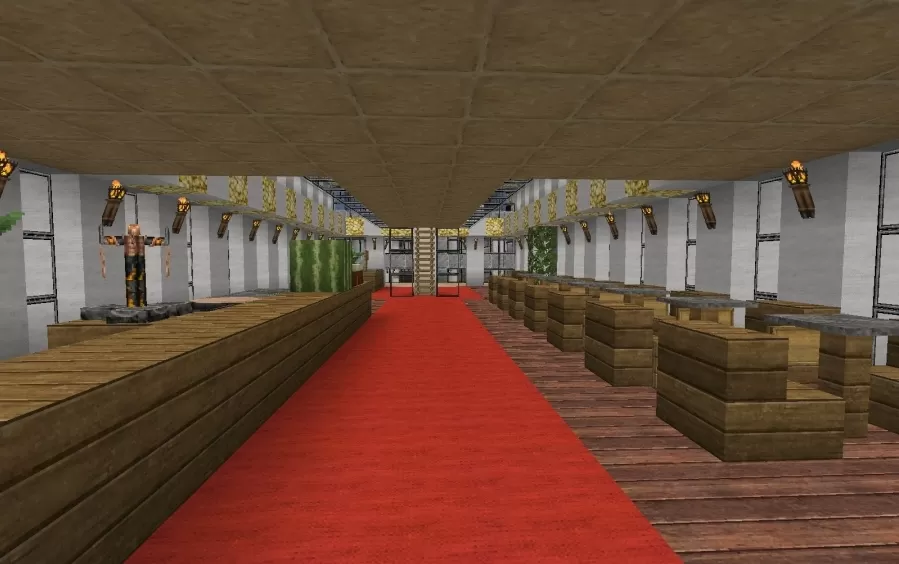
Inside, the hotel opens into a tall atrium that lets guests look up through several floors of railed walkways toward the ceiling far above, with a central white column running the full height of the space. A red carpet runs down the middle of the ground floor, flanked by wood paneled walls, wall mounted torches, and a gold lattice pattern strung along the edge of the ceiling. The ground level combines a lobby and restaurant, furnished with dark wood counters and benches set on either side of the carpet, with hanging greenery adding a touch of life among the wood and stone finishes. Six guest rooms are spread across the tower, with a penthouse occupying the top two floors.
Inside, the hotel opens into a tall atrium that lets guests look up through several floors of railed walkways toward the ceiling far above, with a central white column running the full height of the space. A red carpet runs down the middle of the ground floor, flanked by wood paneled walls, wall mounted torches, and a gold lattice pattern strung along the edge of the ceiling. The ground level combines a lobby and restaurant, furnished with dark wood counters and benches set on either side of the carpet, with hanging greenery adding a touch of life among the wood and stone finishes. Six guest rooms are spread across the tower, with a penthouse occupying the top two floors.
Download: The Majestic Hotel schematic for Minecraft
| Format | Size | Use with | |
|---|---|---|---|
.litematic the-majestic-hotel.litematic |
54.37 KB | Litematica (Java) — more Litematica schematics |
|
.schem the-majestic-hotel.schem |
2.09 KB | WorldEdit / FAWE |
|
.schematic the-majestic-hotel.schematic |
1.62 KB | Legacy / online installer |
|
| Install this build directly on your Minecraft map |
|
||
Auto-converted from the original format; container contents (chests, signs) may be missing.
📘 How to use with Litematica (click to expand)
- Put the downloaded
.litematicfile into the.minecraft/schematics/folder. - In game, press M to open the Litematica menu and choose Load Schematics.
- Select the file in the list and click Load Schematic.
- Position the placement where you want it and build — or paste it instantly in creative with Easy Place mode.
Requires the Litematica mod (Java Edition).
More builds: Litematica schematics.
Comments
Similar