The Fortress of Scandinavians
Published on January 1, 2023
By DreamPhreak
👁️🗨️ 250
49
★
★
★
★
★
Rate it
Screenshots
Description
Creation by Fredlz (Fred), Jack, and Even. Painstakingly recreated from pictures and uploaded with permission: http://www.reddit.com/r/Minecraft/comments/28msxk/the_fortress_of_scandinavians/cickoma
Original reddit thread @ http://redd.it/28msxk
Fredlz's picture album @ http://imgur.com/a/RxmSw
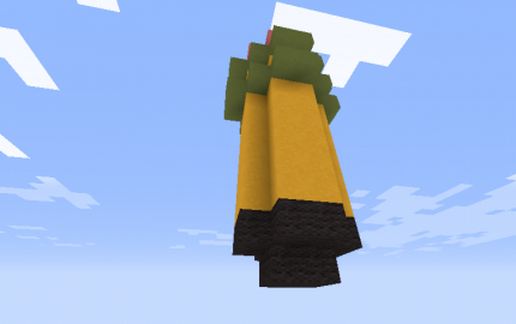
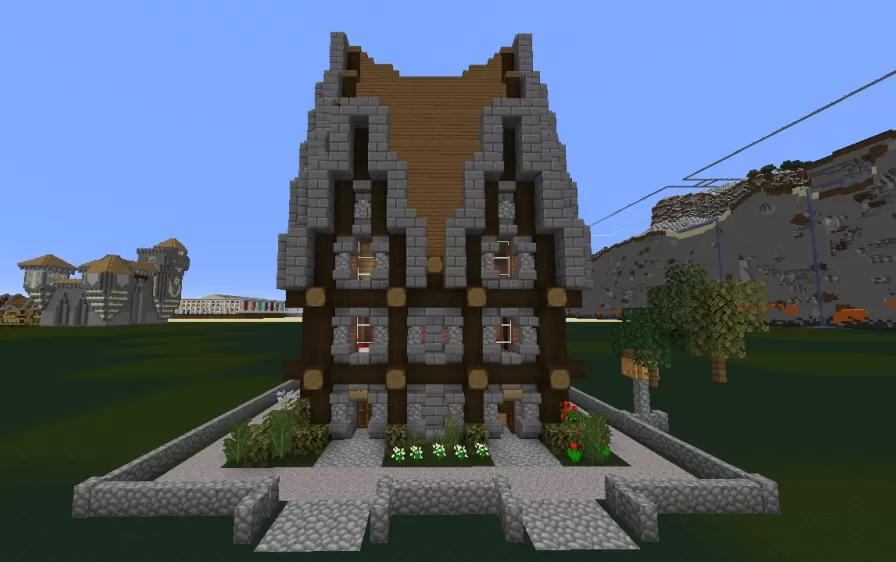
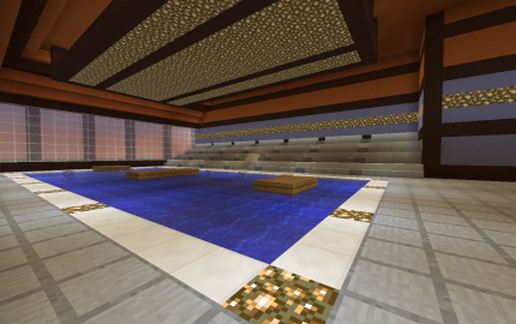
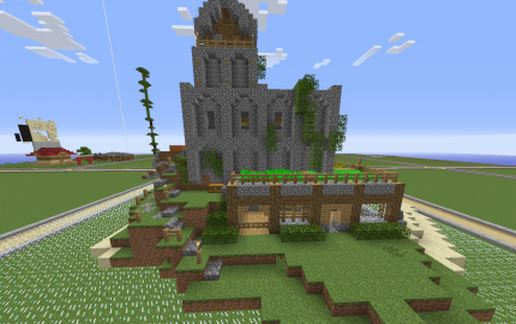
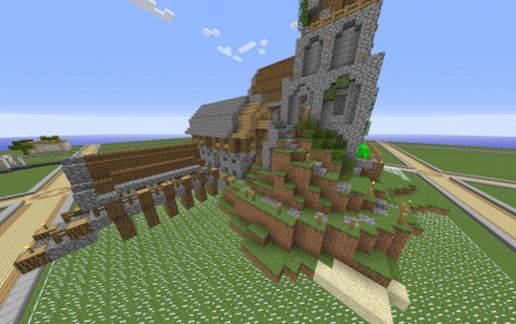
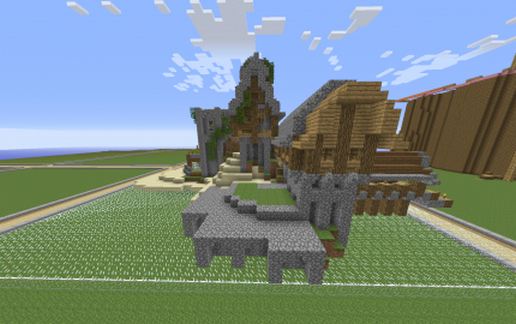
After seeing this creation two days ago, I noticed a few comments of people asking for a download, myself included. It didn't look like there was going to be a download since it was made on a multiplayer server. After two days, I decided that this would be a fun project: to try to recreate it as accurately as possible using only the pictures that Fredlz provided. After 8 non-stop hours, I finished.
This is only an exact replica of pictures to blocks directly, so any other details that weren't in the pictures have been left out (since I couldn't see it). If you notice these missing spots, feel free to use your imagination and fix it up a little. The biggest missing piece is the base of the main tower. I left it hollow, and there were no pictures of it. I recommend making it into your main crafting/furnace/chest room.
Be sure to leave a thanks to Fred, Jack, and Even on the reddit thread if you can! (http://redd.it/28msxk)
Original reddit thread @ http://redd.it/28msxk
Fredlz's picture album @ http://imgur.com/a/RxmSw
After seeing this creation two days ago, I noticed a few comments of people asking for a download, myself included. It didn't look like there was going to be a download since it was made on a multiplayer server. After two days, I decided that this would be a fun project: to try to recreate it as accurately as possible using only the pictures that Fredlz provided. After 8 non-stop hours, I finished.
This is only an exact replica of pictures to blocks directly, so any other details that weren't in the pictures have been left out (since I couldn't see it). If you notice these missing spots, feel free to use your imagination and fix it up a little. The biggest missing piece is the base of the main tower. I left it hollow, and there were no pictures of it. I recommend making it into your main crafting/furnace/chest room.
Be sure to leave a thanks to Fred, Jack, and Even on the reddit thread if you can! (http://redd.it/28msxk)
Download: The Fortress of Scandinavians schematic for Minecraft
| Format | Size | Use with | |
|---|---|---|---|
.litematic the-fortress-of-scandinavians.litematic |
54.87 KB | Litematica (Java) — more Litematica schematics |
|
.schem the-fortress-of-scandinavians.schem |
4.48 KB | WorldEdit / FAWE |
|
.schematic the-fortress-of-scandinavians.schematic |
5.89 KB | Legacy / online installer |
|
Install this build directly on your Minecraft map
Auto-converted from the original format; container contents (chests, signs) may be missing.
📘 How to use with Litematica (click to expand)
- Put the downloaded
.litematicfile into the.minecraft/schematics/folder. - In game, press M to open the Litematica menu and choose Load Schematics.
- Select the file in the list and click Load Schematic.
- Position the placement where you want it and build — or paste it instantly in creative with Easy Place mode.
Requires the Litematica mod (Java Edition).
More builds: Litematica schematics.