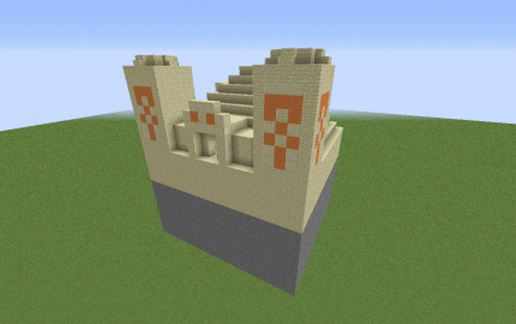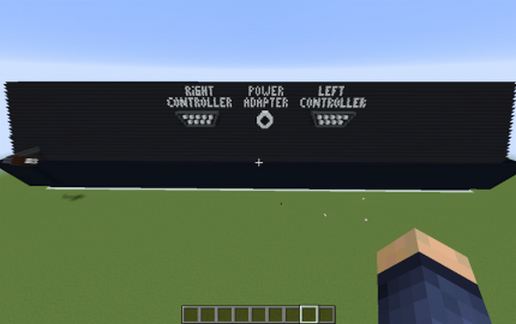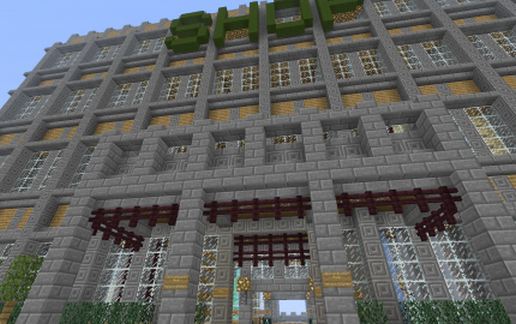
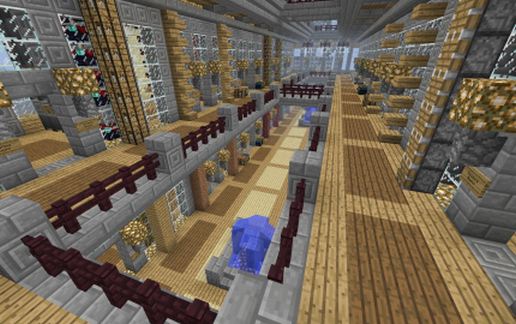
Essentials ChestShop READY Spawn Shop
Published on January 1, 2023
By Compu_Serv
👁️🗨️ 277
109
★
★
★
★
★
Rate it
Screenshots
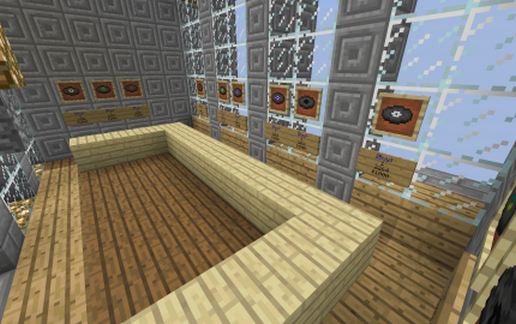
Description
Thank you for downloading my MCEdit Schematics. Like many other projects on Planet Minecraft, please remember to give credit. You are free to use this item in a server as long as you provide a reference to "From the Creators of CreeperCraft at server.creepercraftmc.com or something similar. Your credit is what makes these projects possible. You are free to make any additions or deletions. Finally, please give a diamond to show your appreciation.
From the Creators of CreeperCraft:
CreeperCraft MMO Minecraft Server
server.creepercraftmc.com
From the Creators of CreeperCraft:
CreeperCraft MMO Minecraft Server
server.creepercraftmc.com
Download: Essentials ChestShop READY Spawn Shop schematic for Minecraft
| Format | Size | Use with | |
|---|---|---|---|
.litematic essentials-chestshop-ready-spawn-shop.litematic |
71.73 KB | Litematica (Java) — more Litematica schematics |
|
.schem essentials-chestshop-ready-spawn-shop.schem |
14.21 KB | WorldEdit / FAWE |
|
.schematic essentials-chestshop-ready-spawn-shop.schematic |
30.51 KB | Legacy / online installer |
|
Install this build directly on your Minecraft map
Auto-converted from the original format; container contents (chests, signs) may be missing.
📘 How to use with Litematica (click to expand)
- Put the downloaded
.litematicfile into the.minecraft/schematics/folder. - In game, press M to open the Litematica menu and choose Load Schematics.
- Select the file in the list and click Load Schematic.
- Position the placement where you want it and build — or paste it instantly in creative with Easy Place mode.
Requires the Litematica mod (Java Edition).
More builds: Litematica schematics.