Litematica Schematics β€” Page 363
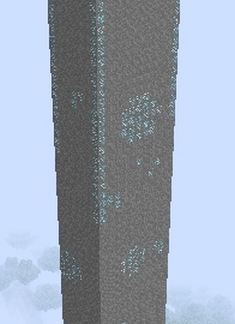
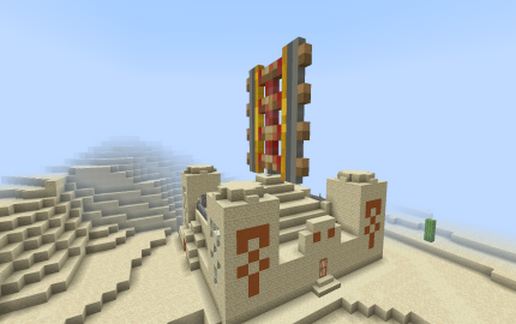
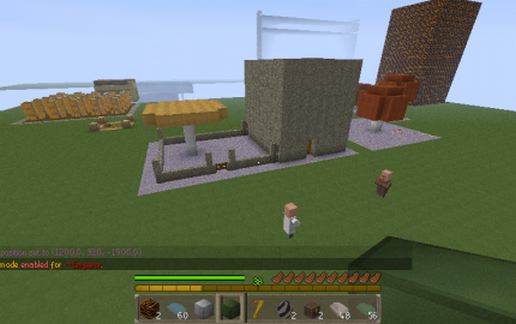
kimberlite schematic - building
Kimberlite

Miscellaneous Details β†’

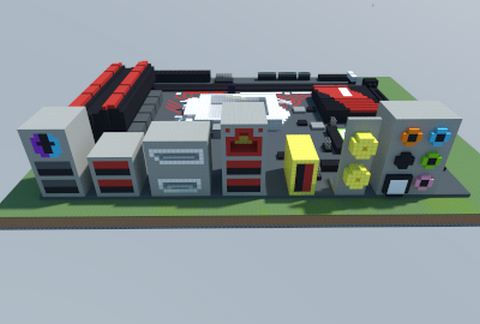
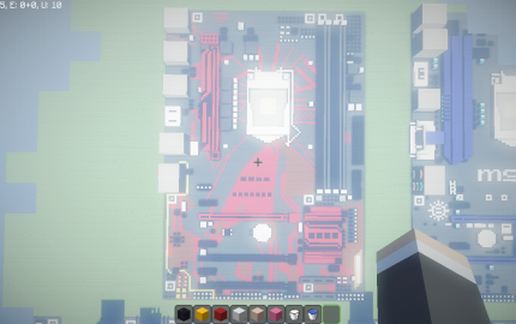
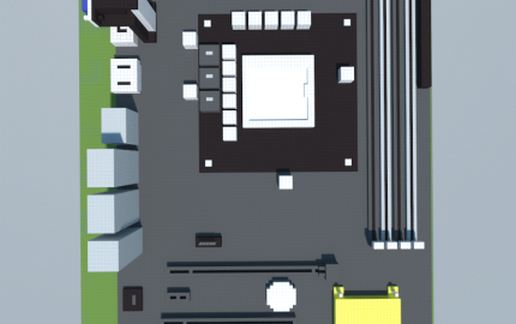
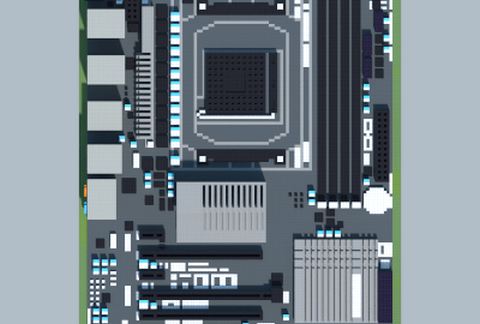
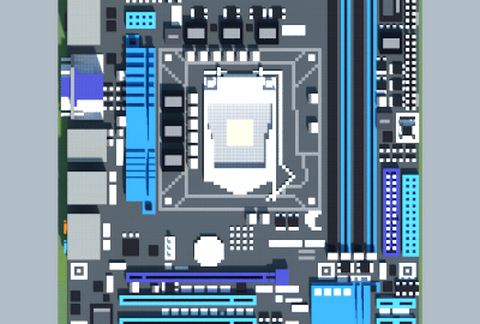
Intel Z170I GAMING PRO AC (MSI) schematic - building
Intel Z170I GAMING PRO AC (MSI)

Pixel Art Details β†’

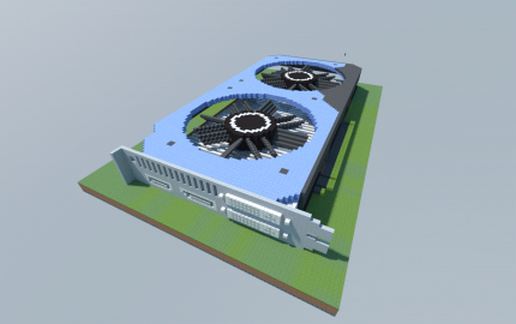
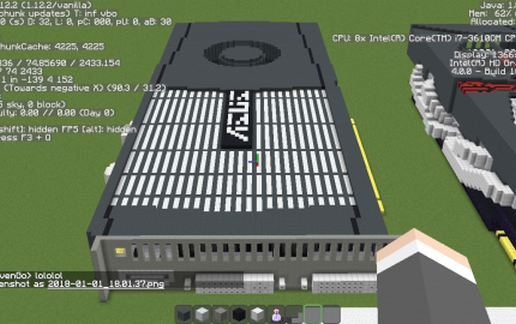
NVIDIA GeForce GTX 950 2GB GDDR5 (Palit) (2) schematic - building
NVIDIA GeForce GTX 950 2GB GDDR5 (Palit) (2)

Pixel Art Details β†’

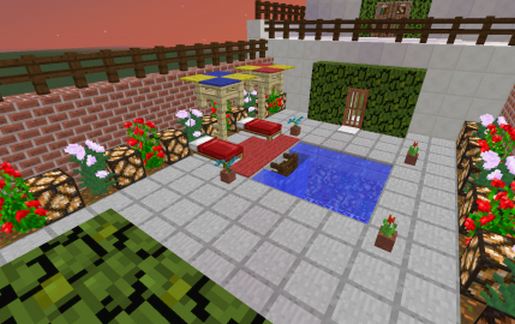
New Modern House schematic - building
New Modern House

Houses Details β†’

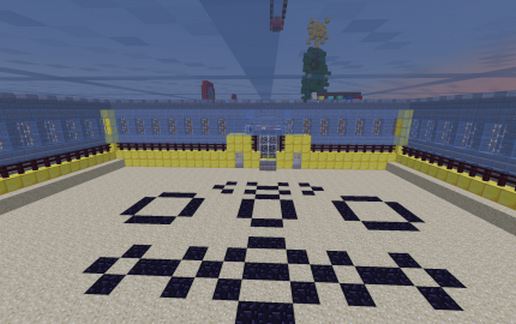
Battlefield schematic - building
Battlefield

Miscellaneous Details β†’

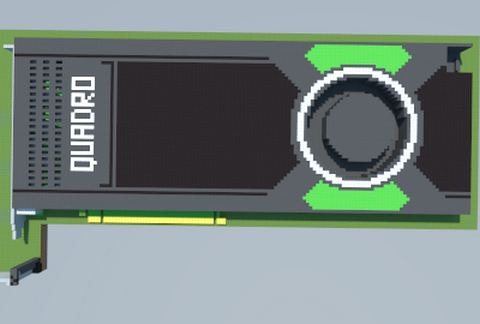
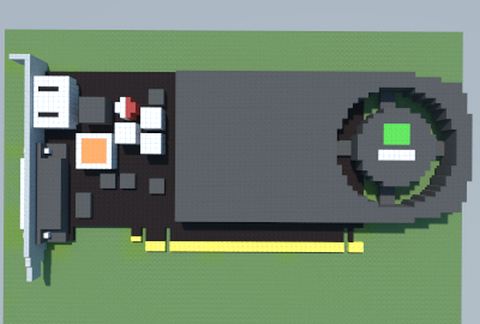
NVIDIA Quadro M4000 (PNY) schematic - building
NVIDIA Quadro M4000 (PNY)

Pixel Art Details β†’

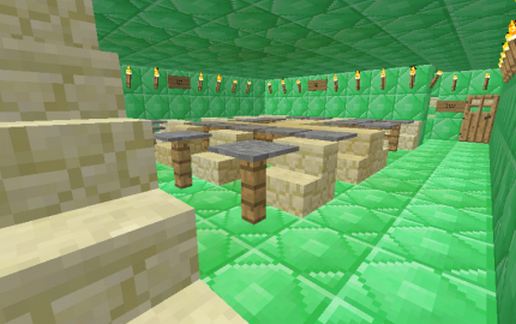
A Library schematic - building
A Library

Miscellaneous Details β†’

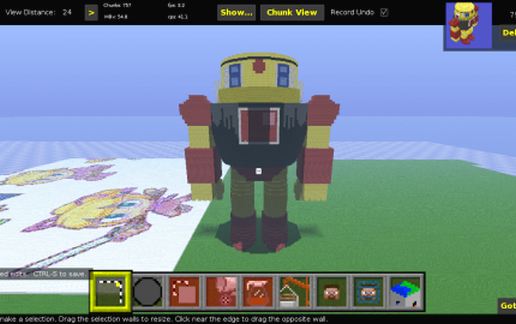
Guts Man schematic - building
Guts Man

Pixel Art Details β†’

Intel B250-V7 EXPEDITION (ASUS) schematic - building
Intel B250-V7 EXPEDITION (ASUS)

Pixel Art Details β†’

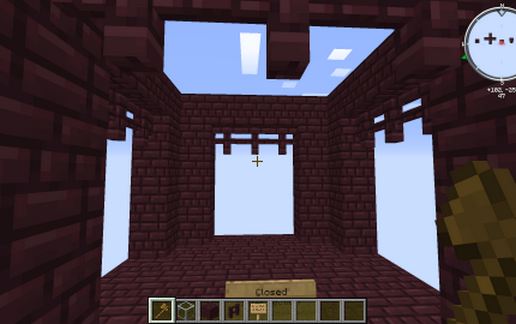
Default Nether Fortress Enclosed Bridge Intersection schematic - building
Default Nether Fortress Enclosed Bridge Intersection

Miscellaneous Details β†’

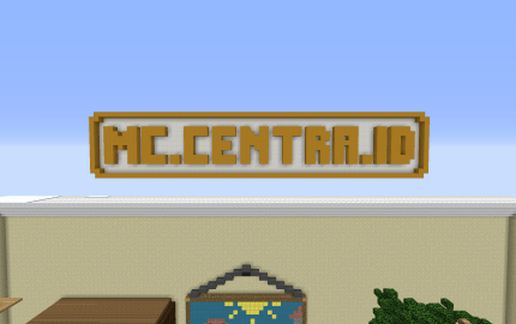
Centra Network Pixel Art #1 schematic - building
Centra Network Pixel Art #1

Pixel Art Details β†’

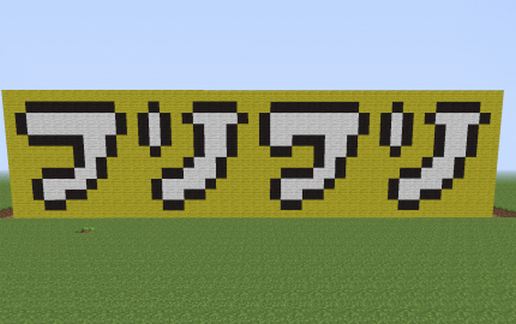
Fooly Cooly schematic - building
Fooly Cooly

Pixel Art Details β†’

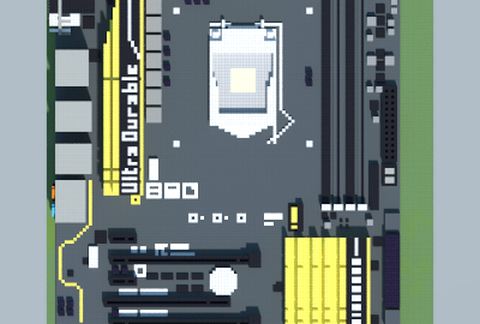
Intel Z97X-UD5H (Gigabyte) schematic - building
Intel Z97X-UD5H (Gigabyte)

Pixel Art Details β†’

Asus D820MT Business Desktop's motherboard schematic - building
Asus D820MT Business Desktop's Motherboard

Pixel Art Details β†’

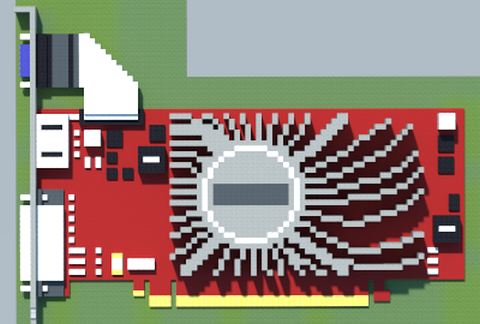
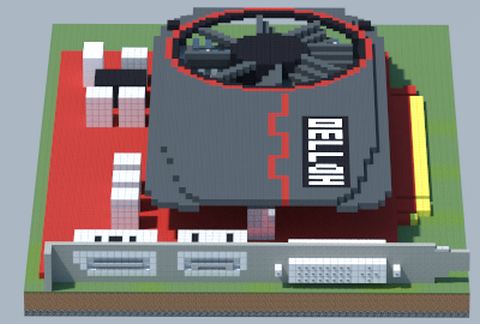
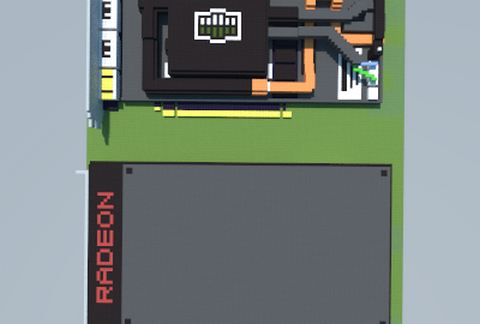
AMD Radeon R5 230 (ASUS) schematic - building
AMD Radeon R5 230 (ASUS)

Pixel Art Details β†’

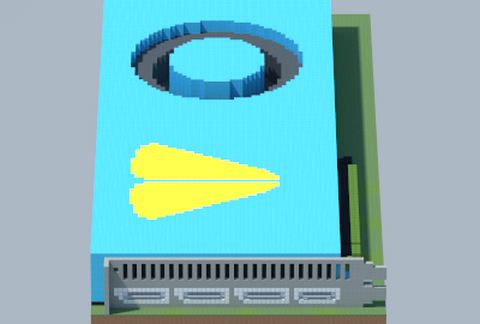
AMD Radeon RX VEGA (Frontier Edition) schematic - building
AMD Radeon RX VEGA (Frontier Edition)

Pixel Art Details β†’

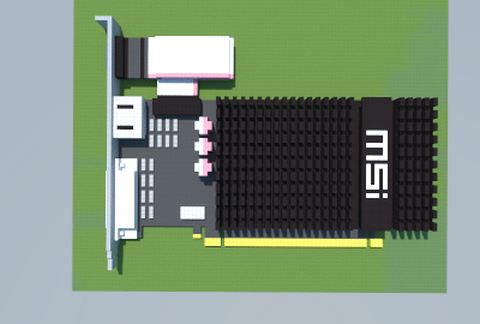
AMD Radeon HD 6450 (MSI) schematic - building
AMD Radeon HD 6450 (MSI)

Pixel Art Details β†’

AMD Radeon HD 7730 (Powercolor) schematic - building
AMD Radeon HD 7730 (Powercolor)

Pixel Art Details β†’

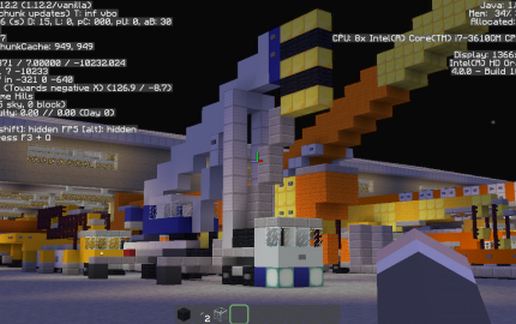
Tadano GT-550E-3 schematic - building
Tadano GT-550E-3

Transport Details β†’

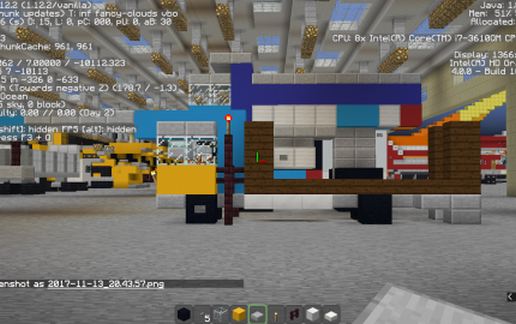
Self-loader Truck with Crane (1) schematic - building
Self-loader Truck With Crane (1)

Transport Details β†’

Powered rail schematic - building
Powered Rail

Miscellaneous Details β†’

NVIDIA GeForce GTX 480 (ASUS) (Correction) schematic - building
NVIDIA GeForce GTX 480 (ASUS) (Correction)

Pixel Art Details β†’

AMD GA-990FXA-UD3 (Gigabyte) schematic - building
AMD GA-990FXA-UD3 (Gigabyte)

Pixel Art Details β†’

Eddsworld Tom Art schematic - building
Eddsworld Tom Art

Pixel Art Details β†’

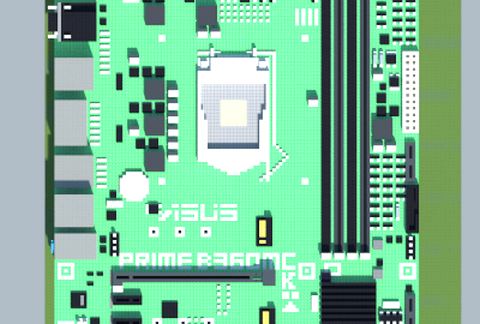
Intel B360M-C PRIME (ASUS) schematic - building
Intel B360M-C PRIME (ASUS)

Pixel Art Details β†’

Intel P8H67M-PRO (ASUS) schematic - building
Intel P8H67M-PRO (ASUS)

Pixel Art Details β†’

Mooshroom red house schematic - building
Mooshroom Red House

Houses Details β†’

NVIDIA GeForce GTX 745 (OEM) schematic - building
NVIDIA GeForce GTX 745 (OEM)

Pixel Art Details β†’

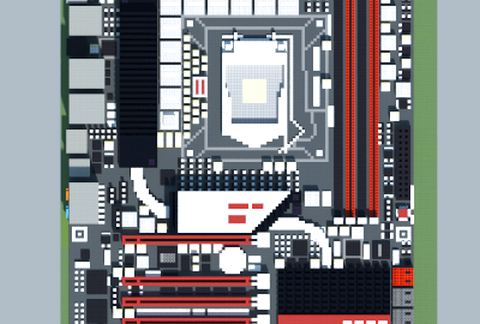
Intel P55 MAXIMUS III EXTREME (ASUS ROG Series) schematic - building
Intel P55 MAXIMUS III EXTREME (ASUS ROG Series)

Pixel Art Details β†’

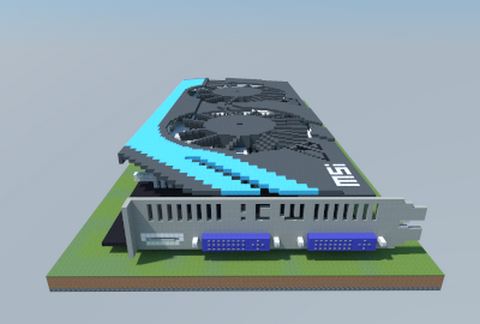
NVIDIA GeForce GTX 650 Ti HAWK (MSI) schematic - building
NVIDIA GeForce GTX 650 Ti HAWK (MSI)

Pixel Art Details β†’

Intel X58-G1.GUERRILLA (Gigabyte) schematic - building
Intel X58-G1.GUERRILLA (Gigabyte)

Pixel Art Details β†’

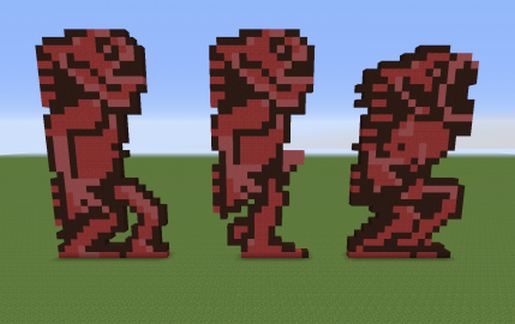
Mermen from Castlevania 1 schematic - building
Mermen From Castlevania 1

Pixel Art Details β†’

AMD Radeon R9 Fury (Water-cooled) schematic - building
AMD Radeon R9 Fury (Water-cooled)

Pixel Art Details β†’

  1. Put the downloaded .litematic file into the .minecraft/schematics/ folder.
  2. In game, press M to open the Litematica menu and choose Load Schematics.
  3. Select the file in the list and click Load Schematic.
  4. Position the placement where you want it and build β€” or paste it instantly in creative with Easy Place mode.
Requires the Litematica mod (Java Edition). More builds: Litematica schematics.
βœ–οΈ
Menu
πŸ”