Litematica Schematics β€” Page 375
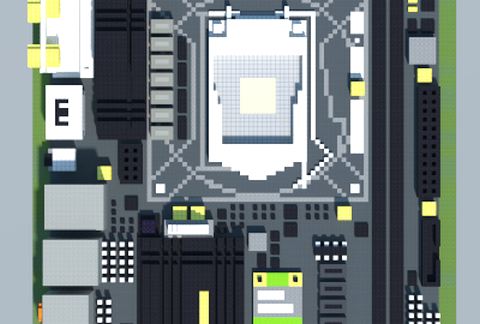
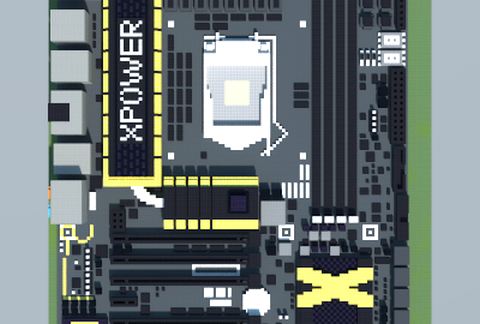
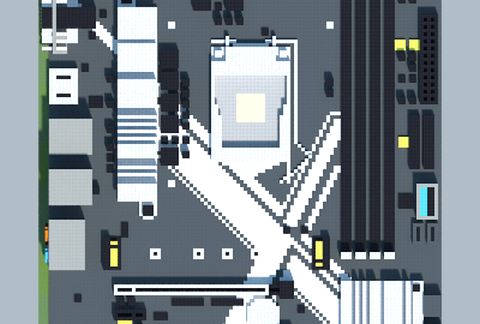
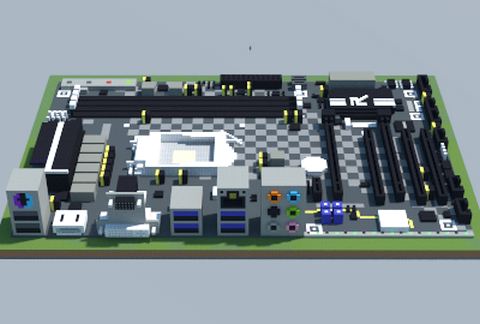
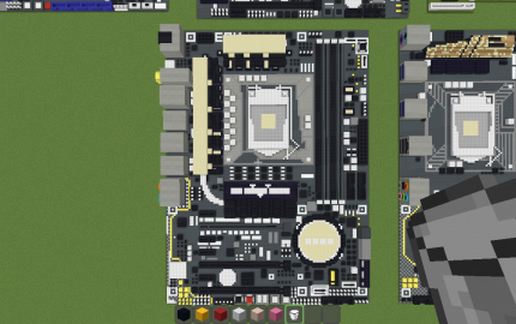
Intel Z97 XPOWER AC (MSI) schematic - building
Intel Z97 XPOWER AC (MSI)

Pixel Art Details β†’

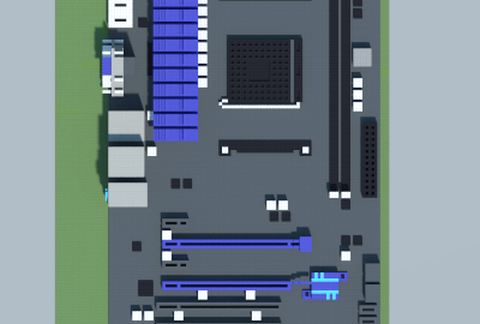
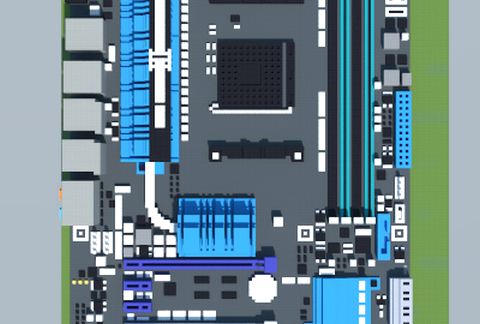
AMD A78-G41 PC MATE (MSI) schematic - building
AMD A78-G41 PC MATE (MSI)

Pixel Art Details β†’

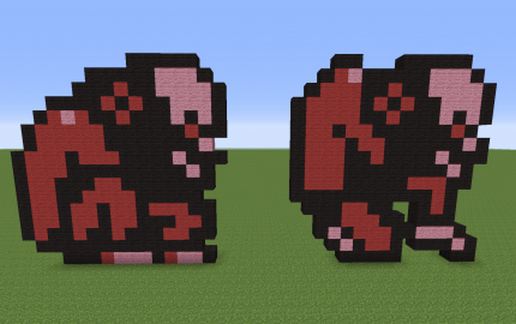
Fleaman fromCastlevania 1 schematic - building
Fleaman FromCastlevania 1

Pixel Art Details β†’

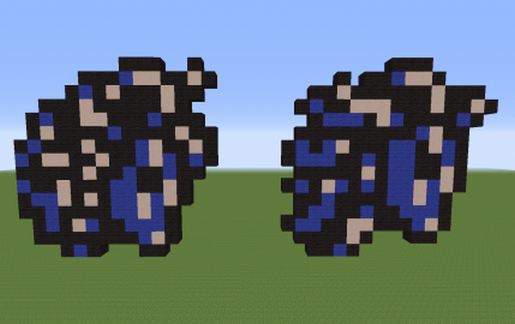
Medusa Head from Castlevania 1 schematic - building
Medusa Head From Castlevania 1

Pixel Art Details β†’

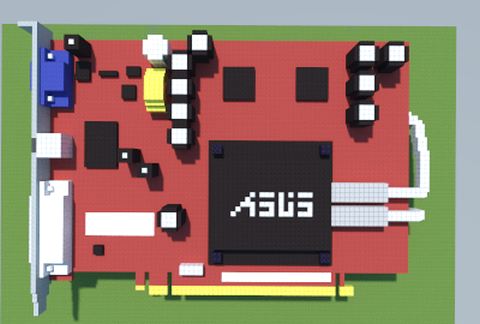
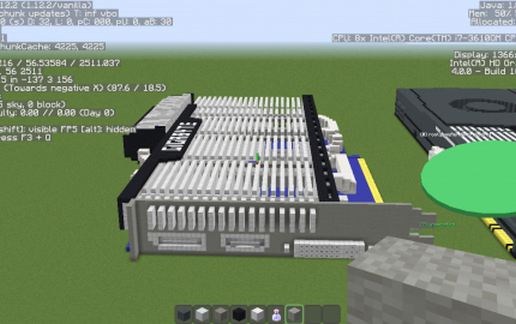
EAX1600PRO SILENT/TD/256M schematic - building
EAX1600PRO SILENT/TD/256M

Pixel Art Details β†’

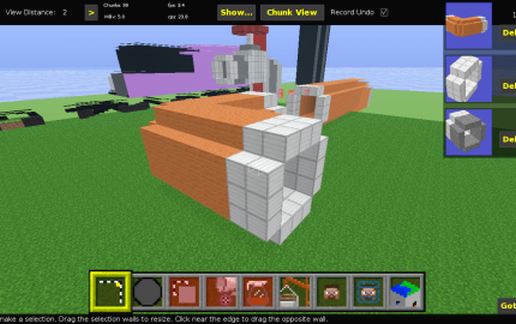
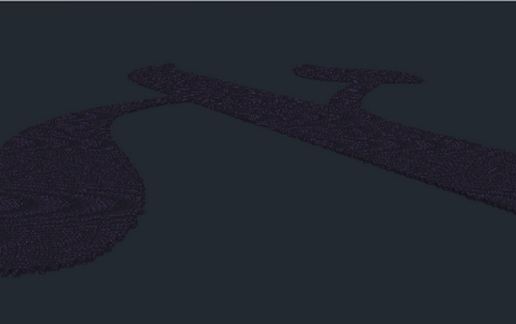
Curve Pipe schematic - building
Curve Pipe

Miscellaneous Details β†’

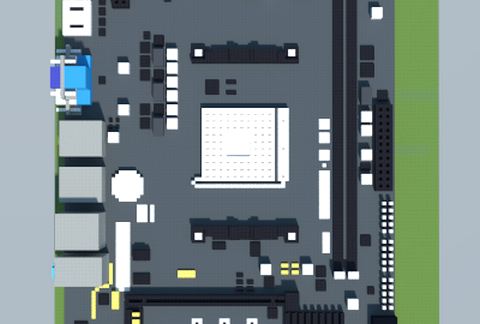
AMD A320AM4-M3 (Elitegroup) schematic - building
AMD A320AM4-M3 (Elitegroup)

Pixel Art Details β†’

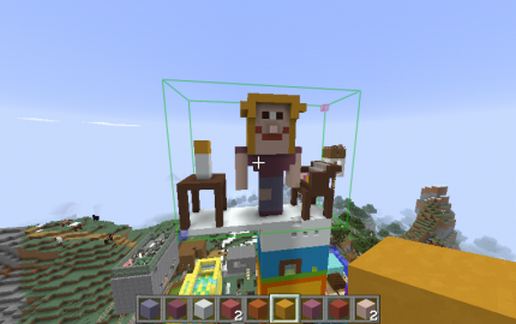
Hommage to Bibi schematic - building
Hommage To Bibi

Miscellaneous Details β†’

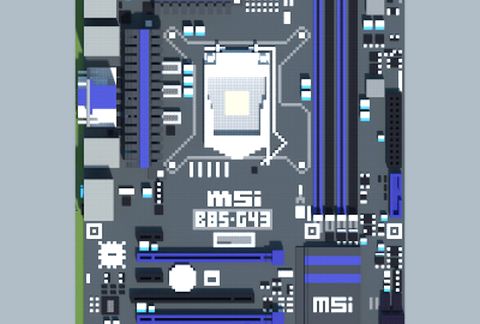
Intel B85-G43 (MSI) schematic - building
Intel B85-G43 (MSI)

Pixel Art Details β†’

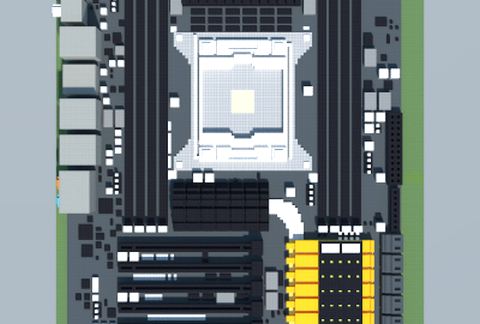
Intel X79 BIG BANG XPOWER II (MSI) schematic - building
Intel X79 BIG BANG XPOWER II (MSI)

Pixel Art Details β†’

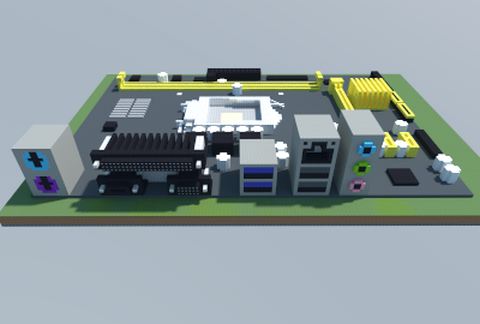
Intel H81M-D (ASUS) schematic - building
Intel H81M-D (ASUS)

Pixel Art Details β†’

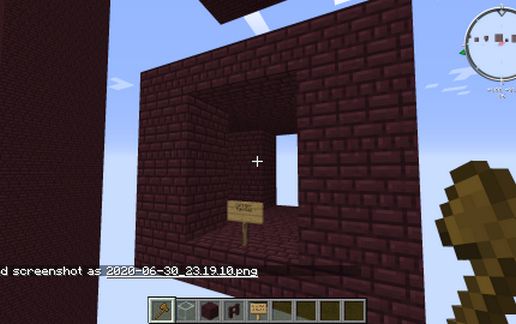
Default Nether Fortress Corridor Fourway schematic - building
Default Nether Fortress Corridor Fourway

Miscellaneous Details β†’

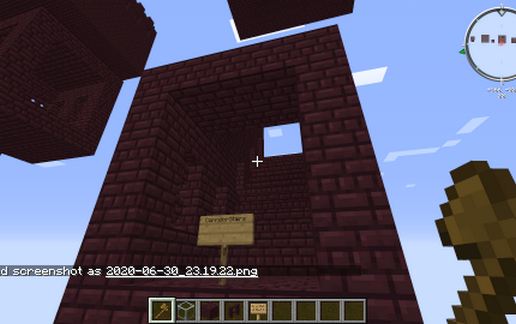
Default Nether Fortress Corridor Stairs schematic - building
Default Nether Fortress Corridor Stairs

Miscellaneous Details β†’

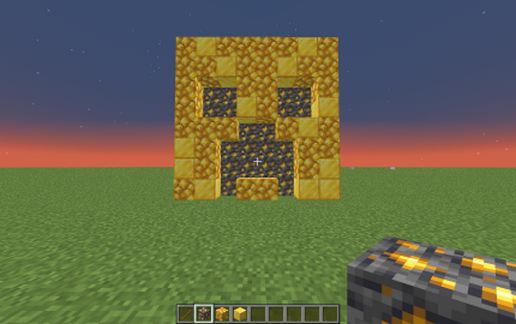
Gold Creeper Mob Head schematic - building
Gold Creeper Mob Head

Miscellaneous Details β†’

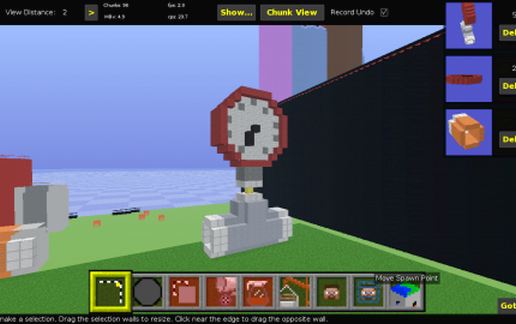
Pipe with Pressure Meter schematic - building
Pipe With Pressure Meter

Miscellaneous Details β†’

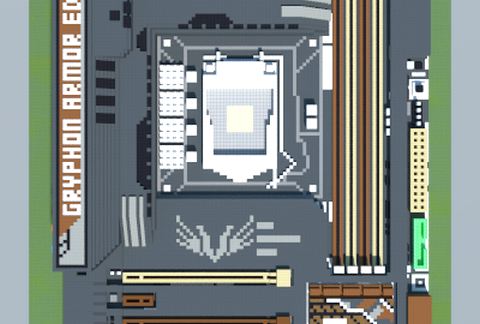
Intel Z97 GRYPHON ARMOR EDITION (ASUS TUF Series) schematic - building
Intel Z97 GRYPHON ARMOR EDITION (ASUS TUF Series)

Pixel Art Details β†’

Intel Z270M EXTREME4 (ASRock) schematic - building
Intel Z270M EXTREME4 (ASRock)

Pixel Art Details β†’

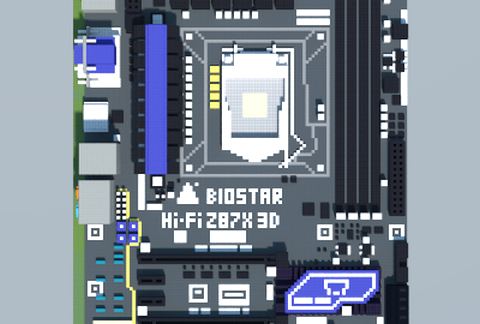
Intel Z87X 3D Hi-Fi (BIOSTAR) schematic - building
Intel Z87X 3D Hi-Fi (BIOSTAR)

Pixel Art Details β†’

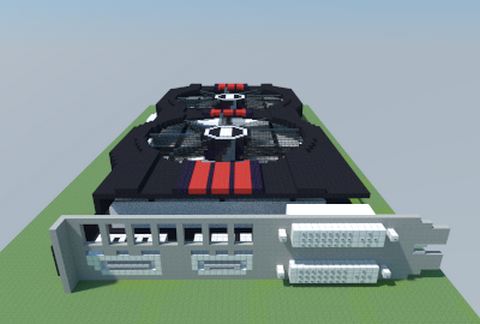
AMD Radeon RX 470 (DirectCU II Edition) (ASUS) schematic - building
AMD Radeon RX 470 (DirectCU II Edition) (ASUS)

Pixel Art Details β†’

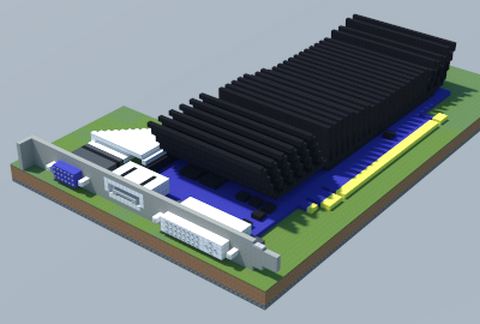
NVIDIA GeForce GT 520 SILENT (ASUS) schematic - building
NVIDIA GeForce GT 520 SILENT (ASUS)

Pixel Art Details β†’

bottomless well christmas schematic - building
Bottomless Well Christmas

Miscellaneous Details β†’

Aleph schematic - building
Aleph

Miscellaneous Details β†’

LACMA schematic - building
LACMA

Miscellaneous Details β†’

Intel B150 RACING GT5 (BIOSTAR) schematic - building
Intel B150 RACING GT5 (BIOSTAR)

Pixel Art Details β†’

AMD Radeon HD 6770 Silent Cell (Gigabyte) schematic - building
AMD Radeon HD 6770 Silent Cell (Gigabyte)

Pixel Art Details β†’

Intel Z97-DELUXE (NFC & WLC) (ASUS) schematic - building
Intel Z97-DELUXE (NFC & WLC) (ASUS)

Pixel Art Details β†’

AMD M5A99X EVO R2.0 (ASUS) schematic - building
AMD M5A99X EVO R2.0 (ASUS)

Pixel Art Details β†’

2d DiGDUG2 schematic - building
2d DiGDUG2

Pixel Art Details β†’

Gigabyte CRA4448 (rev 1.0) schematic - building
Gigabyte CRA4448 (rev 1.0)

Pixel Art Details β†’

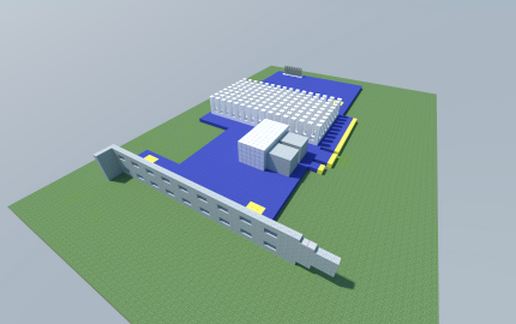
MyLand(England) schematic - building
MyLand(England)

Miscellaneous Details β†’

Intel Z87E-ITX (ASRock) schematic - building
Intel Z87E-ITX (ASRock)

Pixel Art Details β†’

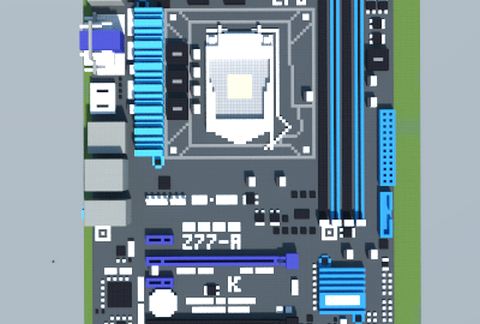
Intel Z77-A (ASUS) schematic - building
Intel Z77-A (ASUS)

Pixel Art Details β†’

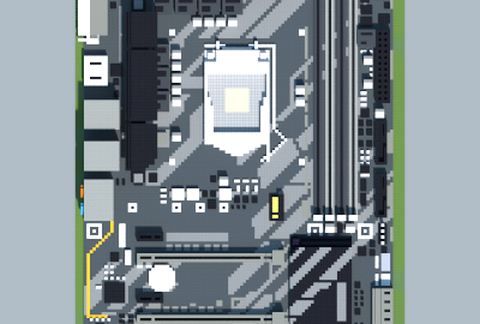
Intel Z370-HD3 (Gigabyte) schematic - building
Intel Z370-HD3 (Gigabyte)

Pixel Art Details β†’

  1. Put the downloaded .litematic file into the .minecraft/schematics/ folder.
  2. In game, press M to open the Litematica menu and choose Load Schematics.
  3. Select the file in the list and click Load Schematic.
  4. Position the placement where you want it and build β€” or paste it instantly in creative with Easy Place mode.
Requires the Litematica mod (Java Edition). More builds: Litematica schematics.
βœ–οΈ
Menu
πŸ”