Litematica Schematics — Page 376
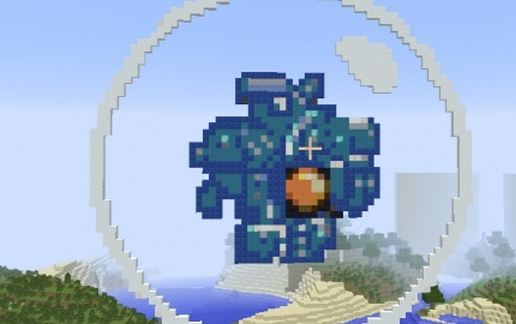
cwu-01p (ErnieCIII) schematic - building
Cwu-01p (ErnieCIII)

Pixel Art Details →

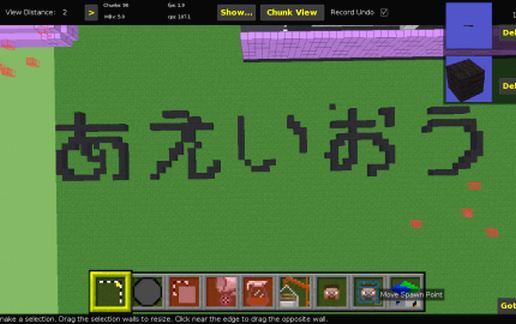
Hiragana letters (A,E,I,O,U) schematic - building
Hiragana Letters (A,E,I,O,U)

Miscellaneous Details →

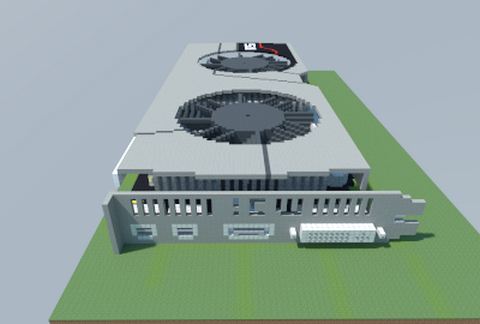
AMD Radeon HD 7970 (OC Edition) (TWIN FROZR) (MSI) schematic - building
AMD Radeon HD 7970 (OC Edition) (TWIN FROZR) (MSI)

Pixel Art Details →

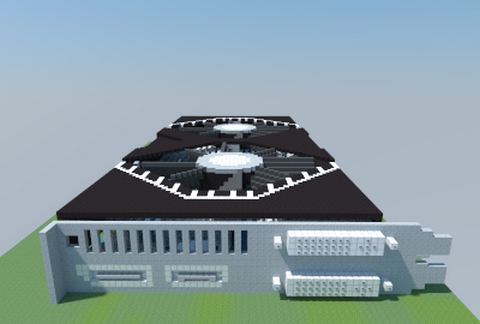
AMD Radeon HD 7790 iPower IceQ X² Turbo (HIS) schematic - building
AMD Radeon HD 7790 IPower IceQ X² Turbo (HIS)

Pixel Art Details →

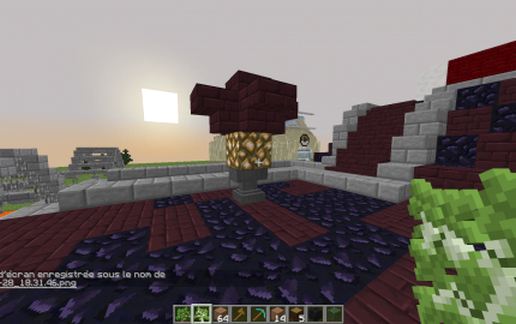
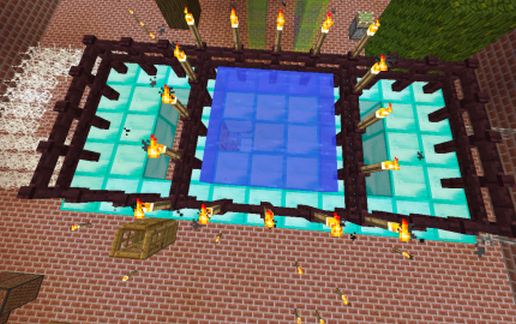
lamp decor 2 schematic - building
Lamp Decor 2

Gardens Details →

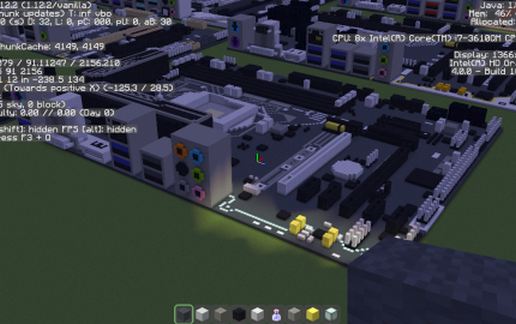
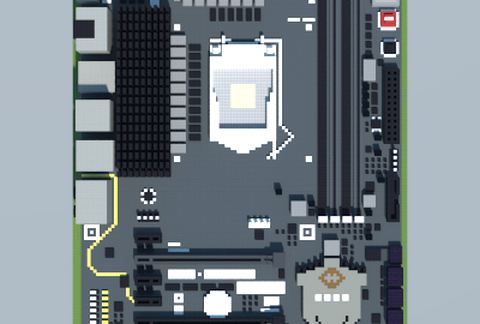
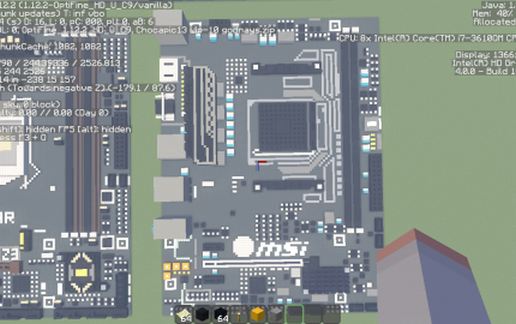
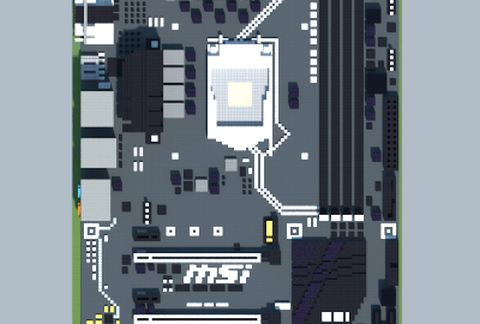
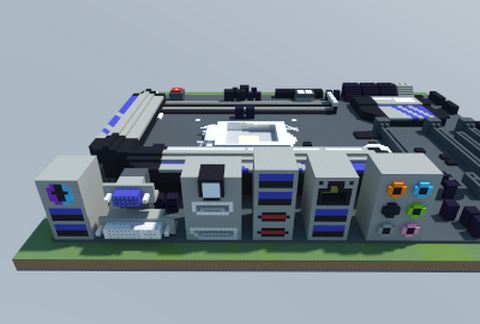
Intel Z270-A PRO (MSI) schematic - building
Intel Z270-A PRO (MSI)

Pixel Art Details →

Race34 schematic - building
Race34

Miscellaneous Details →

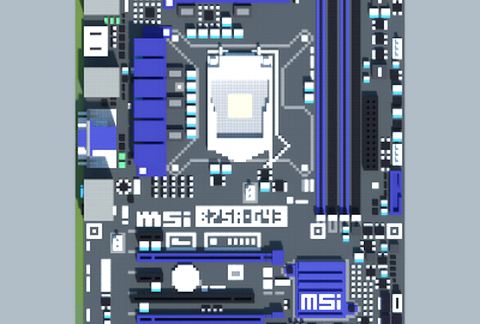
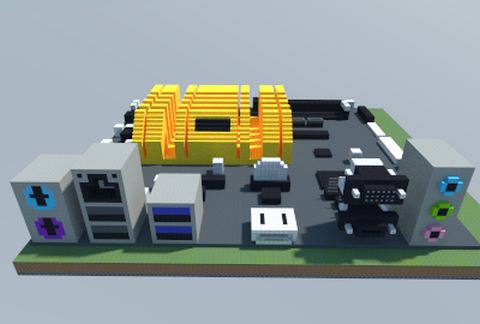
Intel B75A-G43 (MSI) schematic - building
Intel B75A-G43 (MSI)

Pixel Art Details →

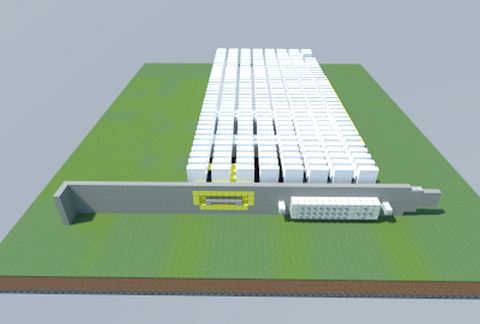
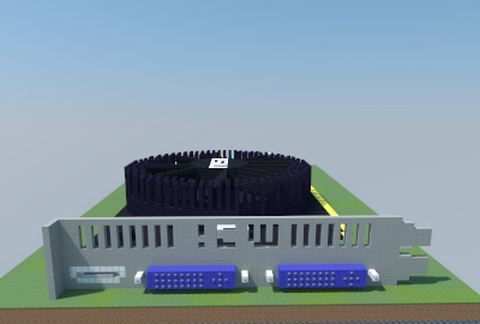
NVIDIA GeForce GT 1030 Slient (LP) (Gigabyte) schematic - building
NVIDIA GeForce GT 1030 Slient (LP) (Gigabyte)

Pixel Art Details →

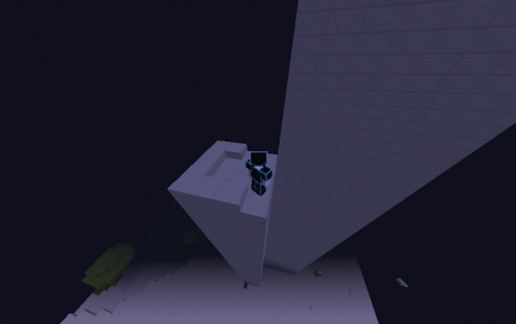
Slab tower schematic - building
Slab Tower

Towers Details →

Intel Z270-LIGHTSABER (Elitegroup) schematic - building
Intel Z270-LIGHTSABER (Elitegroup)

Pixel Art Details →

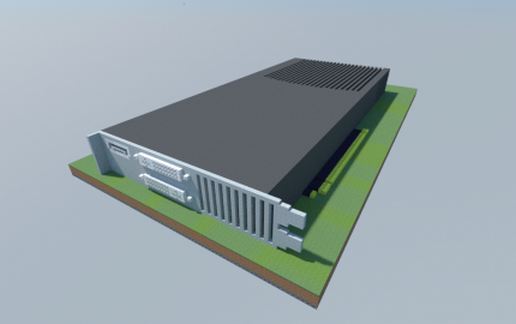
NVIDIA GeForce 9800 GT (Gigabyte) schematic - building
NVIDIA GeForce 9800 GT (Gigabyte)

Pixel Art Details →

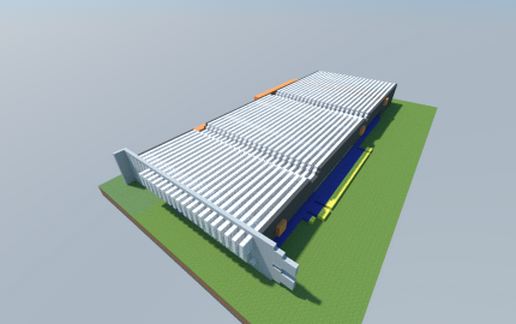
NVIDIA GeForce 9800 GX2 1GB GDDR3 schematic - building
NVIDIA GeForce 9800 GX2 1GB GDDR3

Pixel Art Details →

Vestlandet Logo schematic - building
Vestlandet Logo

Pixel Art Details →

Intel Z97-WS (ASUS) schematic - building
Intel Z97-WS (ASUS)

Pixel Art Details →

Intel N3150I-C (ASUS) schematic - building
Intel N3150I-C (ASUS)

Pixel Art Details →

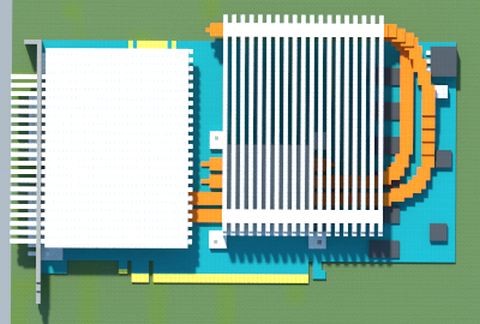
NVIDIA GeForce GTX 560 Ti (Single Fan Edition) (MSI) schematic - building
NVIDIA GeForce GTX 560 Ti (Single Fan Edition) (MSI)

Pixel Art Details →

AMD A320M PRO-VH PLUS (MSI) schematic - building
AMD A320M PRO-VH PLUS (MSI)

Pixel Art Details →

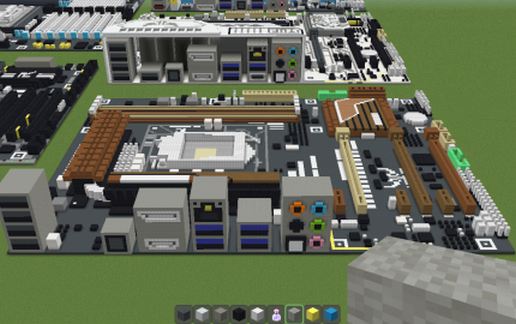
Intel Z170A SLI PLUS (MSI) schematic - building
Intel Z170A SLI PLUS (MSI)

Pixel Art Details →

NVIDIA GeForce 9600 GSO (Multi-Core) (Gigabyte) schematic - building
NVIDIA GeForce 9600 GSO (Multi-Core) (Gigabyte)

Pixel Art Details →

Intel Z87X-UD3H (Gigabyte) schematic - building
Intel Z87X-UD3H (Gigabyte)

Pixel Art Details →

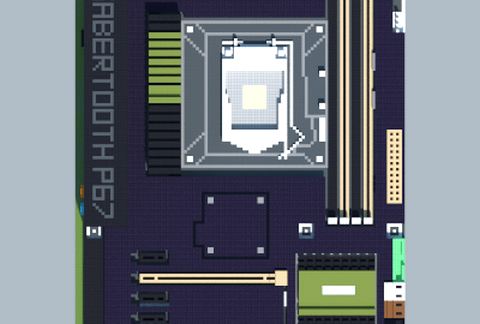
Intel P67 SABERTOOTH (ASUS TUF Series) schematic - building
Intel P67 SABERTOOTH (ASUS TUF Series)

Pixel Art Details →

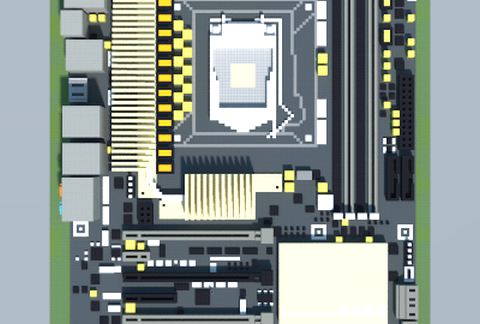
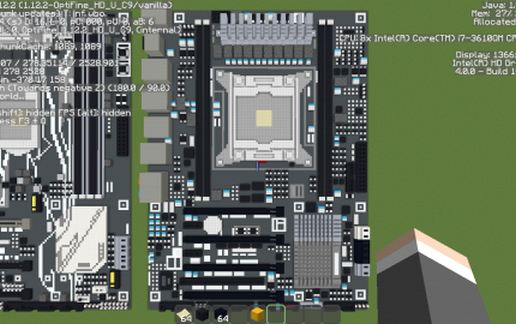
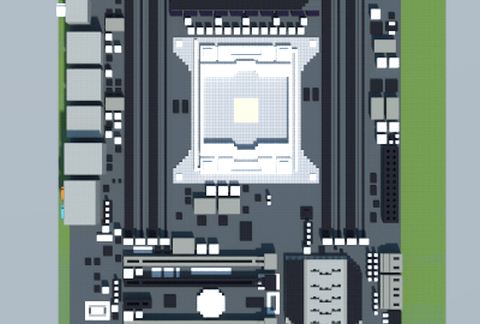
Intel GA-X79-UD3 (Gigabyte) schematic - building
Intel GA-X79-UD3 (Gigabyte)

Pixel Art Details →

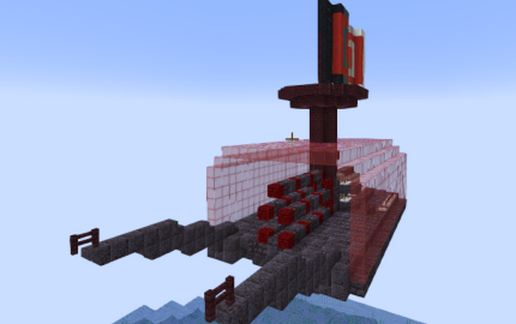
Piglin Artillery Ship schematic - building
Piglin Artillery Ship

Boats Details →

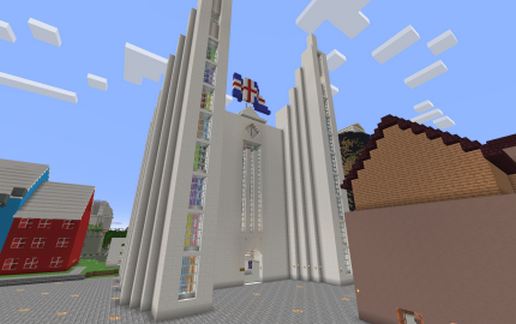
Akureyri schematic - building
Akureyri

Miscellaneous Details →

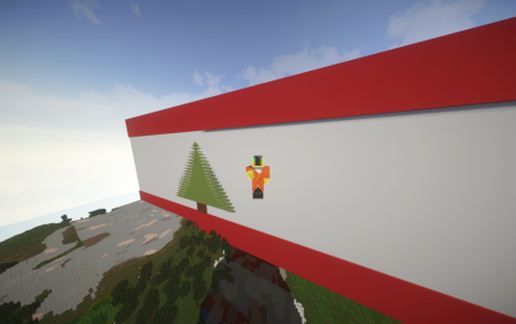
Flag Lebanon schematic - building
Flag Lebanon

Pixel Art Details →

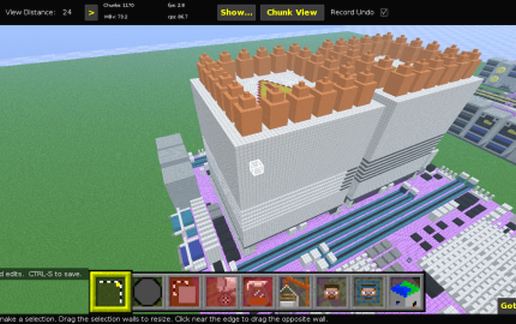
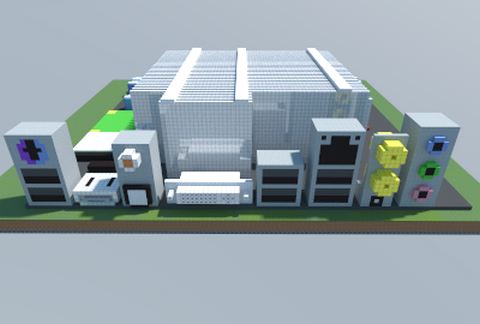
Heavy-Duty Server CPU Cooler schematic - building
Heavy-Duty Server CPU Cooler

Pixel Art Details →

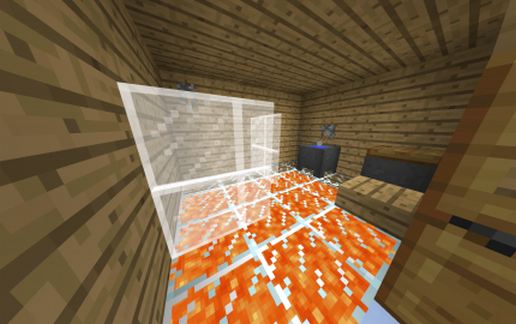
house on lava schematic - building
House On Lava

Houses Details →

Intel NM10 IONITX-S-E (ZOTAC) schematic - building
Intel NM10 IONITX-S-E (ZOTAC)

Pixel Art Details →

Intel Z97 SABERTOOTH MARK II (ASUS TUF Series) schematic - building
Intel Z97 SABERTOOTH MARK II (ASUS TUF Series)

Pixel Art Details →

Intel X79A-GD45 Plus (MSI) schematic - building
Intel X79A-GD45 Plus (MSI)

Pixel Art Details →

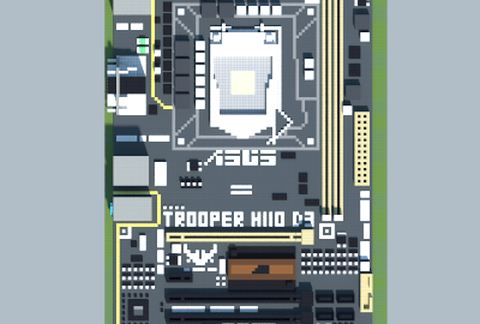
Intel H110 TROOPER D3 (ASUS TUF Series) schematic - building
Intel H110 TROOPER D3 (ASUS TUF Series)

Pixel Art Details →

Intel H370-PLUS (ASUS) schematic - building
Intel H370-PLUS (ASUS)

Pixel Art Details →

  1. Put the downloaded .litematic file into the .minecraft/schematics/ folder.
  2. In game, press M to open the Litematica menu and choose Load Schematics.
  3. Select the file in the list and click Load Schematic.
  4. Position the placement where you want it and build — or paste it instantly in creative with Easy Place mode.
Requires the Litematica mod (Java Edition). More builds: Litematica schematics.
✖️
Menu
🔝