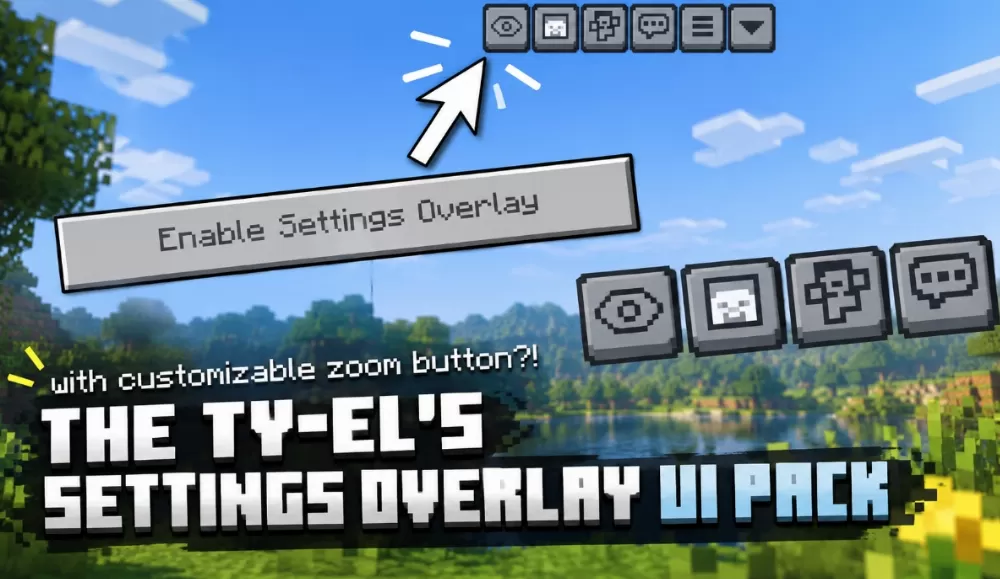
Ty-el's Settings Overlay UI Pack
Published on September 22, 2026
By
👁️🗨️ 14590
4158
❤️ 14
Screenshots
Description
The Ty-el's Settings Overlay UI Pack is a lightweight UI upgrade that puts essential settings right on your HUD, so you no longer have to dig through menus mid-game.
Key Features:
A few buttons appear at the top of the screen once the overlay is on:
- Camera perspective toggle, the touchscreen answer to F5.
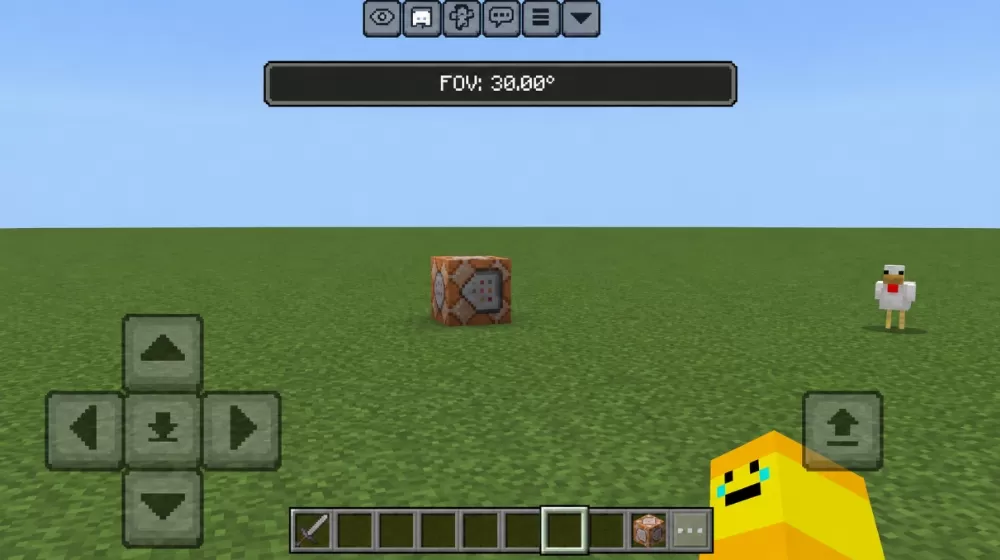
- FOV slider for fine adjustments.
- FOV quick toggle that works as a zoom button.
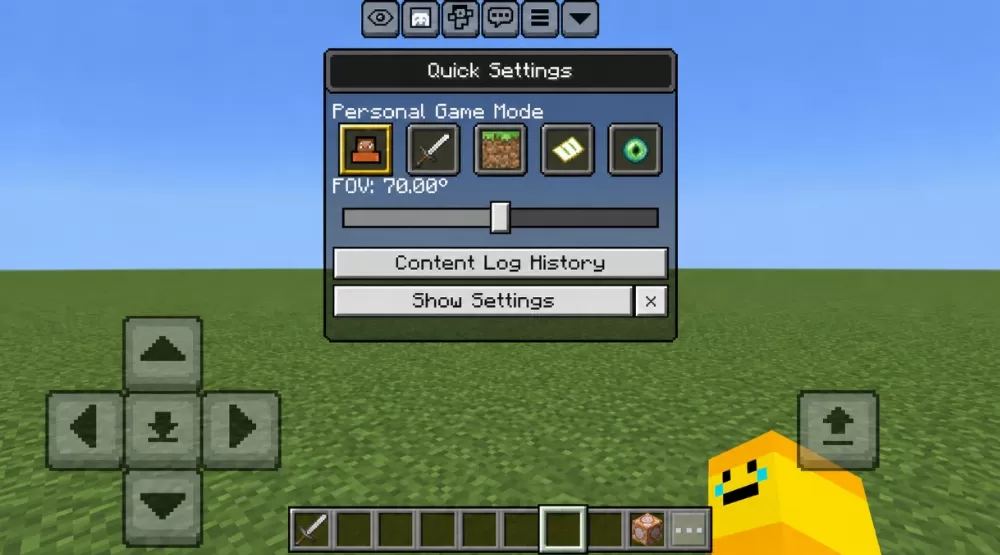
- Quick settings panel for game modes, logs and more.
Easy Setup & Compatibility:
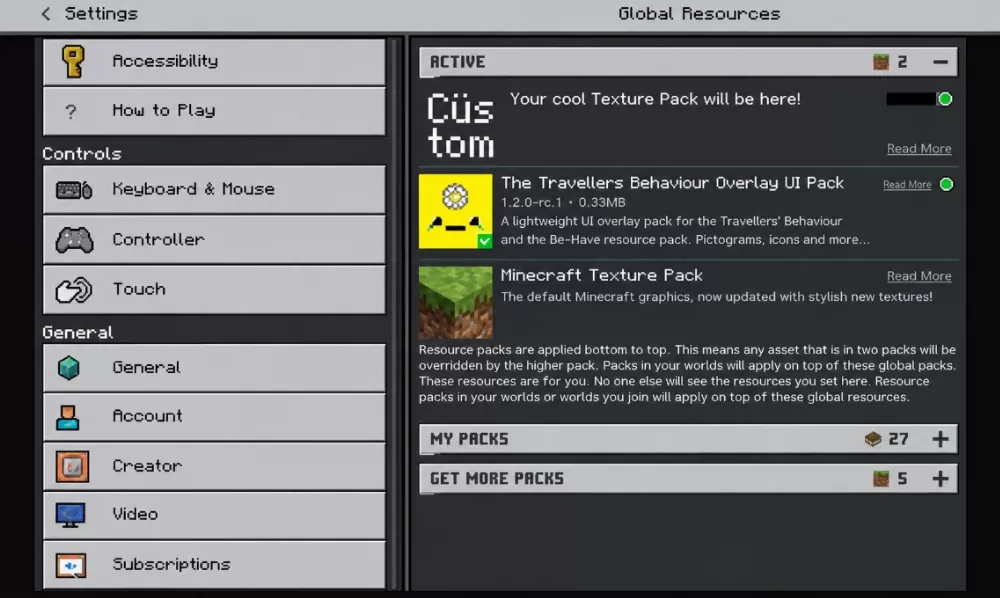
The overlay works on touchscreen devices and with most texture packs. Turning it on takes one tap of the "Enable Settings Overlay" button in the pause menu, and the rest is up to you:
- Size, offset and transparency of every button are editable in /ui/_global_variables.json.
- An optional toggle lets you leave spectator mode straight from the HUD.
Streamline your gameplay with Ty-el's Settings Overlay UI Pack and keep control of your game at your fingertips.
Download: Ty-el's Settings Overlay UI Pack Textures for Minecraft PE
| File | Filesize | |
|---|---|---|
|
bdc-y-el-settings-overlay-v1_1_2.mcpack
|
62.31 KB |





good pack.